Startup Screen

At the start

Fences is in the Start Up folder, but when the screen turns on it is blank. 

If I do nothing but wait for all to turn on, and wait some more, Fences does not.

I have it on my Desktop and Laptop both running Win10 Pro

To activate Fences, I need to click the Fences icon. 

Is there a fix for this or did I just miss something?
3,811 views 5 replies
Reply #1 Top

Hello,

Sorry to hear you are having issues.

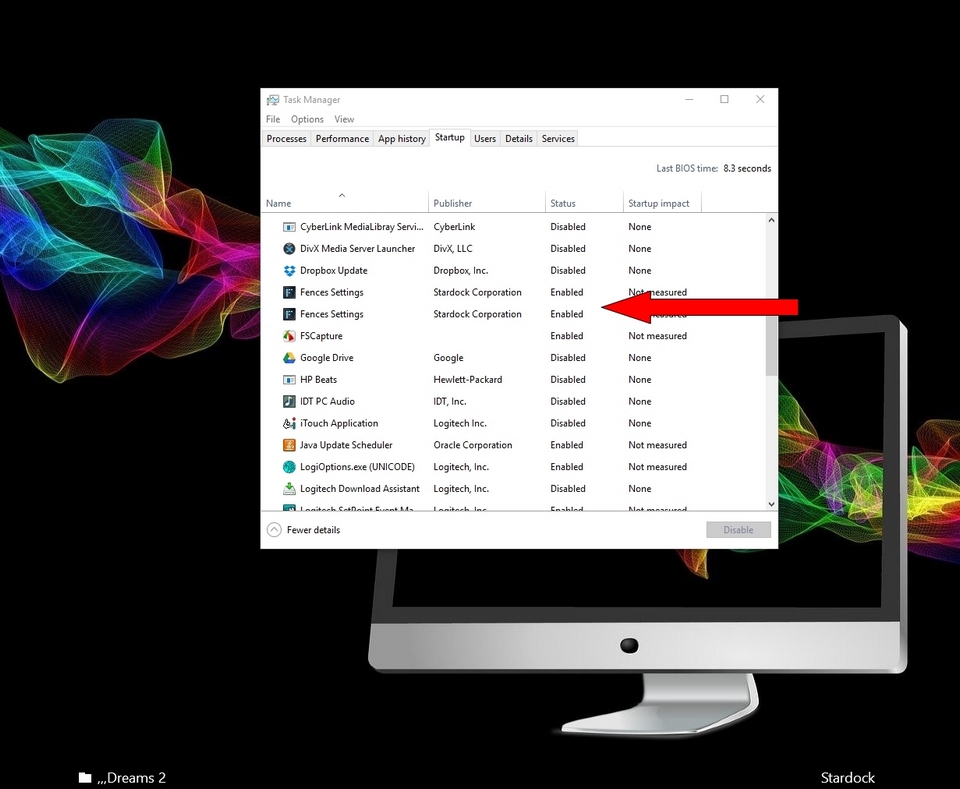
Make sure in Task Manager both Fences are enabled. Then Reboot 


AzDude
Stardock Community Assistant

Reply #2 Top

Thnaks for the reply, but both are there in the Startup in Task Manager.  

Ater a Windows 10 crash, I needed to redue my Desktop and now it does work on startup but my Laptop with both items in Startup does not.

Any other suggestion?

Reply #3 Top

Hello,

For your laptop

Would you Please try this PURGE: https://forums.stardock.com/486084/fences-support-faq#reinstalling

Reboot and ReInstall the latest version.


AzDude
Stardock Community Assistant

Reply #4 Top

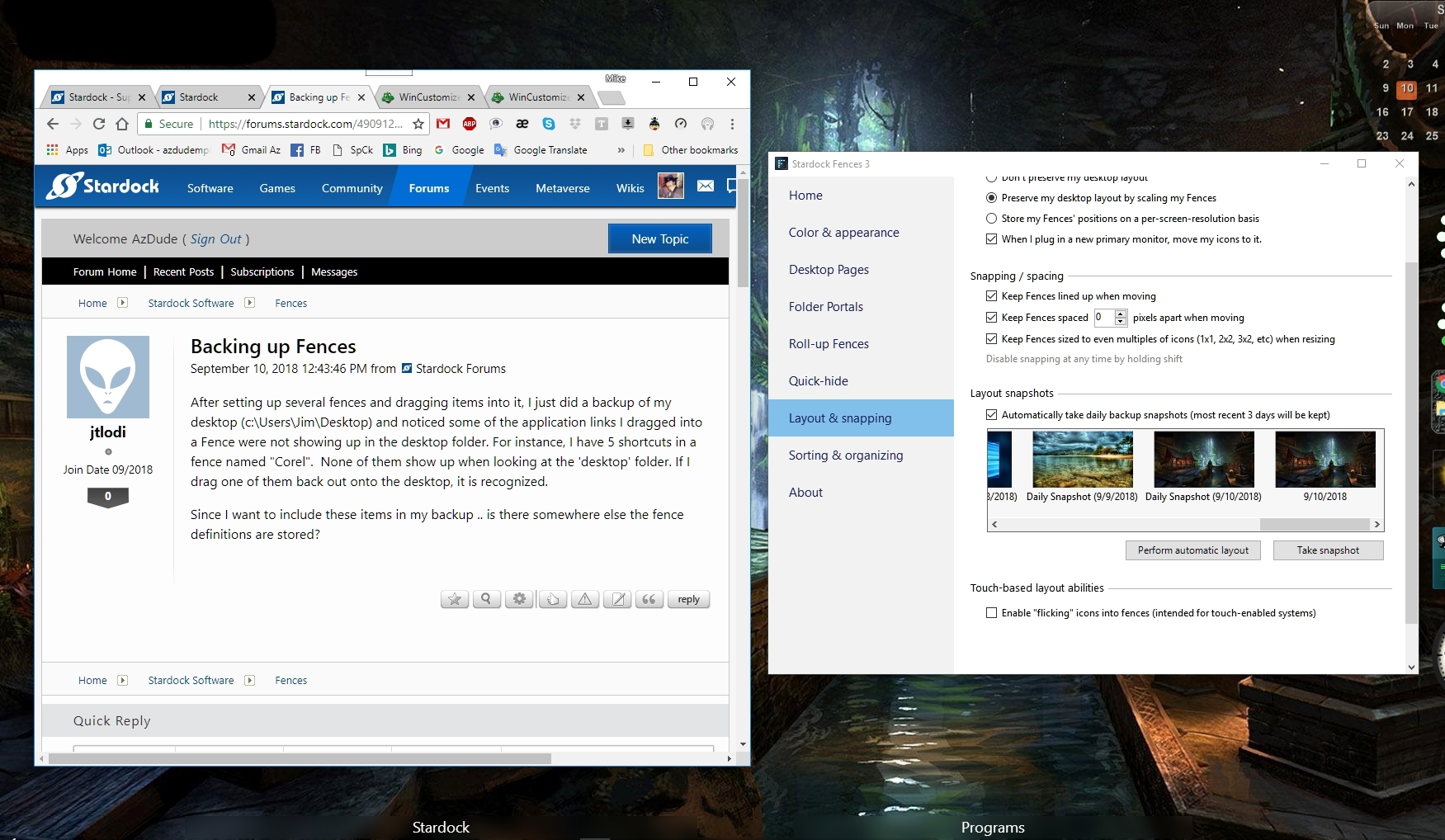
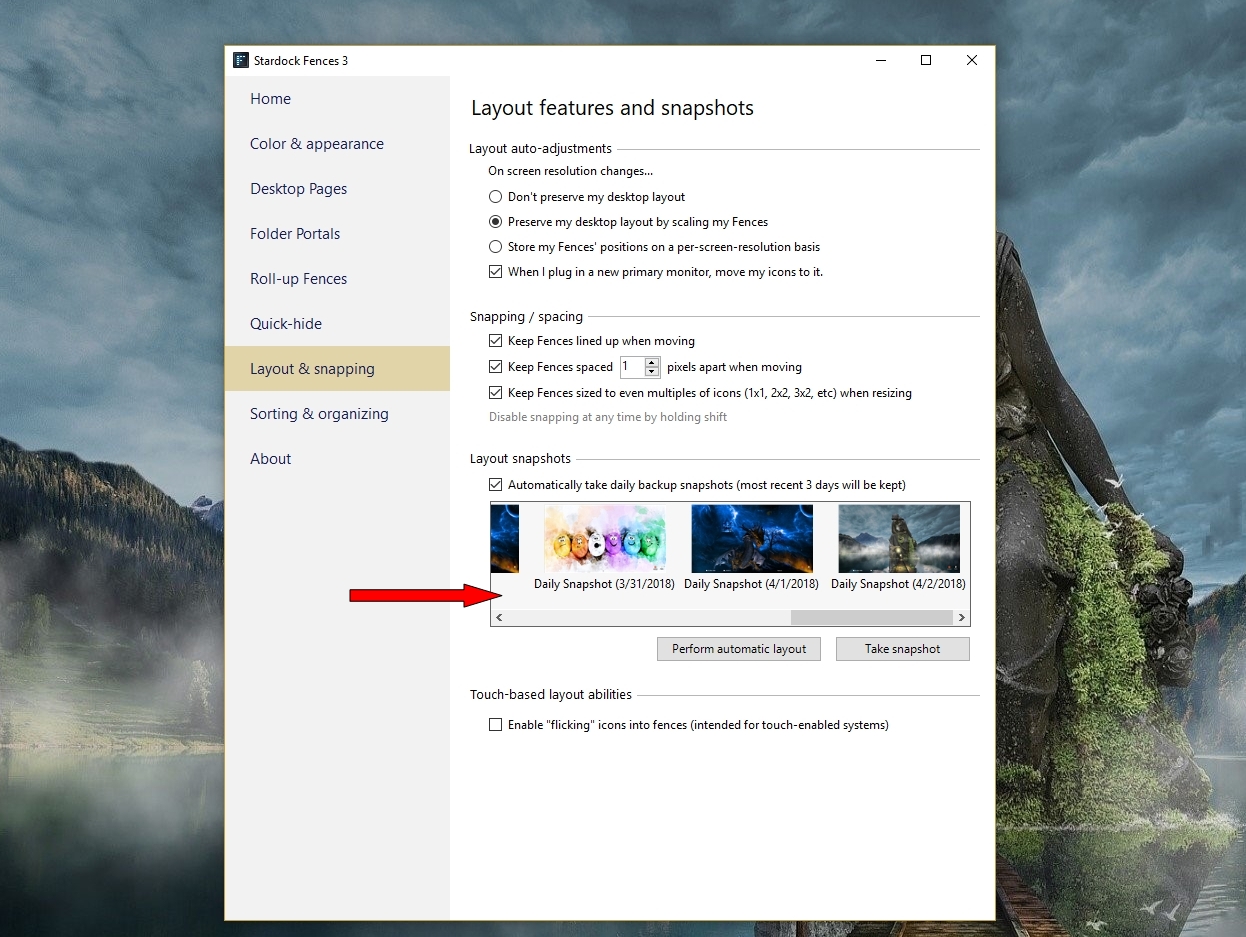
Thanks again and before I do this, is there a way to save the screen so that I will not have to recreate the same layout again or is this the only way

Reply #5 Top

Hello,

Snapshot saves your Layout


AzDude
Stardock Community Assistant