
Fences

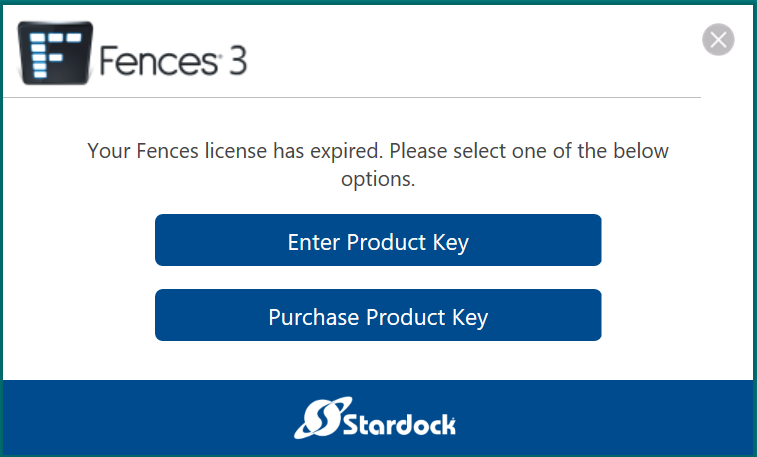
I just downloaded Fences, but when I try to use the 30 day free trial this shows up, the day I downloaded it and I have never used it before, and I have a recently new PC
1,373 views 1 replies
Reply #1 Top

Hello,

Please try this,

Press the Windows key and "R" at the same time. A "Run" dialog box will pop up, please paste the path below into the "Open" field and press OK.

%ProgramData%\Stardock\

In the folder that pops up, you should see a folder named "Fences". Please delete this folder and all of its contents.

After you have deleted that folder, please attempt to activate once again and it should succeed without any errors.

Please let me know if this does not resolve the issue.

Thank you,
 
Basj,
Stardock Community Assistant