Start10 suddenly fails
 Stardock Forums
I have been using Start10 successfully on 3 computers. My most recent addition was a Dell Laptop running Windows 10 Pro. I had been using the trial period and everything was normal. When that expired, I purchased another license for the laptop. It was apparently installed automatically and that is when things headed south.
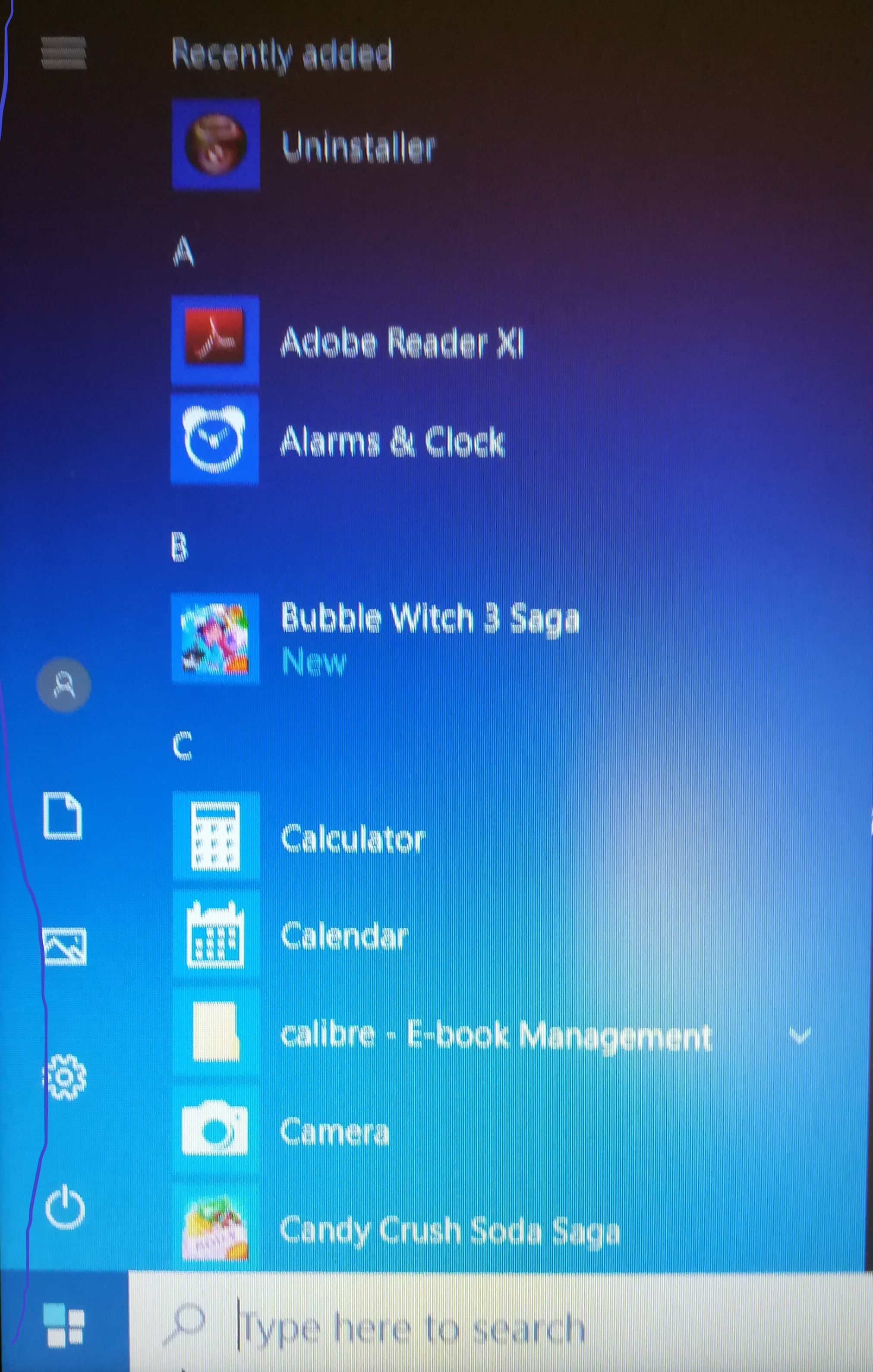
No matter how I try to configure Start10, clicking the start button always show an alphabetical menu with groups separated. It looks like this;
A
Program
Program
B
Program
Program
I tried uninstalling Start10 and reinstalling it with no effect. I uninstalled the most recent updates, again with no effect. I created a new user account called "Test" and signed in with that and everything was normal again.
I really have no clue as to what is going on. Any ideas? Thought?
Karen