
Blinds is removing system clock & trouble with radeon settings.

Blinds is removing system clock from other screens and renders black behind glass effect when maximizing windows, cause trouble with radeon settings.


Mainly concerned about the system clock missing on my other screens its a bit of a deal breaker as there is no option for it.

Default behavior of windows 10 is having time on all of my screens. Anyway to fix this? Im using the "Diamond" theme.

The issues with radeon settings are fine after I put per app ignore in here. But yeah radeon , and steam should be ignored as a standard setting (just some feedback) because they're so common and the skin actually breaks things with those applications. Misaligned buttons, hovers n clicks dont line up with the with the applications interface and I also had the red X button highlight stuck in my screen forever after closing radeon and had to restart computer to get rid of it,.

Also one thing really bugging me is when you maximize a window the title bar goes black except for a small strip where it looks like the skin has tried to draw but has drawn it in the wrong position. Happens with all applications I maximize.

Also how do I get the auto colours form windows wallpaper coloring to affect the skin? (like when the tint changes to match the walpaper in win10 settings) Is there a way to do this? Its really werid that it cant skin the start menu or match the colour of it. Makes the start menu feel so out of place lol. Think it should do this since colours based of wallpapers has been around since win8.

Was thinking of buying this its a great way to stop win10 looking so flat and boring. But I need the clock on all screens and the start menu to be skinned or the skin to match windows colour tint changes for me to buy it.
9,925 views 10 replies
Reply #1 Top

Hello,

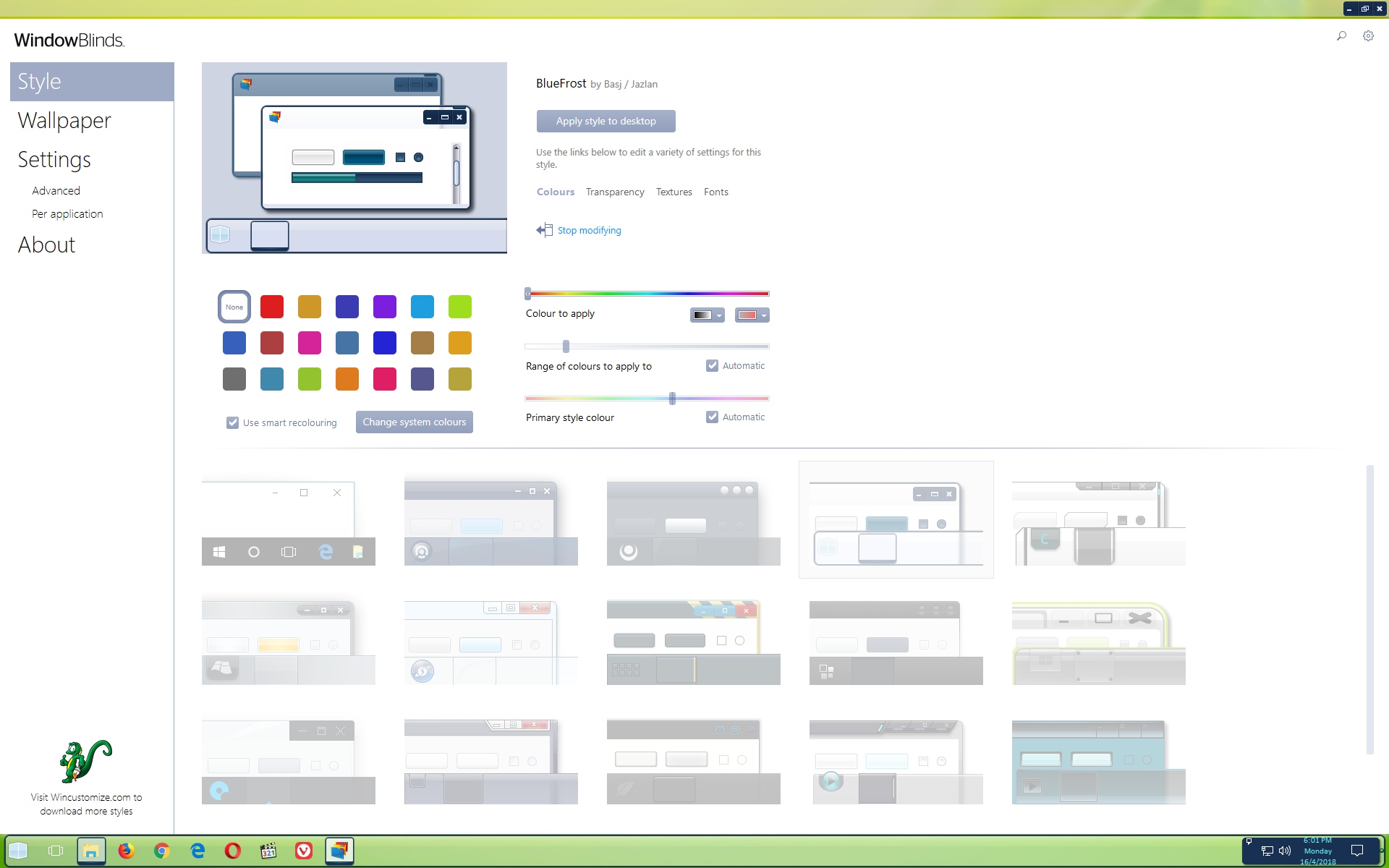
About Black on maximize titlebar. That is just on Diamond. It work normally on other windowblinds theme that have transparent titlebar set for max state. For example my BlueFrost.

On the Auto color following Wallpaper theme. I do not think that work with windowblinds.

Reply #2 Top

any ideas for the system clock back on my other screens? And skinning of start menu still doesnt work on other themese Ive tried.

Reply #3 Top

For Start Menu you need Start10 for Windows 10.

Reply #4 Top

Quoting basj, reply 3

For Start Menu you need Start10 for Windows 10.
End of basj's quote

ok downloading...

Seems a bit silly I have to get a separate program when the theme previews show the start menu skinned.

Any ideas how to fix the diamond skin rendering wrong? or how to make the system clock on my other screens come back?

Reply #5 Top

Quoting BradOZman, reply 4


Any ideas how to fix the diamond skin rendering wrong? or how to make the system clock on my other screens come back?
End of BradOZman's quote

Diamond skin can only be change by its original author. (Stardock Design)

As for system clock on extended taskbar, I send a feature request to Stardock support team for their review and recommendations. Please keep an eye on this thread for any updates. We really do appreciate your feedback, thanks.

Reply #6 Top

Quoting BradOZman, reply 4
Seems a bit silly I have to get a separate program when the theme previews show the start menu skinned.
End of BradOZman's quote

Blame MS,not Stardock. 


Quoting BradOZman, reply 4

Any ideas how to fix the diamond skin rendering wrong? or how to make the system clock on my other screens come back?
End of BradOZman's quote

What are you talking about?? A screenshot would be better since you didn't express well. 

Reply #7 Top

Quoting BradOZman, reply 2

any ideas for the system clock back on my other screens?
End of BradOZman's quote
I have the same problem on the 2 secondary screens. I don't think there is currently a fix for it.


Now and then, the other clocks show up, until I click something. Which makes me think it may be a Z order thing.

EDIT:  If I click anywhere on the secondary screen, then mouseover the clock area, the clock text shows up normally.  Until I click on something on the main screen.  Definitely an SKS thing. Order of states, etc.


Reply #8 Top

Quoting Gaspershooters, reply 6

What are you talking about?? A screenshot would be better since you didn't express well.
End of Gaspershooters's quote
  He means this. I have a triple monitor system. The clock in the systray only works on the main monitor. The other two taskbars have no systray or clock, when running WindowBlinds.

If you unload windowblinds, all 3 taskbars have a clock.

Reply #9 Top

Quoting BradOZman, reply 4

Any ideas how to fix the diamond skin rendering wrong?
End of BradOZman's quote
The Diamond skin has not been updated for Windows 10. Therefore, it won't work perfectly on 10.


Also how do I get the auto colours form windows wallpaper coloring to affect the skin?
End of quote
This doesn't work if you're running windowblinds. It is a Windows/Microsoft thing.

Reply #10 Top

Yeah RedneckDude your exactly right. Wasnt hard to understand lol. If you have more screens in windows 10 u get the task bar on all screens. I just changed to the Acrylic 7 skin and I have system clocks on all my screens yay!!!!...

Doesn't work on most skins tho but works on this one. And some skins I noticed it doe shave a clock on other screens but its really hard to see it. A lot of the skins have problems rendering text on the taskbar it seems. So not sure whats going on there.

Would be nice to get the skins that work for my operating system right out of the box instead of most of them seeming to be broken.

Sooo many ppl complain about windows 10 flat boring look and are starting to look for a solution instead of complaining to MS... That's how I found blinds myself.

if i were u guys i'd make it so ppl can find you. 

Ive google searched counless times over the past 5 years since i got win10 looking for something and none of those searches came up with stardock.

Was only pot luck I recently used the work skin in my google search and finally found you.

5 years ago I would have made the purchase im about to make now lol.

Get some pages with keywords like "areo for win10" or "glass for win10" or look at the forums that appear when you search for "bring areo back" or "sick of the flat look" etc.  Ive seen so many forums ppl complaining about win10 and no mention of blinds. I tried going back to win 7 but you just cant when u have 3 monitors and a truckload of programs open.

Id be making a version specific for win10 and market it if I were you guys  coz you'd prolly get a lot of ex win7 ppl dying for something like this and end up buying object desktop package.