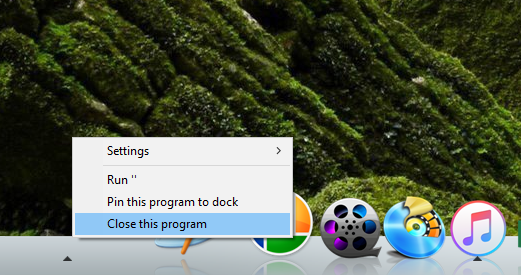
Icon open, no icon shows

Objectdock just bought, shows running icon; arrow indicator, but blank space. Tried to close, nothing. Shows as "RUN " " with the parentheses. next to run.

Thank you,

15,884 views 5 replies
Reply #1 Top

What version of Windows are you running 

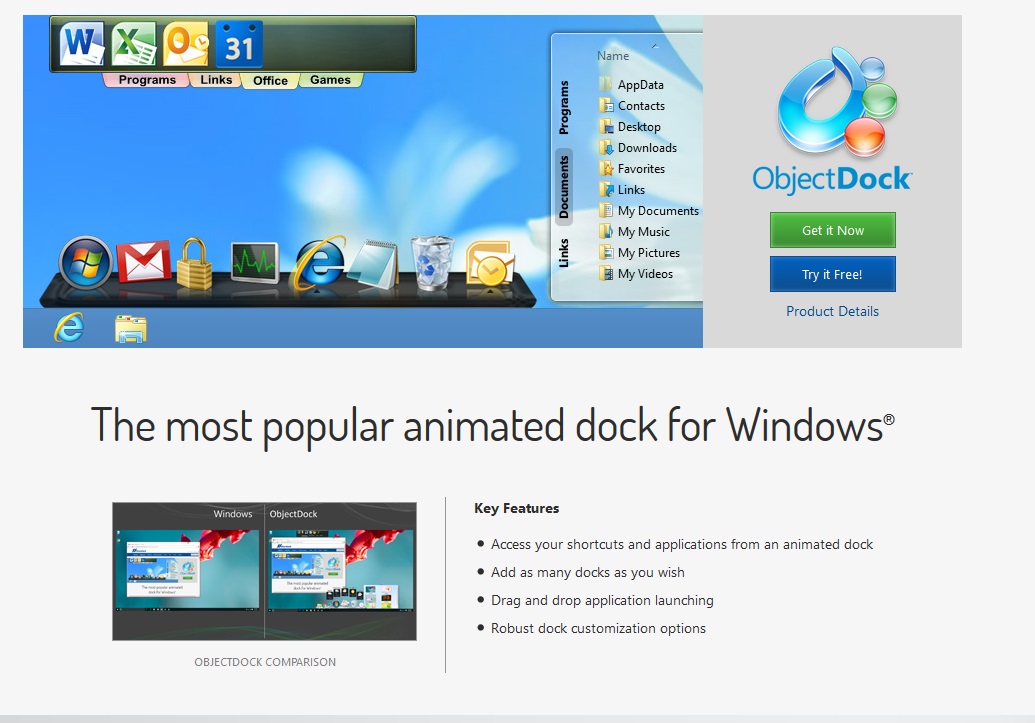
Object Dock not supported in Windows 10 


Reply #2 Top

Could you show us a screenshot of your problem. Thanks

Reply #3 Top

To the left, there is no icon; there is just an arrow of an active process: C:\WINDOWS\system32\ApplicationFrameHost.exe - is the process that is running when I click edit that spot.

If there is no windows 10 support, I did not see that when I purchased.

Reply #5 Top

You need to scroll down to the end of that page, Just below the bottom "get it now" button. System Requirements.

BTW about the blank slot icon problem. Is it there all the time. Or just appear when you run curtain program?