vStyler vStyler

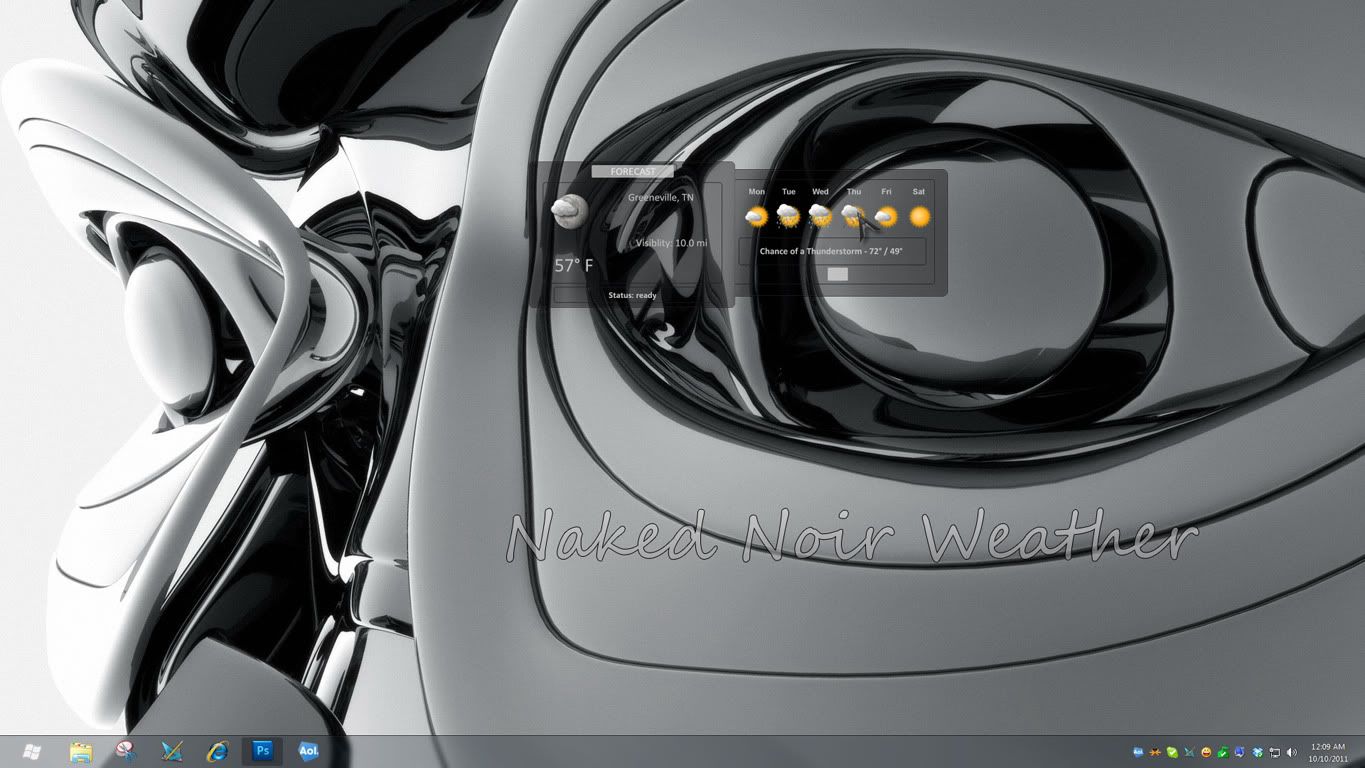
Naked Noir WB updated for Win 7!

Naked Noir WB updated for Win 7!

www.maxstyles.com

http://maxstyles.com/news.php

  I have updated my Naked Noir WB for compatibility with Windows 7. :sun:


 Those who purchased on MaxStyles can now download the update with their original link.

 Those who purchased on Wincustomize may do the same thing once it is uploaded and approved on WC.

http://maxstyles.com/news.php

 Thanks and enjoy Naked Noir 7! |-)


51,476 views 115 replies
Reply #76 Top

Depending on the wall and the icons the user chooses the destkop will have some very unique looks.  This is going to be interesting. :sun:

Reply #77 Top

Reply #78 Top

John, I guess I use the permission the original permission you gave me for Naked?

Reply #79 Top

I got the one you sent that had the Vox update. Not the one WebGizmos posted. I thought that was the update to fix the logoff button issue. The one you sent the second time is the same as the first one, no logoff or shutdown buttons.

Reply #80 Top

Quoting vStyler, reply 67
GO 1-4 Jags
End of vStyler's quote
Ouch! I'm actually a Bengals fan but I wont rub that it in.

Reply #81 Top

Quoting Drzues, reply 80
I'm actually a Bengals fan
End of Drzues's quote


X| XD

Reply #82 Top

Quoting Uvah, reply 79
I got the one you sent that had the Vox update. Not the one WebGizmos posted. I thought that was the update to fix the logoff button issue. The one you sent the second time is the same as the first one, no logoff or shutdown buttons.
End of Uvah's quote

Odd, mine is fine. I have the buttons.


I haven't heard from Giz.  :(

Reply #83 Top

Quoting RedneckDude, reply 60
Uvah, open it in SKS, find the image you want, then click edit image. Set SKS to use whatever graphics editor you use to open them with.
End of RedneckDude's quote

I just installed SKS7 and have Naked Noir open in it. How do I get SKS to open Photoshop?

Reply #84 Top

Quoting Uvah, reply 83

Quoting RedneckDude, reply 60Uvah, open it in SKS, find the image you want, then click edit image. Set SKS to use whatever graphics editor you use to open them with.

I just installed SKS7 and have Naked Noir open in it. How do I get SKS to open Photoshop?
End of Uvah's quote


Tools, Preferences, Advanced in SKS7 Uvah.  Set image dropdown to Open and then pick your application.  But somehow you must have gotten the older Noir for some reason, send me a PM with your email and I will make sure you get the correct version, you should not have to change the buttons.

Reply #85 Top

PM ing you now

Reply #86 Top

Quoting Uvah, reply 85
PM ing you now
End of Uvah's quote


Updated version sent. :)

Reply #87 Top

Update version gotted. :grin:

Reply #88 Top

Thanks Tom.  :blush:

Reply #89 Top

Nekkid me :grin:

Reply #90 Top

Uvah, what skins do you plan to dress up Naked Noir.............ahhhh wait, what I meant to say is what Naked Noir skins are you planning on doing?  :-"

Reply #91 Top

SMX...tiles...zoomer...rainy...unless some one beats me to them. lol I still have Havana, Vox and Sakura to do too. Oh   and Cybergoth

Reply #92 Top

Almost done with Naked (Light) should be up tonight or tomorrow.

Reply #93 Top

All my Naked Noir skins are up. Links to follow....  :beer:


https://www.wincustomize.com/explore/desktopx_themes/4625/


https://www.wincustomize.com/explore/desktopx_widgets/2117/


https://www.wincustomize.com/explore/desktop_gadgets/289/


Reply #94 Top

That sounds good Uvah.  :sun:

Reply #95 Top

Quoting vStyler, reply 92
Almost done with Naked (Light) should be up tonight or tomorrow.
End of vStyler's quote

Reply #96 Top

Someone asked for a clock. Old Crab, I think?  Nothing major...


Reply #98 Top

Okay folks a question, was the Wallpaper Get Naked made for just Naked or Naked Noir also? 

Reply #99 Top

What wallpaper?


Reply #100 Top

Mine is also missing the logoff buttons (again). And for some reason I can't figure out.....my taskbar is blue. o_O I don't have any colors set, not sure where it's coming from.