Help D:

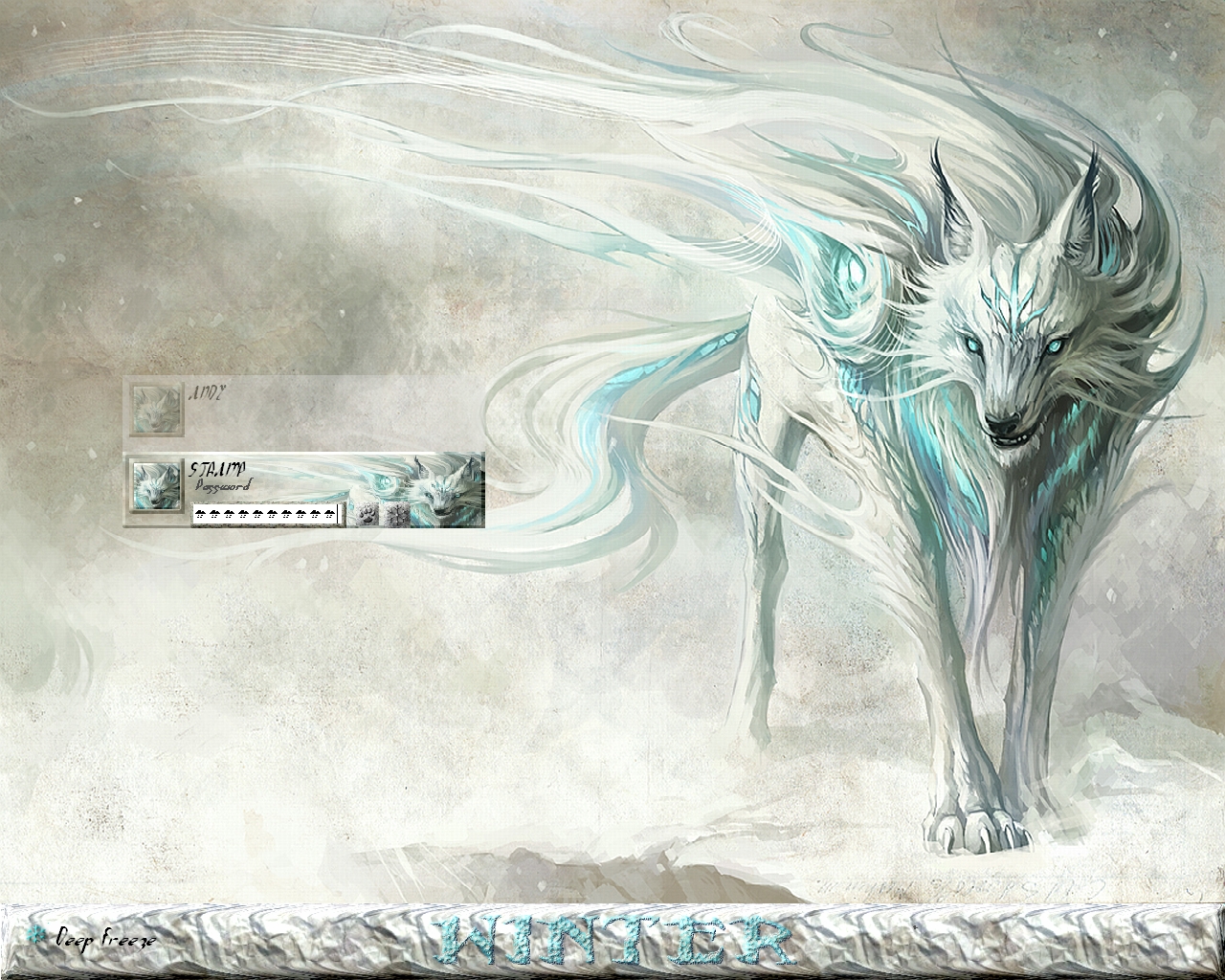
ok so i downloaded the Logonstudio and i got the skins for the login screen. Now i try and download some skins off the site and as all the youtubevideos show, you just click and drag the donloaded file to the logonstudio. but all i get is is this.

i have no idea what its talking about.


and here is another one i downloaded

as you can ses. i dont think its supost to be in that file form....idk what to do. so i made a account and asking on forum for help =)

25,338 views 11 replies
Reply #1 Top

your first image

do you have windows XP or Vista or Seven

to get Logonstudio skins for XP go here

LogonStudio XP

for Vista and Seven go here

Logonstudio


your second Image

can ONLY work if you have Windows XP or Vista  NO 7

and you have to install BootSkins

BootSkins XP here ONLY

BootSkins for Vista here ONLY

Reply #2 Top

Im running Windows XP. SeemsI was trying to put Boot skins on for the Logon Studios.. TY for thats now i can have cool login. No im wondering what Bootskins are used for. o.O Are they wall paper or somthing? xD well i guess i dont need to know know that i got what i needed. Ty again...............but what are bootskins used for lol xD

Reply #3 Top

Quoting zombie711, reply 2
but what are bootskins used for lol
End of zombie711's quote

They're for the pre-windows loading screen....the thing with the little progress animation in the lower center.

They won't work with all systems as they are dependent on suitable BIOS versions to load them.

Reply #4 Top

ah, ok ty.


so so here i downloaded this
https://www.wincustomize.com/explore/logonstudio_xp/9903/ 


and here is the pic what mine should look like http://skins13.wincustomize.com/23/76/2376393/26/9903/preview-26-9903.jpg 


but this is what mine looks like http://i1125.photobucket.com/albums/l599/thenightmareking6/Zxz.jpg 

anyone know why it didnt download fully? >.<

 Guess it would be called the password panel? anyways it didnt have that cool part to it =(

+1 Loading…
Reply #5 Top

Did you reboot after installing LogonStudioXP?

Reply #7 Top

still haveing the same problem. i downloaded a few more. got one called Dreary Looks like this:

http://skins20.wincustomize.com/13/64/1364825/26/9670/preview-26-9670.jpg


and here is mine  

http://i1125.photobucket.com/albums/l599/thenightmareking6/win.jpg

its got the transparent thing going on but the skin for it is missing. and mine just looks ugly compared to the one its supost to look like  ='(


so here is some info i have to maybe help you help me? lol idk i am runing Windows XP services pack 3 and my Desk top looks like this

http://i1125.photobucket.com/albums/l599/thenightmareking6/dt.jpg


Reply #8 Top

If I remember correctly from my xp logon making days, the custom account banner will not show when you have multiple accounts.


I'm not sure why the bottom banner is still default blue, though. What version of logon studio are you using?

Reply #9 Top

i deleted that other account now its just mine, but still the same. And i think i have the most up to date one. i got it from this site.


Reply #10 Top

Quoting zombie711, reply 9
And i think i have the most up to date one. i got it from this site.
End of zombie711's quote

You might try LogonStudio XP 1.01 (I don't know where to get it.....do a Google search?)

Reply #11 Top

If you mean this version here https://www.stardock.com/products/logonstudio/ Then yes, try to find LogonStudio XP 1.01.


The current version as far as I know will only change the background image of your logon screen.