Island Dog Island Dog

A Few More ObjectDock 2.0 Images

A Few More ObjectDock 2.0 Images

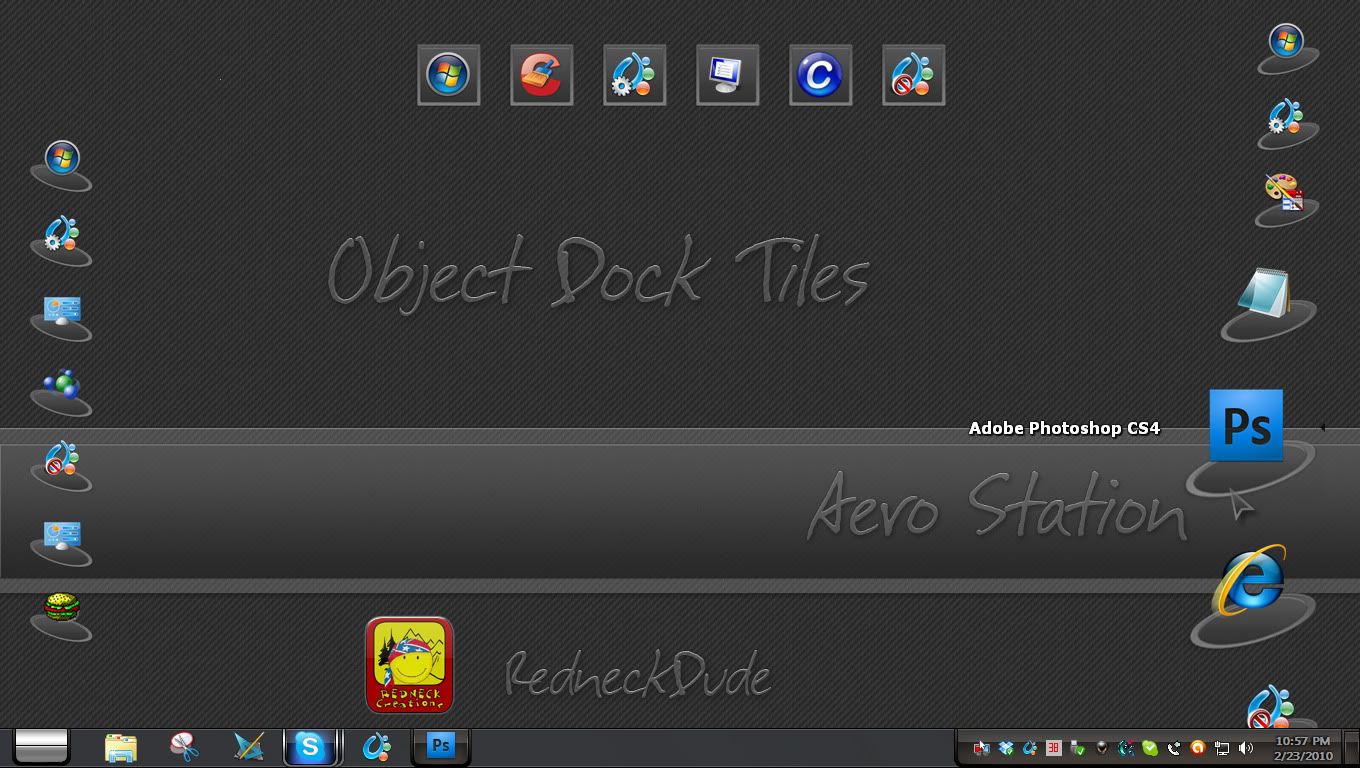
Since people have been asking for more, so here are a couple more screenshots of the upcoming ObjectDock 2.0.  You can gain early access to the beta by pre-ordering.

ObjectDock 2.0 Pre-order

Screenshot3 Screenshot16b

22,554 views 39 replies
Reply #26 Top
Object Dock Plus does currently allow you to create sub-menus. Click ..this dock, add, new fly-out menu. Been using it for years this way and it works really well. Just make sure that after you create your new fly-out menu that you select the "custom menu" radio button from within the properties of that dock and select add to add a sub dock object, example Word, Excel etc...
Reply #28 Top

Quoting Wet, reply 26
Object Dock Plus does currently allow you to create sub-menus. Click ..this dock, add, new fly-out menu. Been using it for years this way and it works really well. Just make sure that after you create your new fly-out menu that you select the "custom menu" radio button from within the properties of that dock and select add to add a sub dock object, example Word, Excel etc...
End of Wet's quote


Can you post a pic of that working mate.... *_*

Reply #29 Top
So far I don't see anything that would warrant charging customers $10 for an upgrade from 1.9 to 2.0. :\ Been a stardock customer for a long time, and every year they seem to deliver a little less. :P I really hope they have a few hidden features up their sleeve on this one.
Reply #30 Top


:blush:  

Reply #31 Top

Umm, I don't think that's an OD 2.0 image, Jim, you humble person, you! :rofl:

Reply #32 Top

Quoting Mirsguy, reply 31
Umm, I don't think that's an OD 2.0 image, Jim, you humble person, you!
End of Mirsguy's quote

Hey, what can I say?   lol

I get it where I can...lol

Reply #34 Top

LOL. ;P Ya've got me in stitches.

Reply #35 Top

Ya've got me in stitches.
End of quote

Hehehehehe! XD Oh damn! How did that link get in there!?  :-"

Reply #36 Top
I can kind of see what some are saying about the upgrade price, but having bought OD+ pretty near when it first came out, I am pleased with a $10 USD upgrade. Seems worth it to me. Although, as someone who bought the disappointing Vista Ultimate, most upgrade prices seem reasonable.  :p 
Reply #37 Top

Quoting Robbie_Boy, reply 28

Quoting Wet Monkey, reply 26Object Dock Plus does currently allow you to create sub-menus. Click ..this dock, add, new fly-out menu. Been using it for years this way and it works really well. Just make sure that after you create your new fly-out menu that you select the "custom menu" radio button from within the properties of that dock and select add to add a sub dock object, example Word, Excel etc...
 

Can you post a pic of that working mate....
End of Robbie_Boy's quote


You mean like this?

http://img96.imageshack.us/img96/8301/workingq.jpg

or

http://img528.imageshack.us/img528/3681/working2.jpg

?


Reply #38 Top
The flyout tiles has been discussed elsewhere, but the affect I was hoping OD2 would introduce is this:
Reply #39 Top

If that's a Dell Dock, you won't see it in OD... The Dell Dock is governed by exclusive contract with Dell, I believe....although, Impulse Dock has something very similar....no transparency, though.