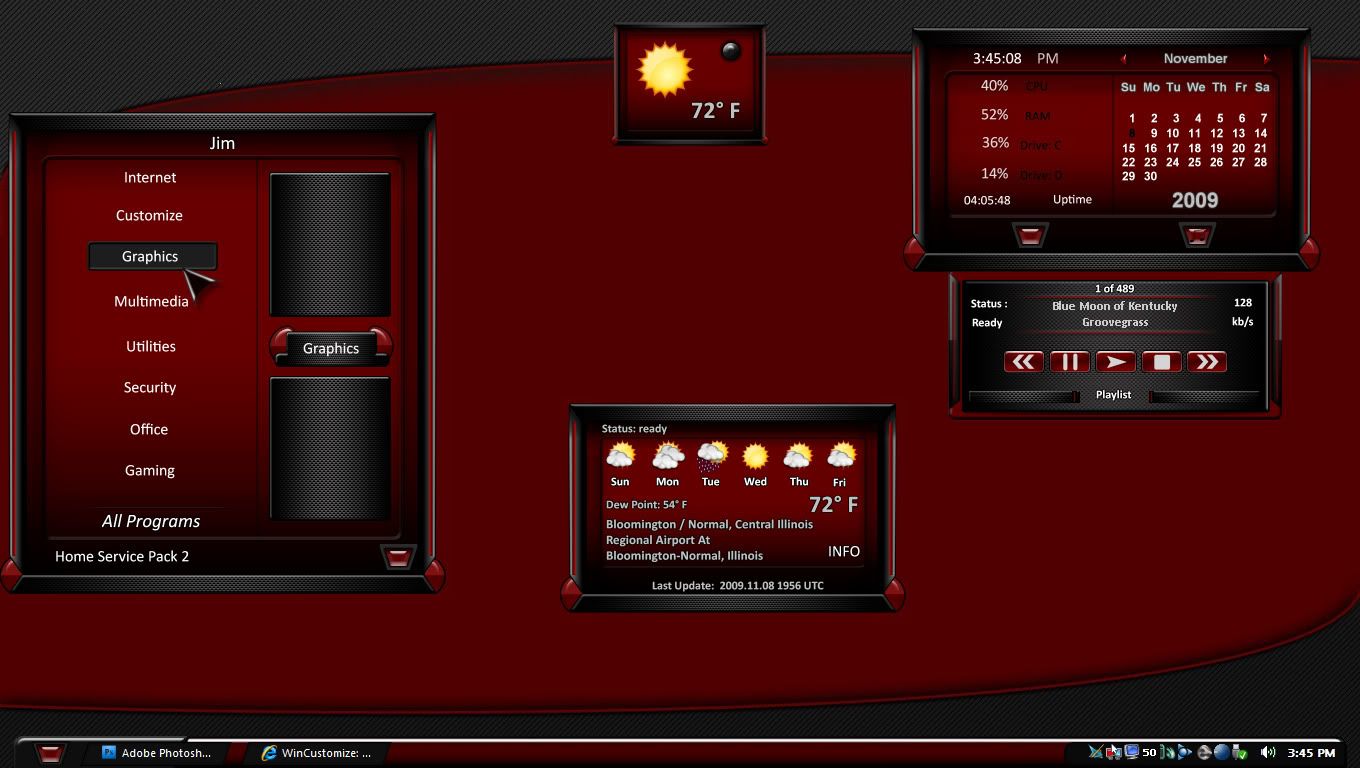
What's Wrong With My Screenshots?

I need advice!!

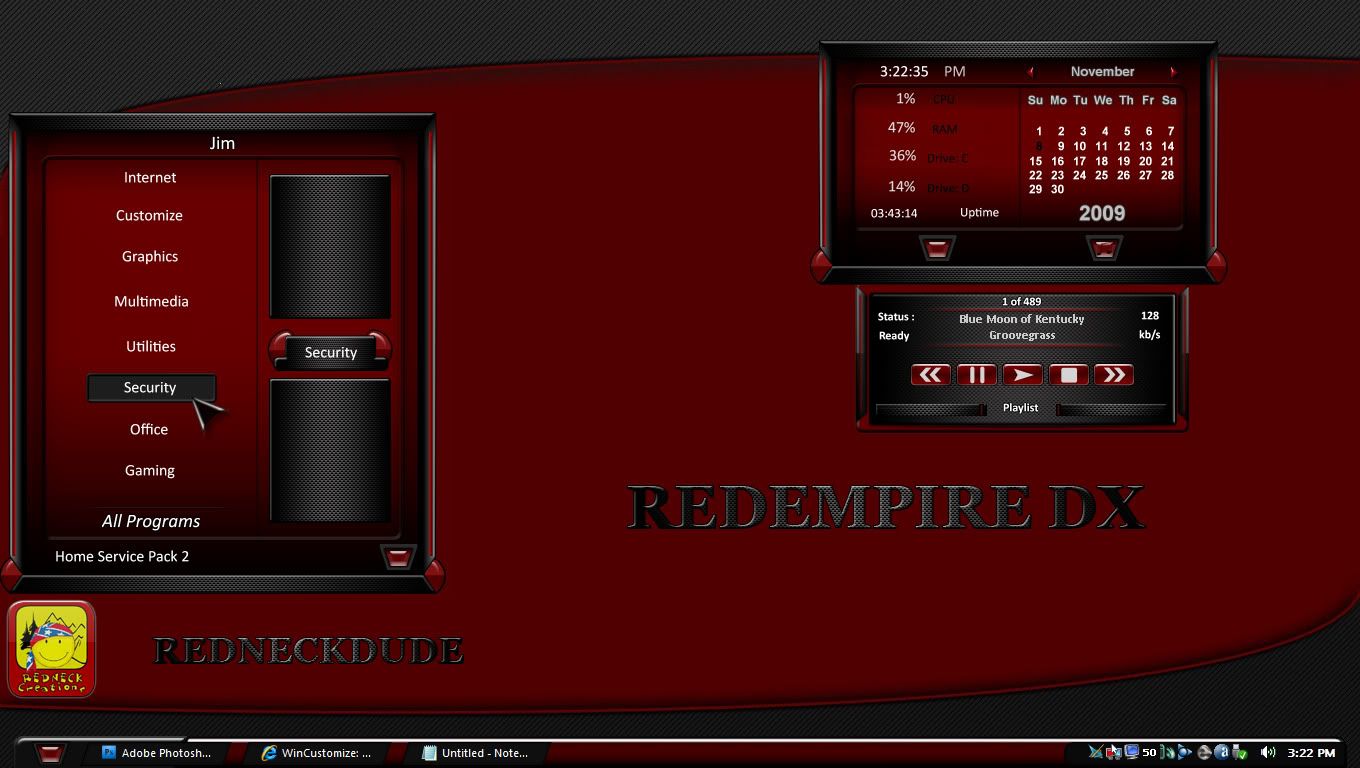
Hey skinners, I can't figure out what is wrong with my screenshots for my DX themes. This one was captured and saved with Photoshop CS4. Set at 300 pixels per inch. But they seem garbled in the gallery, unless you zoom. Seems fine here, but the screeny in the gallery sucks. Any advice?


7,460 views 6 replies
Reply #1 Top

When you go to save, are you choosing "save for web" and setting the quality at 100% ? That's what I do. Also, why 300 pixels per inch? that's unnecessary, and may be part of the problem.

Most thumbnails look bad until you zoom, always have.

Reply #2 Top

Nothing seems amiss, Jim. Looked at it in DX gallery...on my 1280x800 machine...looks great to me. But then, what do I know?

:inlove: :thumbsup: :sun:

Reply #3 Top

should be 72 dpi, 300 is for print.


Most thumbnails look bad until you zoom, always have.
End of quote

yep

Reply #4 Top

Ok...whew...thanks guys! OK, so 72 is best? Gotcha. :beer:

Reply #5 Top

should be 72 dpi, 300 is for print.
End of quote


Actually, I believe it is now 96 dpi for web/computer viewing on Windows systems.

Reply #6 Top

Actually, I believe it is now 96 dpi for web/computer viewing on Windows systems.
End of quote

got a point of reference on that?