How Do I pin "User" folder to Objectdock?

How do I pin "User" folder to Objectdock?  Not just pinning "My Documents" folder but my "User" folder.  I noticed there is an "Argument" and "Link" area where you enter the information to link/pin the folder to Objectdock.
4,073 views 13 replies
Reply #1 Top
In Vista I opened up Explorer  ([Win-key]-E] and went to Desktop (even though my user folder is NOT on my desktop) and there it was.  I just dragged it to OD at that point.
Worked a charm

In XP I went to Documents and Settings and then to dragged my user name to the dock.
Reply #2 Top
That worked for the "My Docs" folder, but how do you make the other folders work?
I have various photo folders that I use constantly at work, and it would be nice to be able to open the exact folder I need, rather than digging for it through My Docs..
Reply #3 Top
Any folder you drag to the dock should drop there and open when clicked.

For real fun you can create flyout folders by right-clicking, choose Add Entry, New Custom Flyout menu and then browse to your folder.

For super-duper coolness, check out the Stacks docklet. (http://www.osx-e.com/downloads/docks/stacks_docklet.html)
Reply #4 Top
Thanks Zubaz,
I understand that they should, but for me, they're not. I can open the folder after dropping it onto the dock by holding a left click on the icon for a few seconds, then by getting a drop down of the folder contents, and choosing the folder. I cannot, however, just open it by clickiing on the icon that was dragged and dropped there.
Reply #5 Top
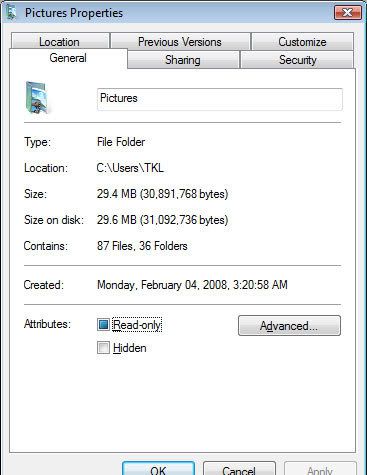
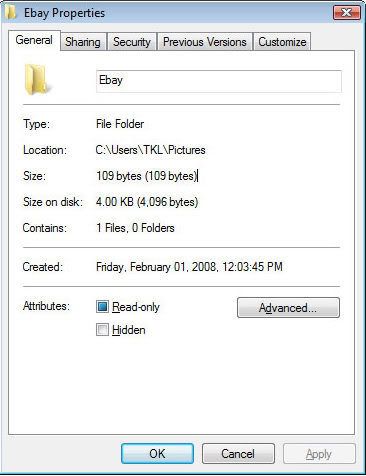
Right click on the folder adn choose properties.  Take a screenshot and post it to imageshack or somewhere and then post it here please.

Free or Plus?  What version?
Reply #7 Top
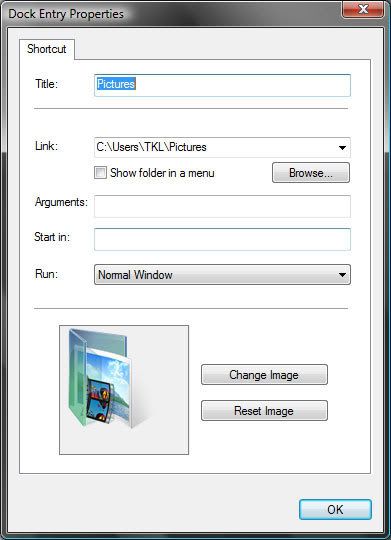
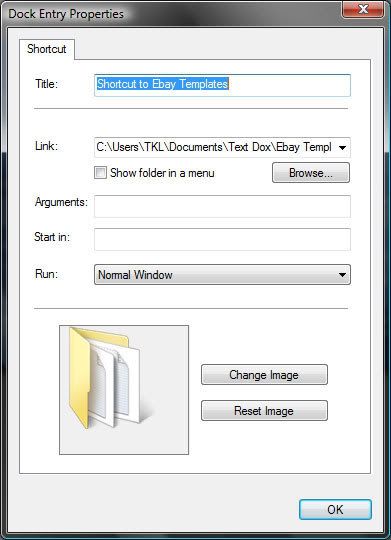
Those are not the Dock properties.

These are:

Reply #8 Top
I'm new to this, so please bear with me.

Ok, here's the correct property files for a couple folders that I'm trying to use.


Reply #9 Top
Perfect.

Unfortunately . . they are perfect too.

Do me a favor and select the show as menu and try to open them again.
Reply #10 Top
Ok.. Tried that, and the menu pops just as it's supposed to. I then un-selected the show menu, and still no dice.
Reply #11 Top
Very, very funky

Are you runnign any vurus/spyware/etc?  Can you disable it whilst we test?
Reply #13 Top
side note...
Before I found OD, I was playing around with replacing my folder icons. All the folders have been reset to default within windows, and work fine outside of OD.. Potential source of the problem there?