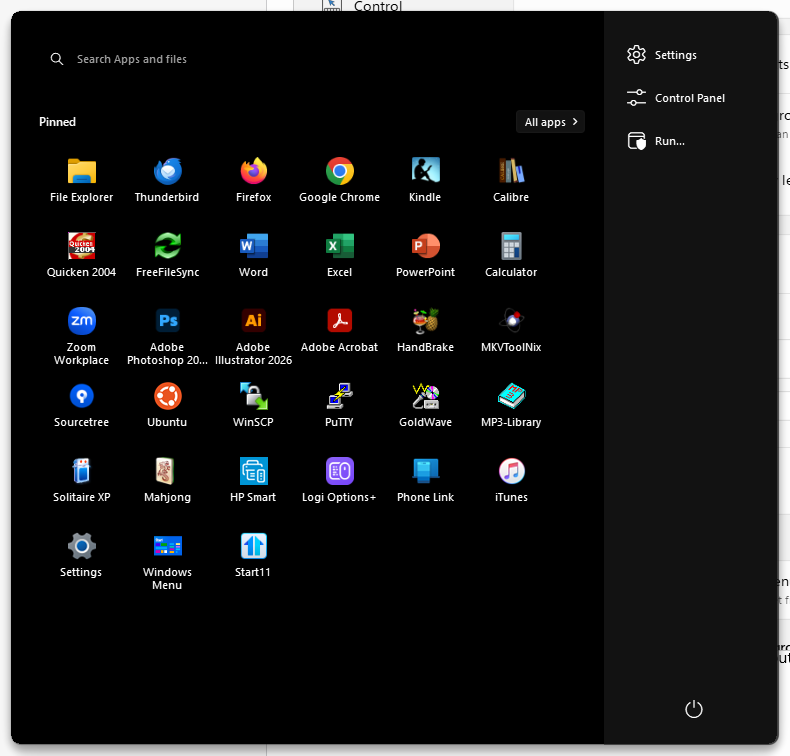
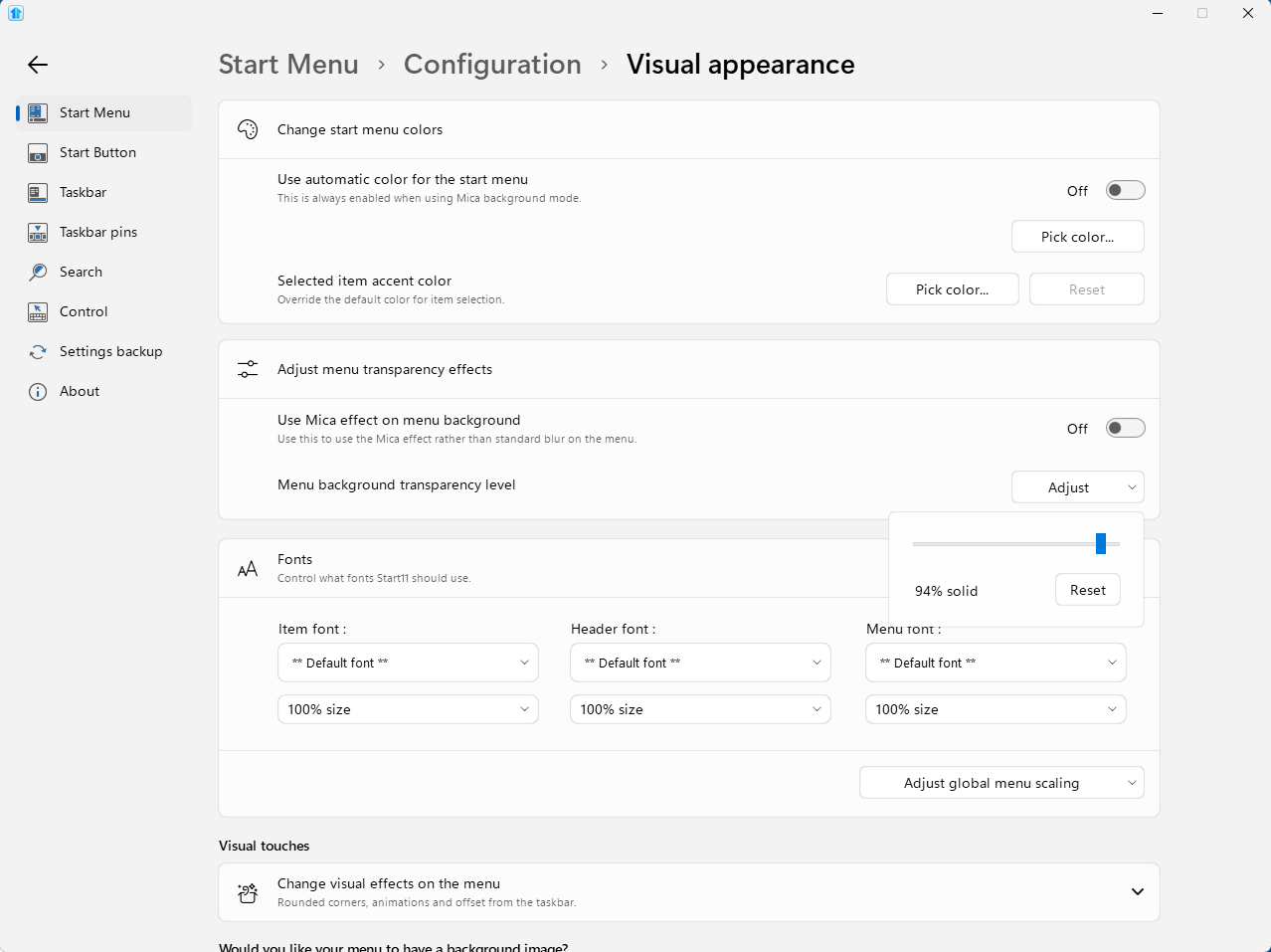
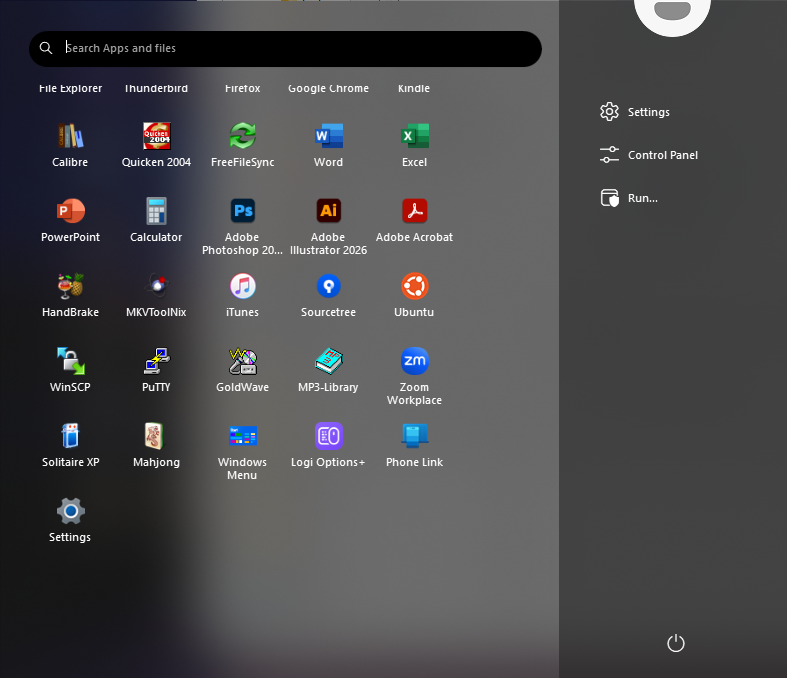
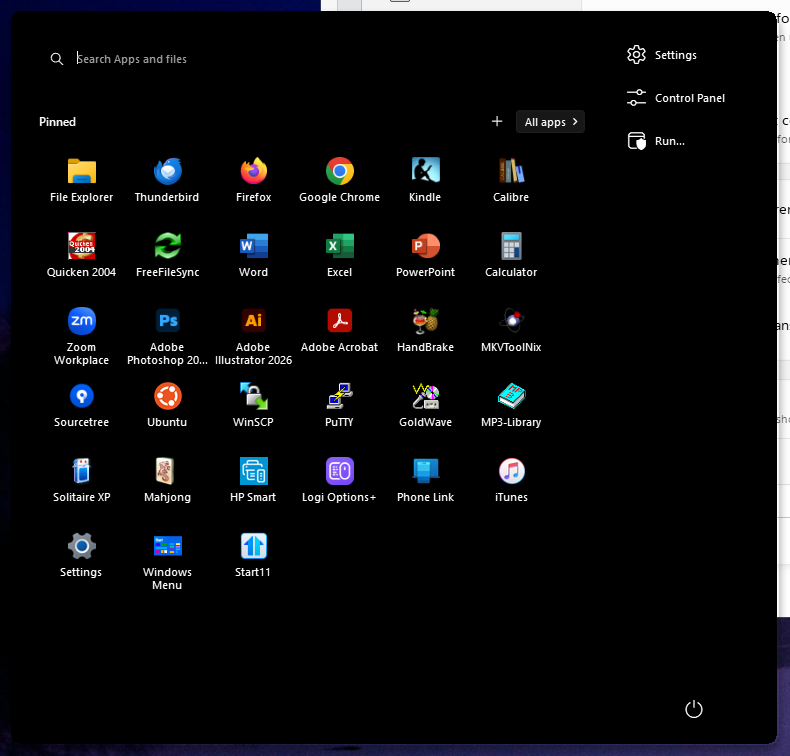
94% is the default for that slider, so it is worth putting it back where you had it. Our own before and after examples for the menu are both taken at 94%, and what changes between them is the Mica toggle rather than the slider position.
Mica is the option in that same section, and it is the one that controls the material effect behind the menu. Turning it on is the quickest way to tell whether the blur you are missing sits on the Mica path or somewhere else.
The taskbar is a separate pair of controls, under Taskbar and then Taskbar Looks: "Blur the wallpaper under the taskbar" and "Adjust taskbar transparency". The blur one is meant to run alongside the transparency effect, so check both are still set the way you had them before the update.
On 2.8 itself, the changelog is the new Win11 26H2 taskbar position handling, vertical taskbars on secondary displays, blank Edge icons in Uncombined mode, the start button with Enhanced Taskbar off, and performance work. Nothing in it touches transparency or blur, so this is not a deliberate change on our side.
If the taskbar transparency still drops the moment the menu opens once you have checked those, that part is worth adding to the release thread where Adam is collecting 2.8 reports: Start11 v2 Release (2.8) Feedback. Your build number and whether Enhanced Taskbar is on will matter for that one.