KVM Mode – Display Artifacts
display issue when using KVM mode
 Stardock Forums
Hi all,
I’ve been using Multiplicity for quite a while and have had an ongoing display issue when using KVM mode.
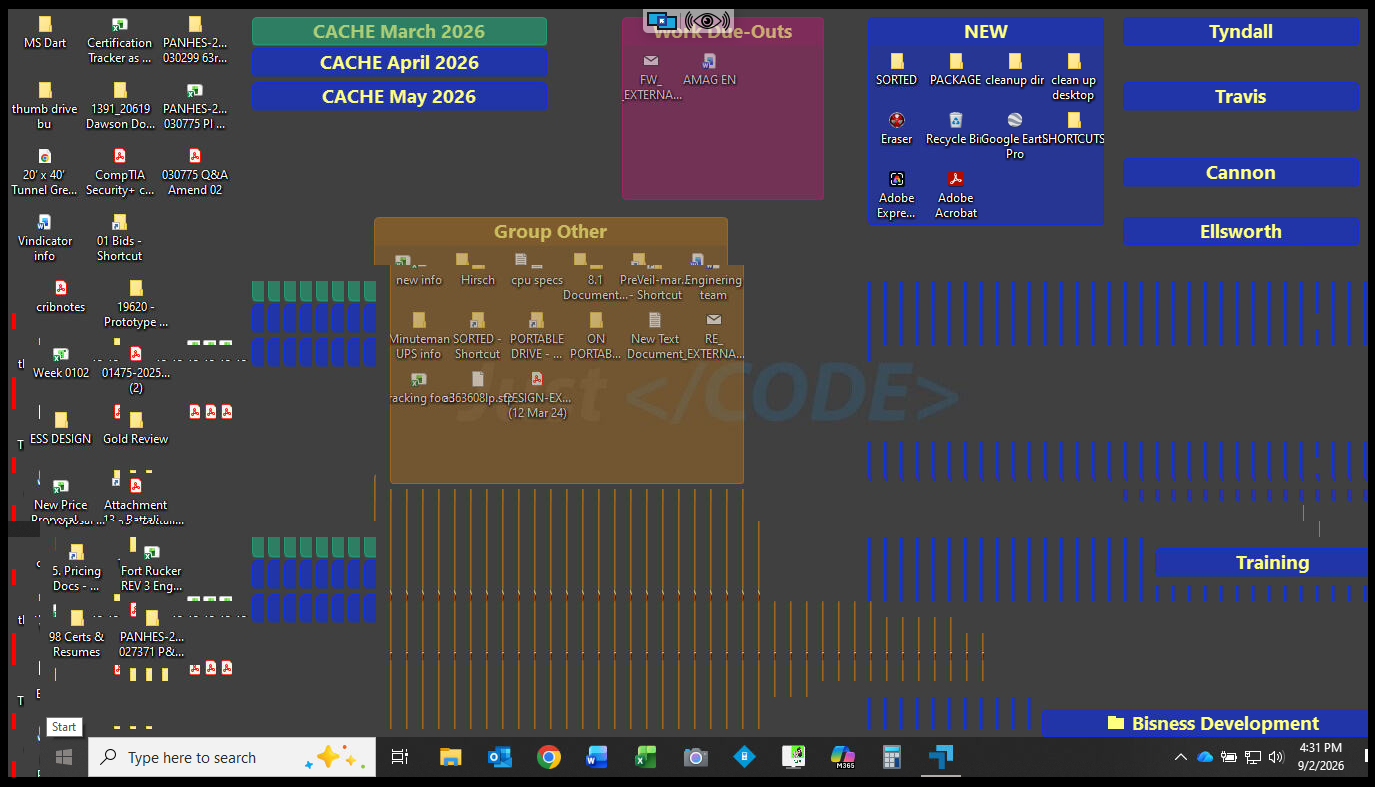
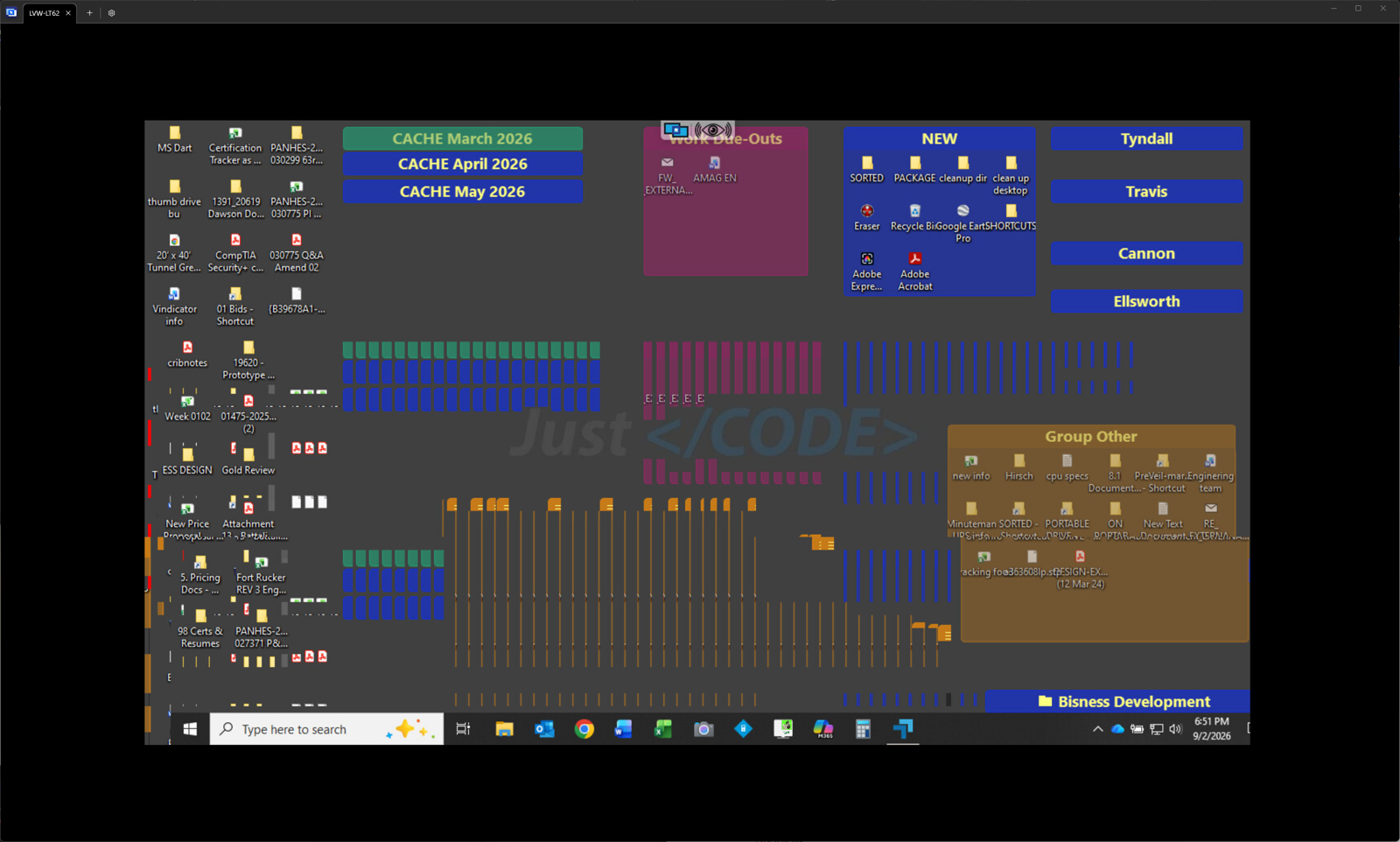
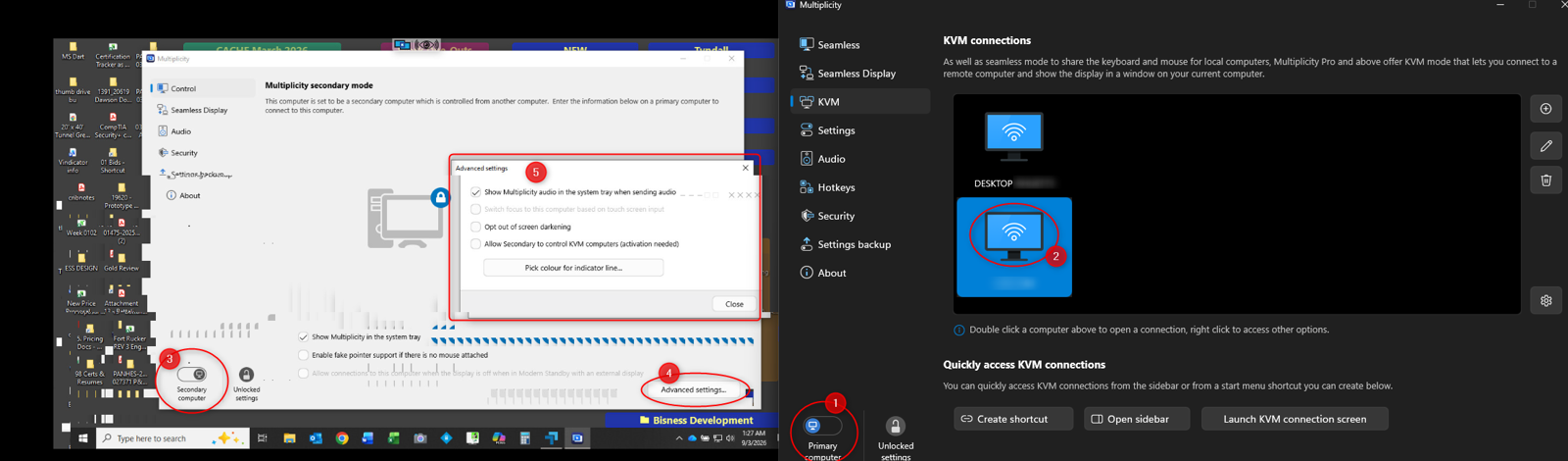
While connected through KVM, I get significant screen artifacts / visual corruption across the remote display. I’ve attached a screenshot showing what I’m seeing. The artifacts can become severe enough that the screen is difficult to use normally.
My workaround in the past was to use Seamless mode, which avoided the issue. However, my work environment has changed and the systems I need to control are now located in multiple rooms, so KVM mode has become much more practical and the display issue is now something I need to resolve rather than work around.
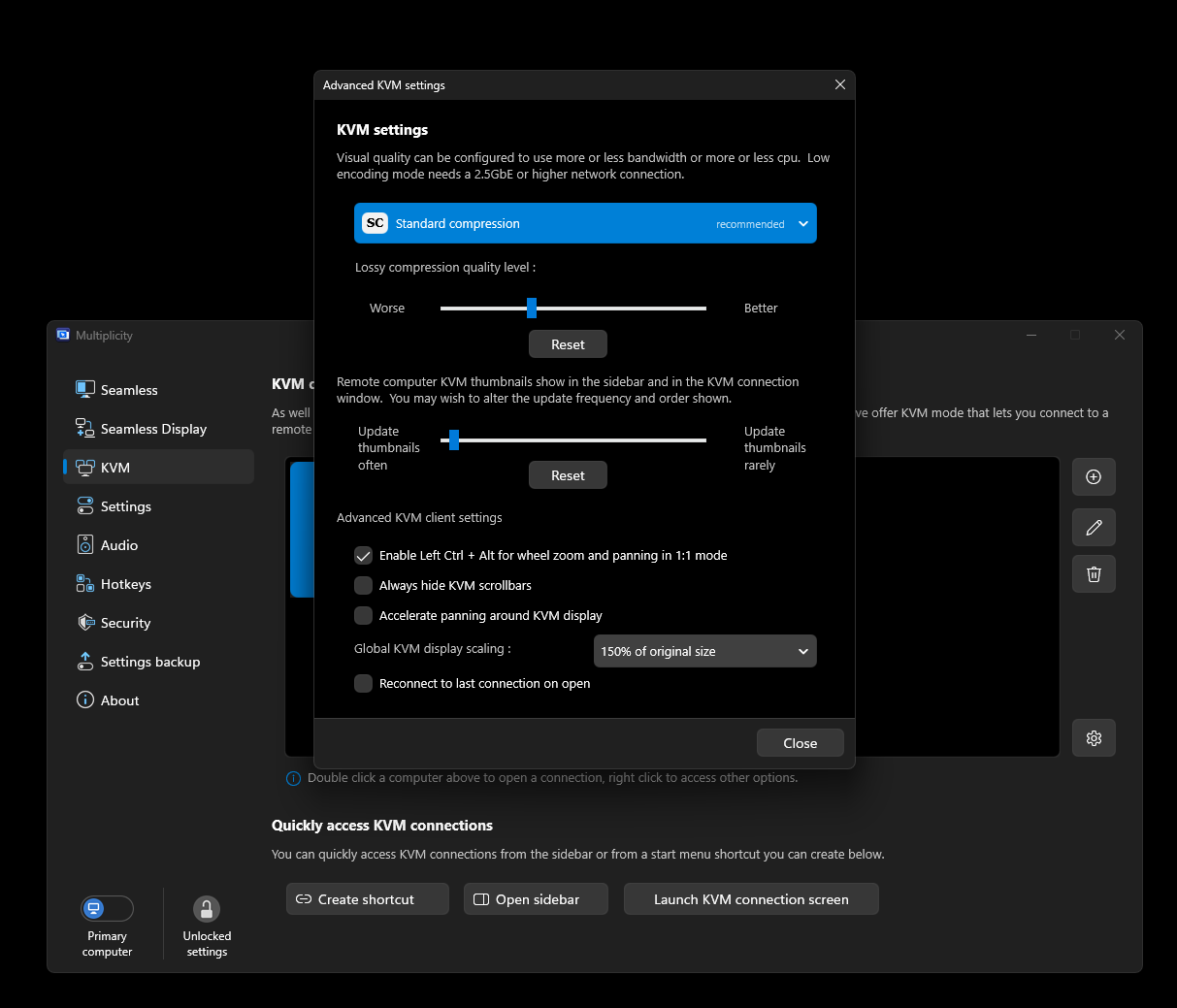
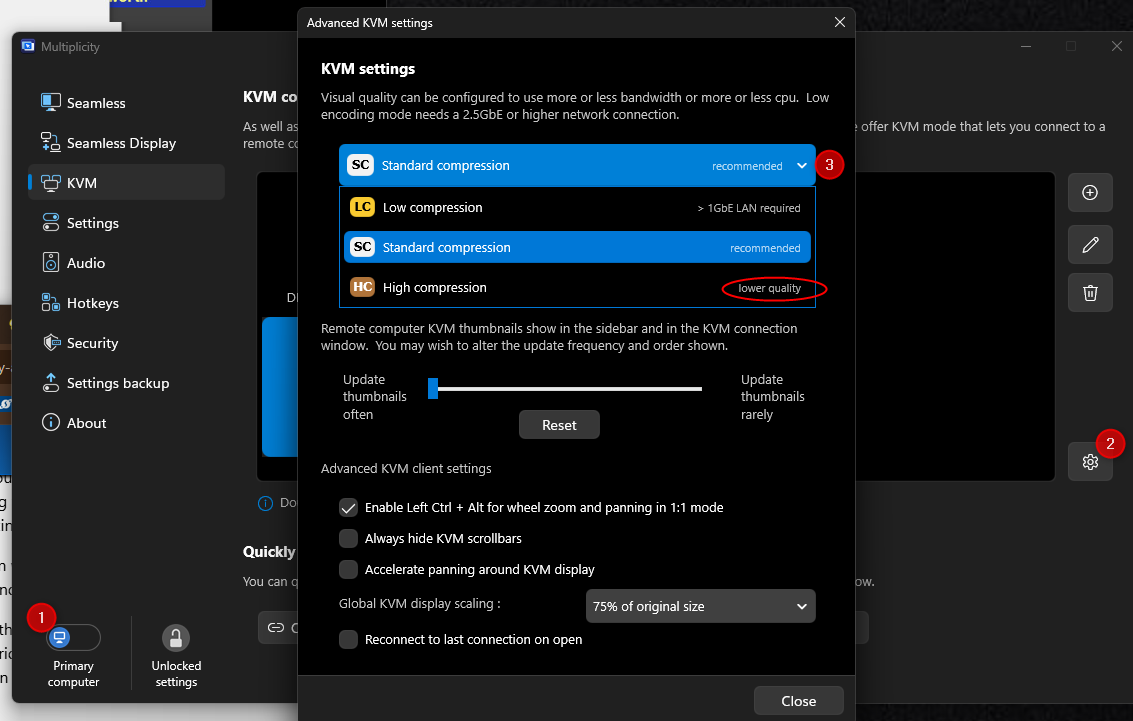
Is this a known issue with Multiplicity KVM mode, and are there any recommended settings, graphics-driver changes, hardware acceleration options, or other fixes I can try?
I’m happy to provide Multiplicity version information, Windows Business 4.07, GPU/driver information, monitor resolutions, or logs if that would help troubleshoot it.
Thanks,
M
Environment:
Workstation/Primary Cpu
- Display resolution: (3840x2160)
- Manufacturer: Puget Systems
- Model: Puget Workstation Core Ultra Z890 C121-L
- Motherboard: ASUS ProArt Z890-CREATOR WIFI
- CPU: Intel Core Ultra 9 285K @ 3.70 GHz — 24 Cores / 24 Logical Processors
- RAM: 128 GB
- GPU: NVIDIA RTX 5080 — 24 GB
- OS: Windows 11 Pro
- OS Version: 10.0.26200 Build 26200
- BIOS: American Megatrends Inc. 1501 — 2/7/2025
- BIOS Mode: UEFI
- SMBIOS: 3.8
- Secure Boot: On
- Kernel DMA Protection: On
- Virtualization-Based Security: Running
Laptop /Secondary Cpu
- Display resolution: (1366x768)
- Manufacturer: Dell
- Model: Latitude 5580
- CPU: Intel Core i7-7820HQ @ 2.90 GHz
- CPU: 4 Cores / 8 Logical Processors
- OS: Windows 10 Pro
- OS Version: 10.0.19045 Build 19045
- System Type: x64-based PC
- BIOS: Dell 1.39.0 — 11/6/2024
- BIOS Mode: UEFI
- Secure Boot: On