Where is Skin Studio?

Skin Studio not available on trial mode

Hi,

i would like to know why i'm not seeing Skin Studio on the trial version of Window Blinds?
Everytime i tried to edit a style, it goes to that url:
https://www.stardock.com/products/skinstudio/

This is this included free in Windowblinds, why can't i see it? 😩

260 views 5 replies
Reply #4 Top
Answer

SkinStudio is not part of the WindowBlinds install, which is why clicking edit on a style sends you off to the product page. There is nothing on your machine for it to open yet.

You do not need Object Desktop to get it. It is a separate download either way, and the current one is public:

https://cdn.stardock.us/downloads/public/software/skinstudio/SkinStudio_11_setup.exe?a=sd

If you do happen to have an Object Desktop subscription it also appears in Object Desktop Manager, so that route exists as well. It is just not the only one.

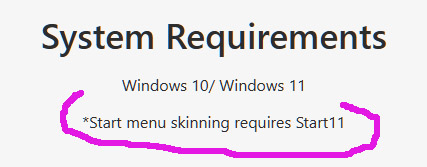
The part that matters for you is the licence. Our SkinStudio page says a valid WindowBlinds licence is required to use it, and the standalone download will not function without WindowBlinds installed. I am not going to tell you a trial definitely satisfies that, because the wording does not say either way, but the installer costs nothing so it is worth finding out.

One thing worth knowing before you go down that road: if you only want to change an existing style rather than build one from scratch, WindowBlinds can modify a skin from inside the app itself, including applying your own texture to one of the bundled ones. That may be all you need.

+1 Loading…
Jump to answer in thread
Reply #1 Top

If you have windowblinds installed as a standalone it will not be an option. It is part of Object Desktop. Just having windowblinds installed doesnt outright give you Skin Studio as it is a separate download.

Reply #3 Top

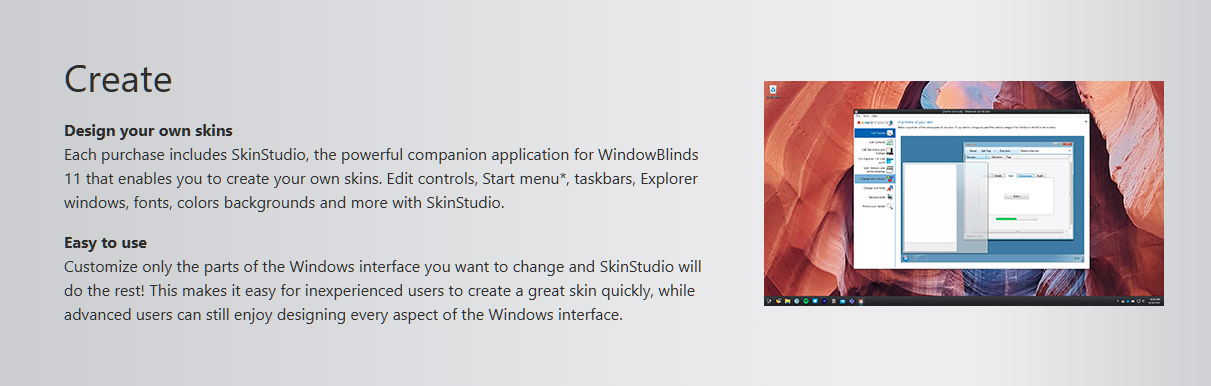
I was thinking SkinStudio is available with either a standalone purchase of WindowBlinds or an Object Desktop subscription.  (Either way, it is a separate download.)  This Stardock page for WindowBlinds standalone would seem to agree with that, scroll down about 2/3rds of the page to the "Create"section:


https://www.stardock.com/products/windowblinds/


Reply #4 Top
Answer

SkinStudio is not part of the WindowBlinds install, which is why clicking edit on a style sends you off to the product page. There is nothing on your machine for it to open yet.

You do not need Object Desktop to get it. It is a separate download either way, and the current one is public:

https://cdn.stardock.us/downloads/public/software/skinstudio/SkinStudio_11_setup.exe?a=sd

If you do happen to have an Object Desktop subscription it also appears in Object Desktop Manager, so that route exists as well. It is just not the only one.

The part that matters for you is the licence. Our SkinStudio page says a valid WindowBlinds licence is required to use it, and the standalone download will not function without WindowBlinds installed. I am not going to tell you a trial definitely satisfies that, because the wording does not say either way, but the installer costs nothing so it is worth finding out.

One thing worth knowing before you go down that road: if you only want to change an existing style rather than build one from scratch, WindowBlinds can modify a skin from inside the app itself, including applying your own texture to one of the bundled ones. That may be all you need.

+1 Loading…
Reply #5 Top

Thank you for the information and the link for the setup. 👍
You said that link is public ? => https://cdn.stardock.us/downloads/public/software/skinstudio/SkinStudio_11_setup.exe?a=sd

Hmm, i searched throughout the general Stardock site but couldn't find this. 😅
 
Before reading your response just now. i had actually downloaded the Object Desktop and finally got to install it from there.
This also allowed me to discover other apps within Object Desktop that i was not aware, but seems to be interesting to try out. 🙂