Reply #1 Top

Hello,

Sorry to hear you are having issues. Need to try to reproduce your issue on my system. Need to know, "Run as Admin" any application via Start11 start Menu panel or Run as Admin Start11 itself or something else? Please elaborate.

Thank you,

Basj,

Stardock Community  Assistant.

Reply #2 Top

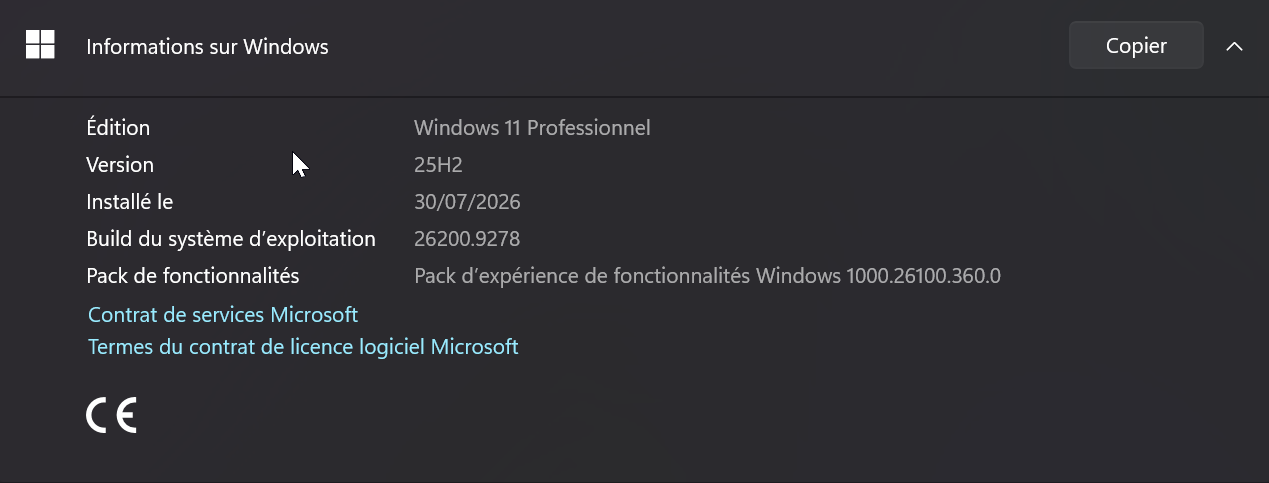
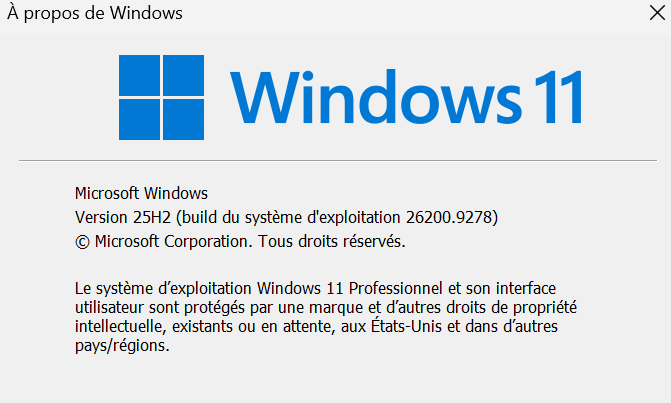
Also, perhaps run winver.exe and post your Windows version numbers. Thanks.

Reply #3 Top

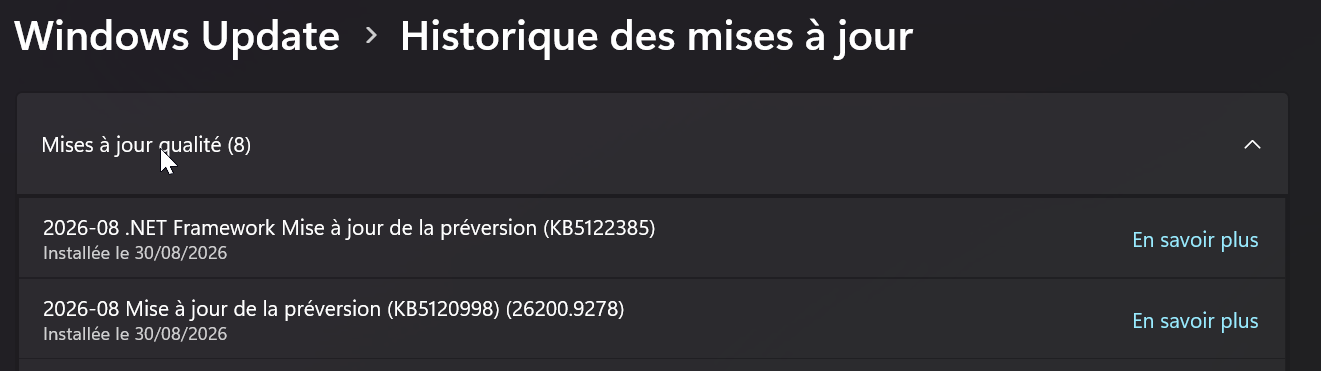
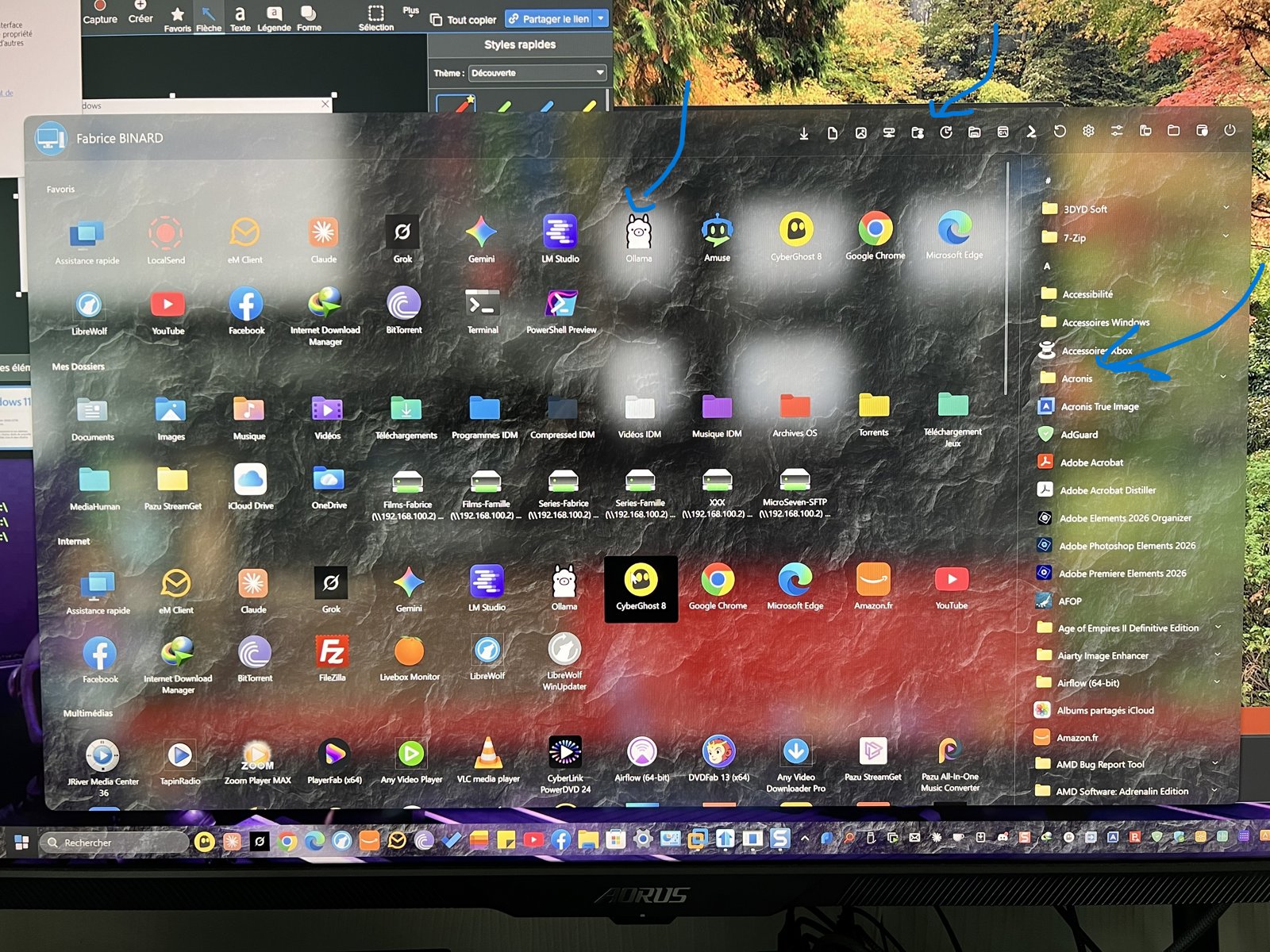
The problem appears with the last update of windows 11 25H2, The issue arises when launching my applications as an administrator from the three sections marked with a blue arrow in the "startmenu" photo.

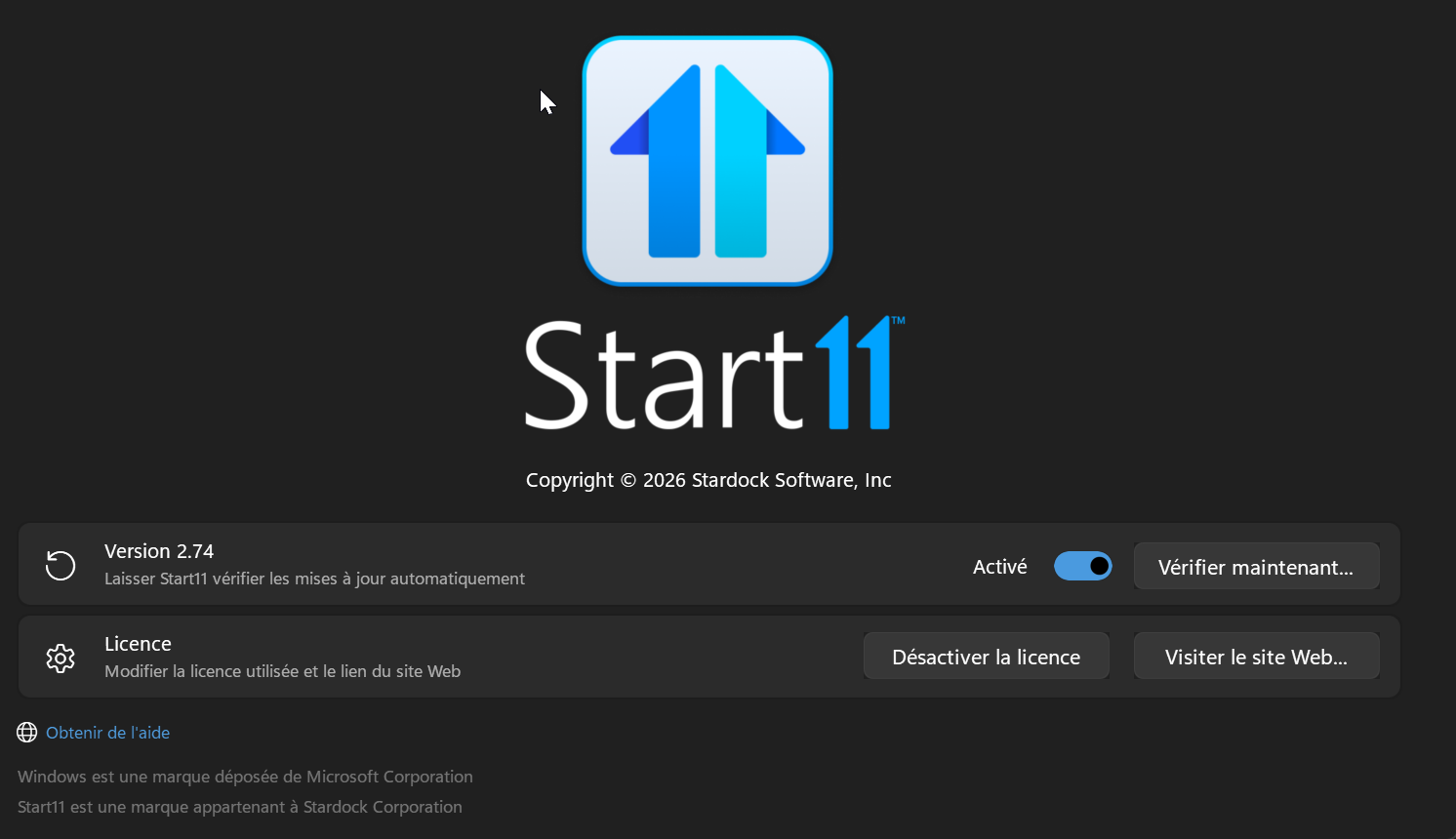
Regarding the Windows version: I had included a photo of the Windows version right below the "About StartMenu" one, but I am reposting it here.


Reply #4 Top

Merci beaucoup, MicroSeven. L'équipe d'assistance de basj ou d'autres membres de l'équipe continueront de vous aider. Veuillez noter que l'assistance est disponible de 9 h à 17 h HNE, du lundi au vendredi. Cela dit, l'équipe d'assistance est souvent disponible même le week-end.


Thank you very much, MicroSeven. basj or other Support staff will continue with you. Please realize Support works 9-5 EST, M-F. That said, Support staff cruise through frequently even on weekends.


Reply #5 Top

Is the issue specifically on those 3 items? Here are few tests steps you can do.

  1. If you try running Notepad with "Run as Administrator" does the same issue appear? 
  2. If you disable Start11 Start menu, and, try running those 3 items via Windows default Start panel with Run as Administrator, does the same issue appear?
  3. Please try, uninstall Start11, reboot immediately (important), download latest version available in your account product download page: https://store.stardock.com/myaccount/products. Install it, reboot immediately again. Retest it.
  4. If you unpin and repin those 3 items, is the issue still appear?

Report back with your results.

Thank you,

Basj,

Stardock Community  Assistant

Reply #6 Top

The arrows would indicate the affected areas, and did not specify a particular application.

1/ BUT : This problem affect only some Microsoft Windows System applications as notepad, cmd, powershell, and others  …

All applications of others providers work well with run as administrator

2/ disable start menu, and all Microsoft Windows menu application work fine with run as administrator

3/ Backup startmenu config application

uninstall startmenu

reboot

install startmenu again

Test with Microsoft Windows application as cmd reappears with the same problem.

In the end, i restored my backup since the problem came back with cmd, powershell and others Microsoft command applications 

4/ unpin repin icon command application and the problem is the same (test with cmd command for example)

Well, I remain at your disposal for further research regarding this problem.

Reply #7 Top

I am also running 26200.9278 and have applied the 2026-08 .NET Framework Preview Update (KB5122385), and have no issues with Run as Administrator as you describe. I am using the Windows 10 style, but I tested using the Windows App style and did not experience any issues with the apps you described.

Is the UAC dialog not showing when you select Run as administrator?

Reply #8 Top
Quoting MicroSeven, reply 4145831

The arrows would indicate the affected areas, and did not specify a particular application.

End of MicroSeven's quote

That is strange, that mean, if you move the Pinned "Oilama" that application will open normally?

Thank you,

Basj,

Stardock Community  Assistant

Reply #9 Top

I apologize for the inconvenience; I finally resolved the issue, which was caused by a Windows glitch following updates. After running DISM and SFC, everything is back to normal. I am truly sorry for having you run tests for a problem that wasn't related to Stardock.

Reply #10 Top

No worries. We're just glad you got it resolved.

Reply #11 Top

Great, really glad to hear that.

Thank you,

Basj,

Stardock Community  Assistant