Hi Steffen, thank you for posting.
Quoting klaer_it,
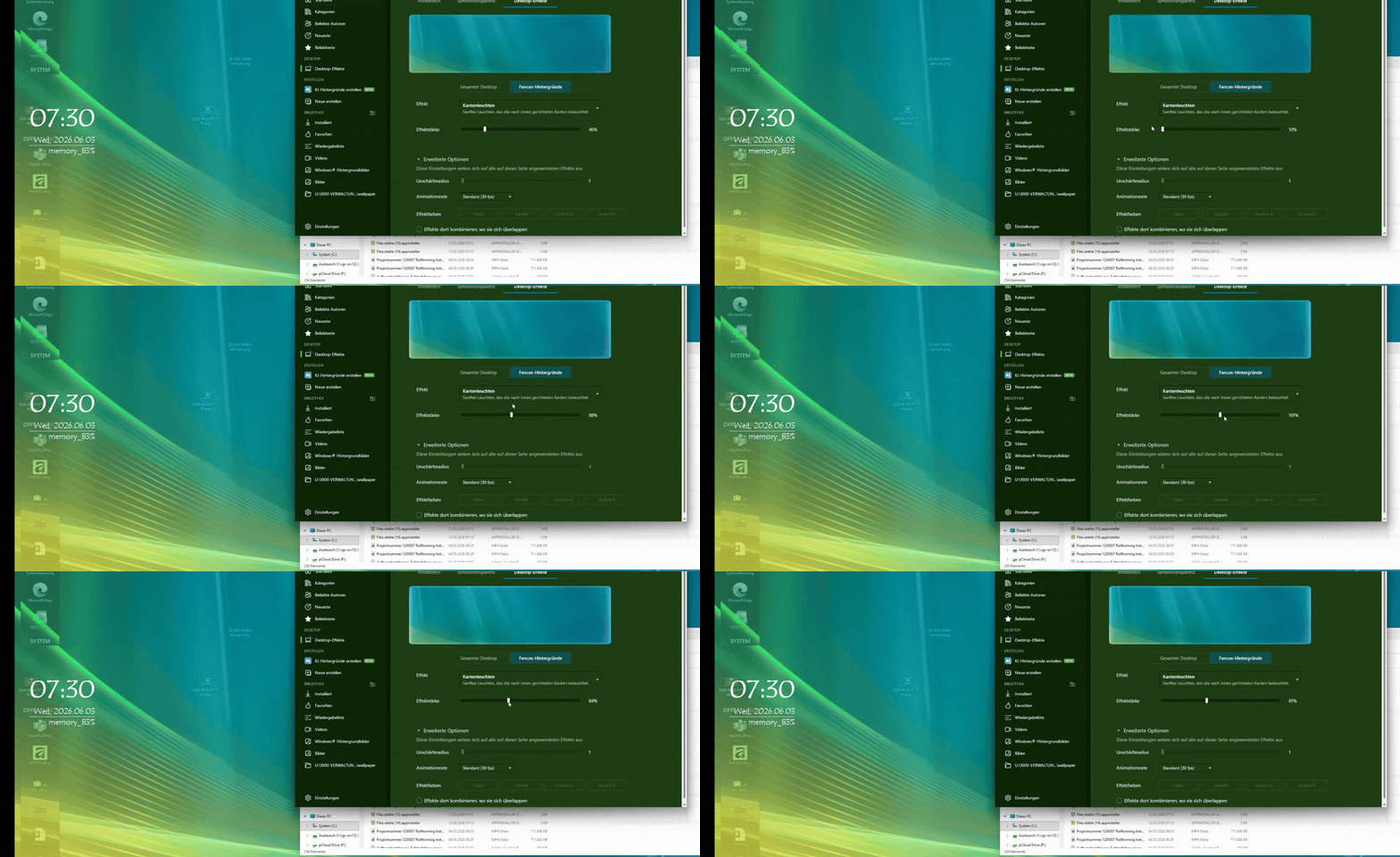
DeskScape 2026 >Desktop Effects >Fences Backgrounds >drop down list > e. g. Edge Glow
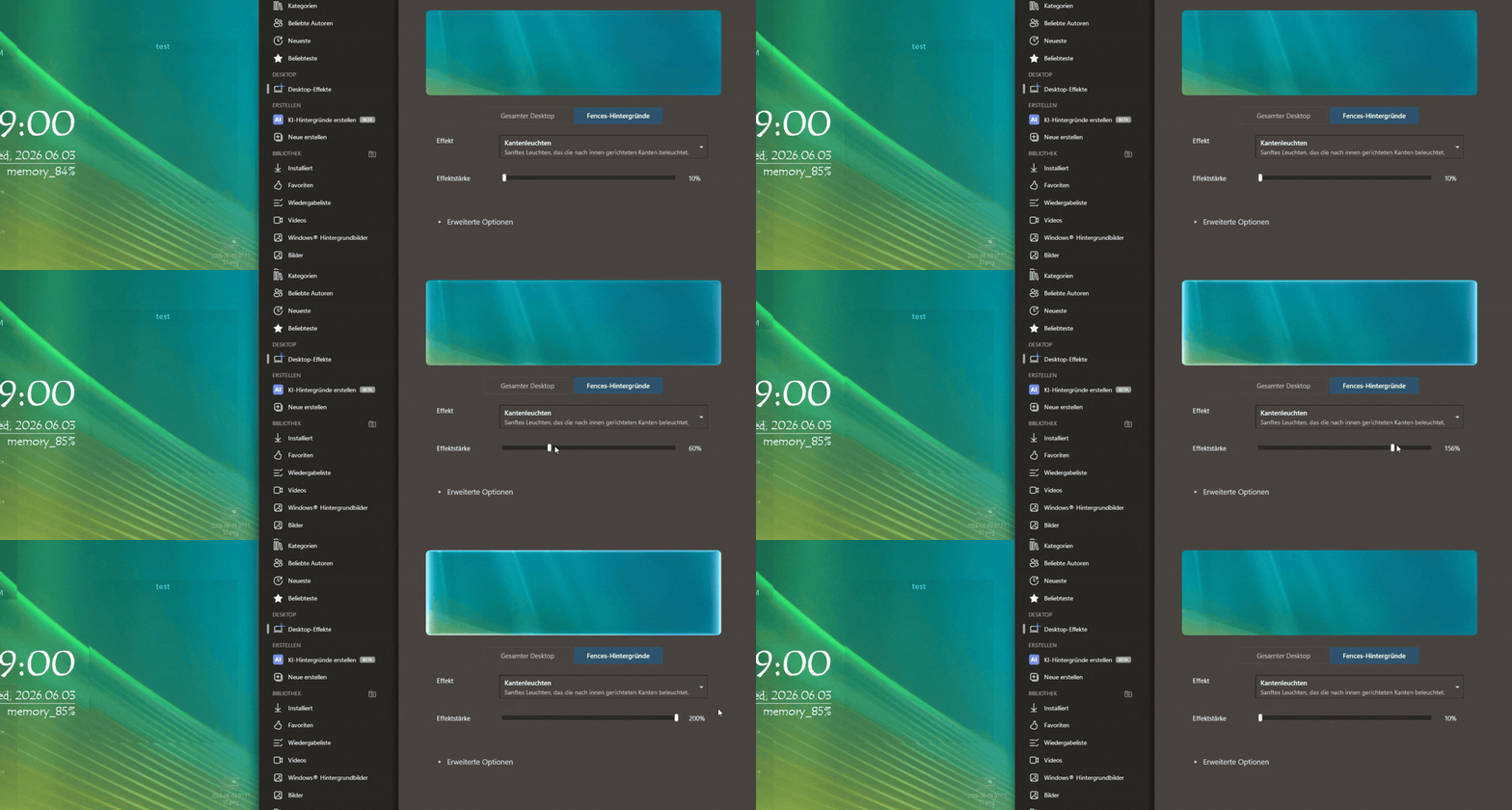
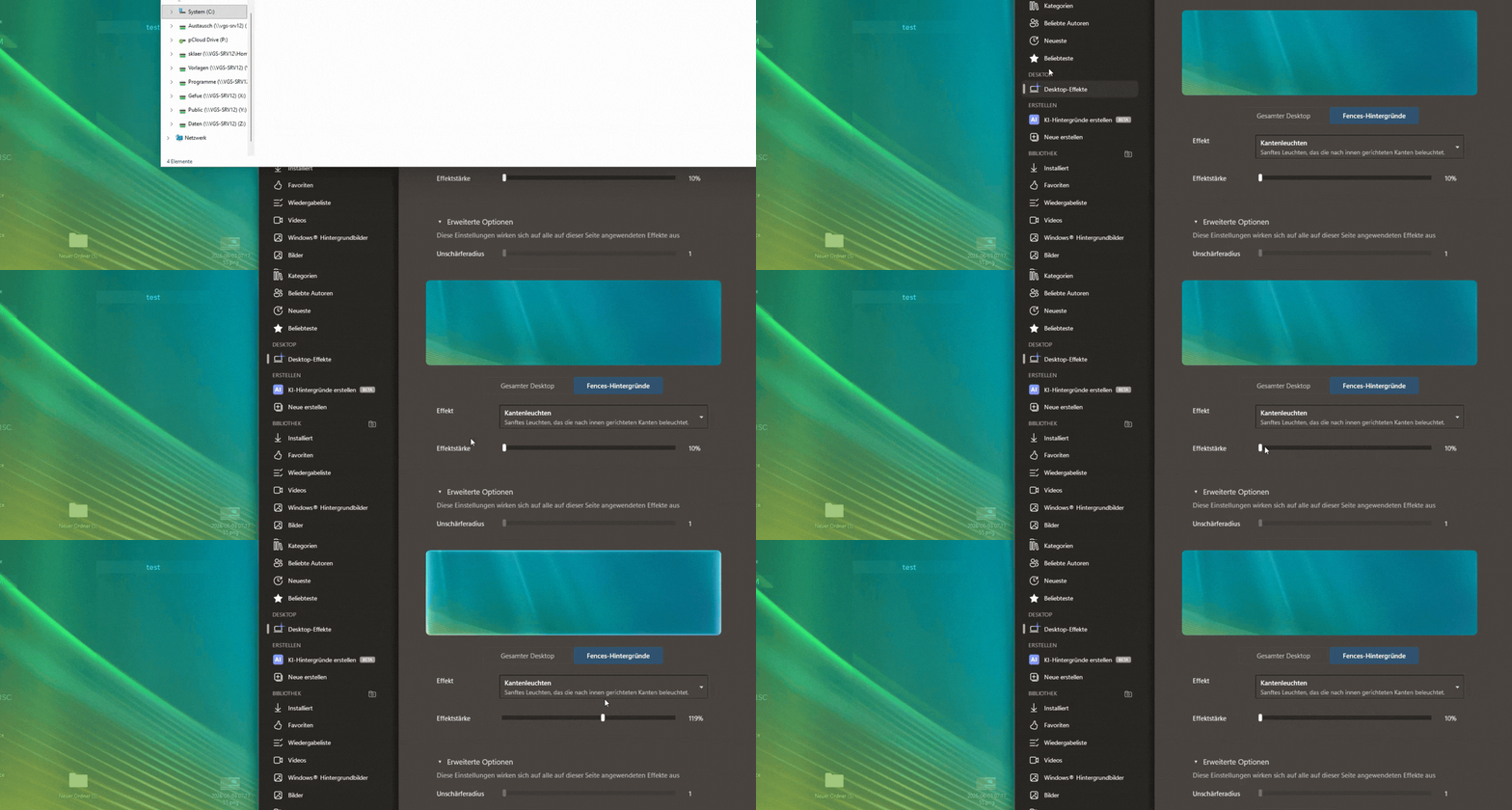
this does not seem to do anything. Same with other effects, has no impact. I do have Fences installed and in use. Does it refer to that? And what do I need to do to get these effects visible? Thanks for your support.
End of klaer_it's quote
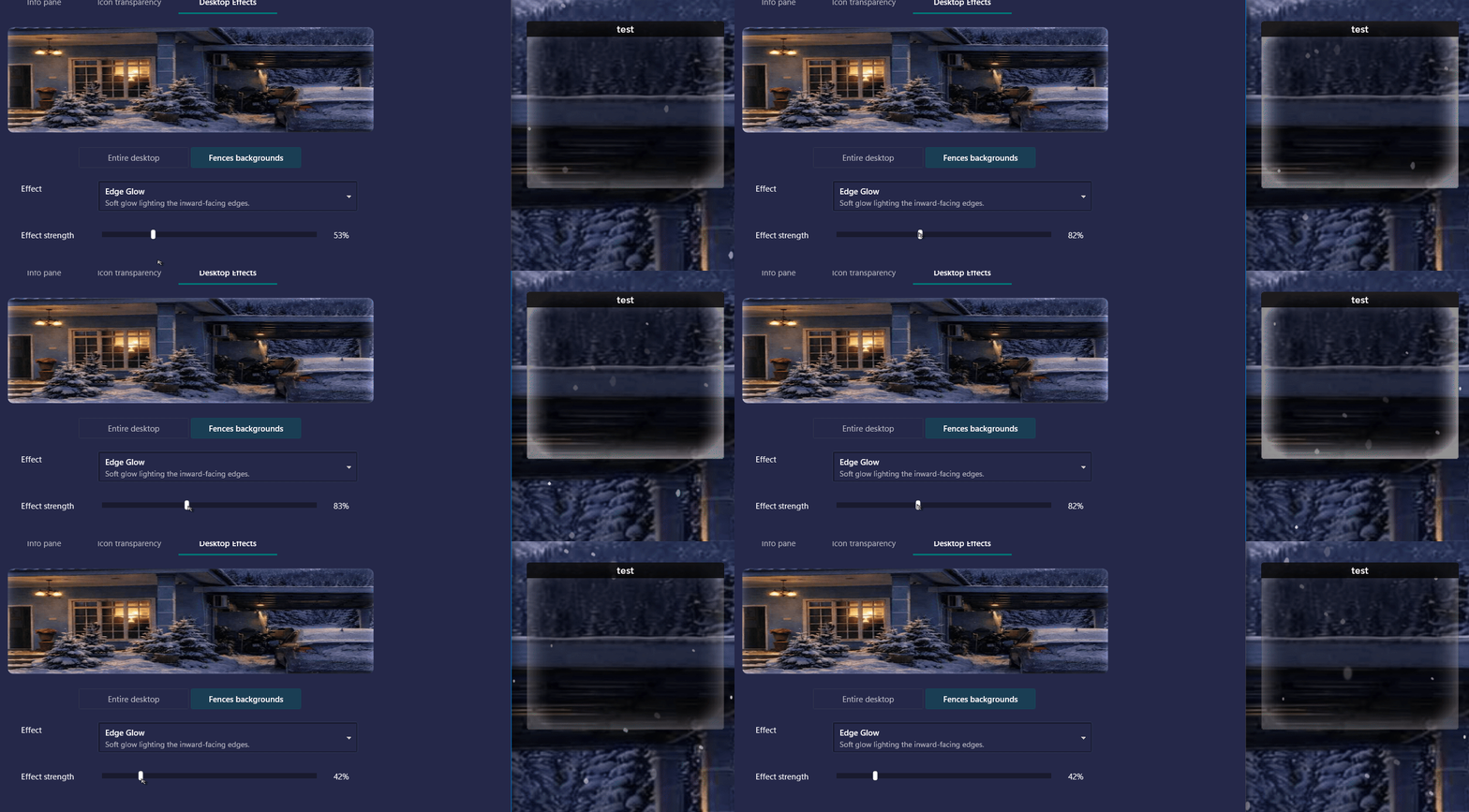
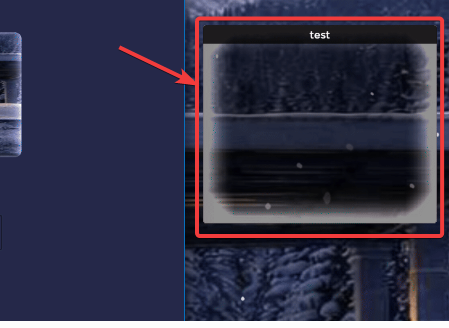
I also wasn't able to notice a difference when using certain Fences background effects, when testing the following:
Edge Glow, Scrolling Pulse, Underline Pulse, and Equalizer.
We'll have this logged:
- Internal Reference: ODNT-12380
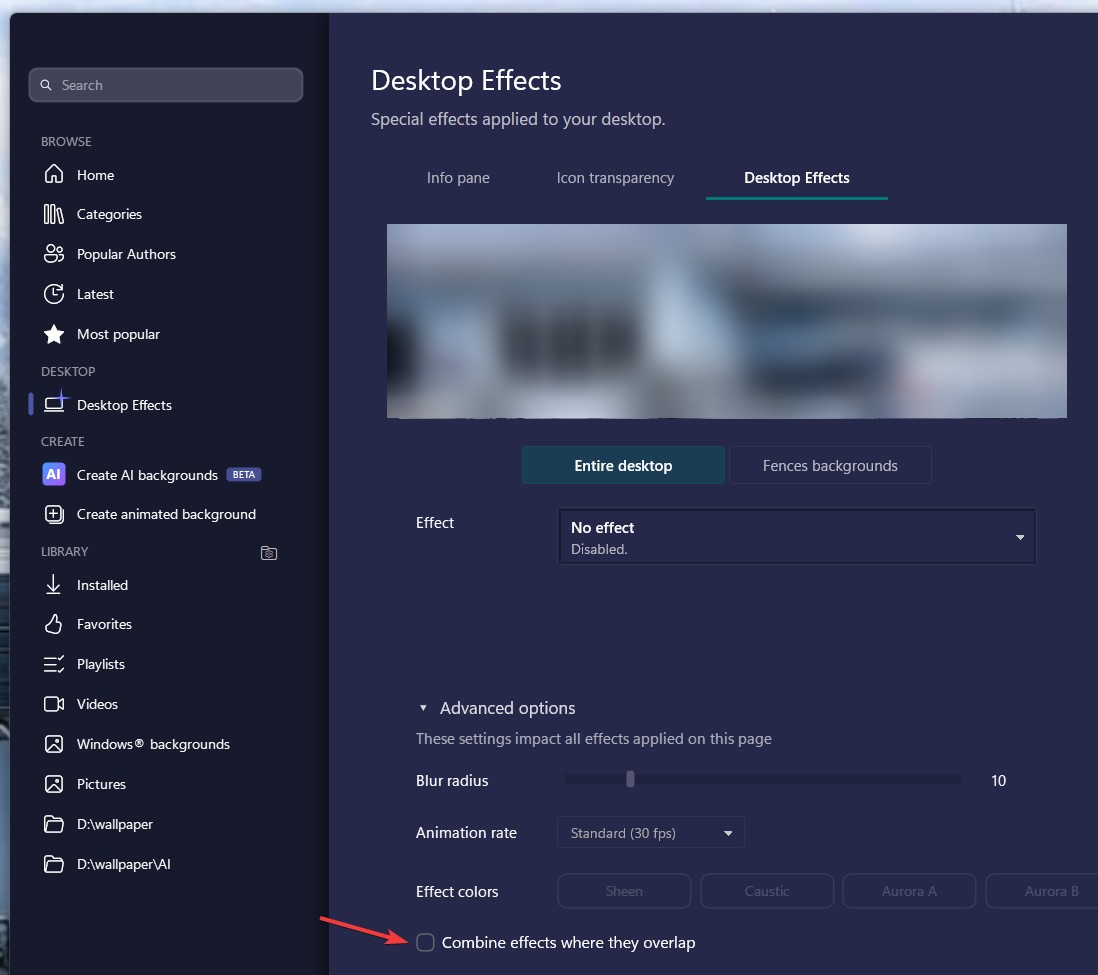
The other Fences backgrounds effects seem to be working for me. One thing you'll want to check and please let us know, if "Entire desktop" effects are also not working for you, or if it's just certain Fences background effects.
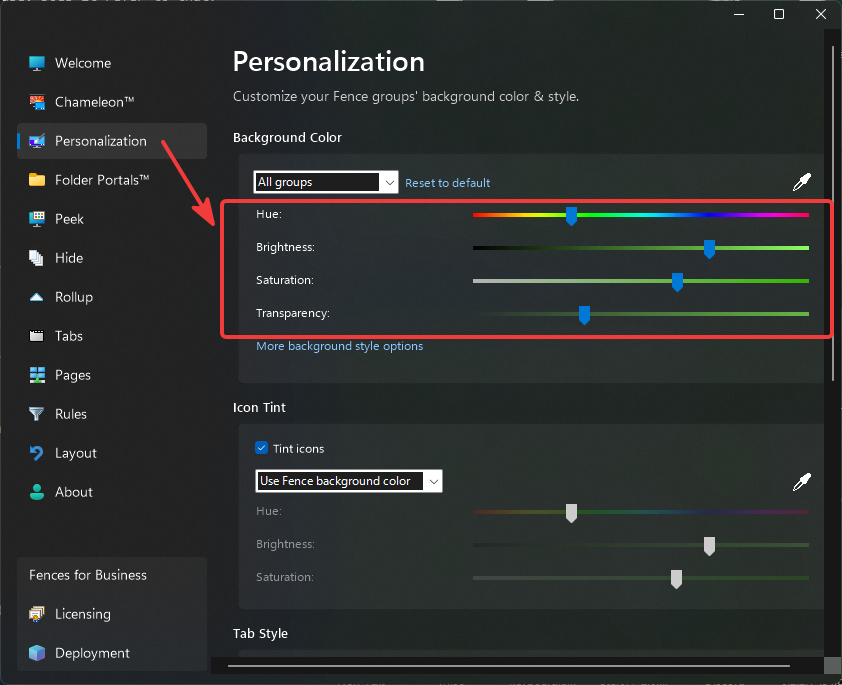
If you continue to encounter issues with Fences backgrounds, I can also recommend checking your Fences 6 Personalization tab. These sliders in Fences (such as Transparency) can make a difference on the visibility of certain effects:

As this gets looked into, also please make sure to keep both DeskScapes2026 and Fences 6 updated to the latest versions (from the "About" or "Settings" sections of each app.)
Thanks again for posting and best regards.
Adam McGuinness
Stardock Support Specialist