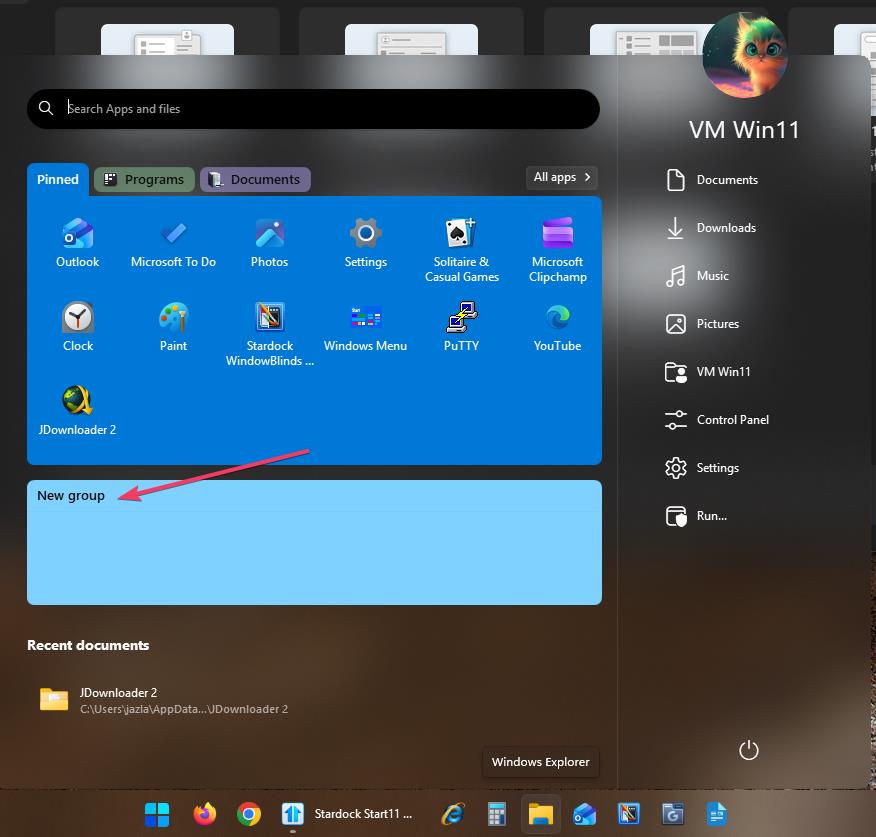
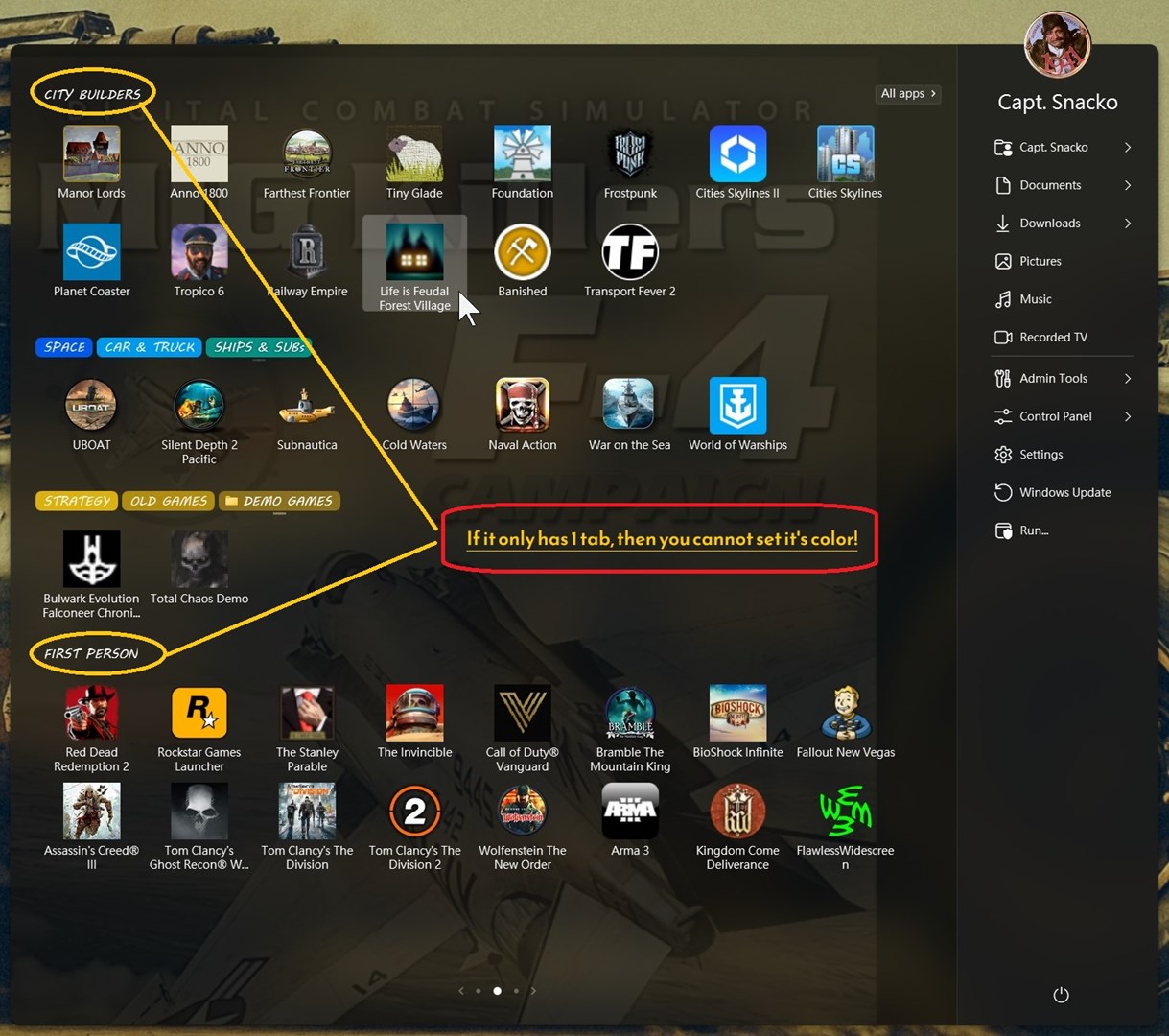
Just like the title says.. I could select the colors but they would not apply until I added another tab.
Not sure if the 1 tab needs to be on the top or bottom, but I think so.. Then you cannot color them..
Hello,Sorry to hear you are having issues. I can not reproduce your issue refer my screenshot below. Perhaps, I am doing it differently than you. Steps out on how you set your tab color as such.
Thank you,Basj,Stardock Community Assistant.
Basj,
Snacko is using the "Do not paint a solid color background" option in the Appearance context menu to paint the tab but not the group. He is correct that if there is only a single tab, it does not work and I can reproduce this on my machine. It also doesn't work if you have a texture applied in a group with multiple tabs. It also appears that the "Invert text color" option does not work when "Do not paint a solid color background" is applied.
Ahh, okay got it. I have forwarded your problem/question to Stardock Support Team for their assistance. Please keep an eye on this thread for any updates. We appreciate your feedback and patience. Thank you.
Basj,Stardock Community Assistant
This is working as designed.
A tab of one is a group and groups respect the do not paint background setting as the area above the top too (or it would look very odd)
There are many great features available to you once you register, including:
Sign in or Create Account