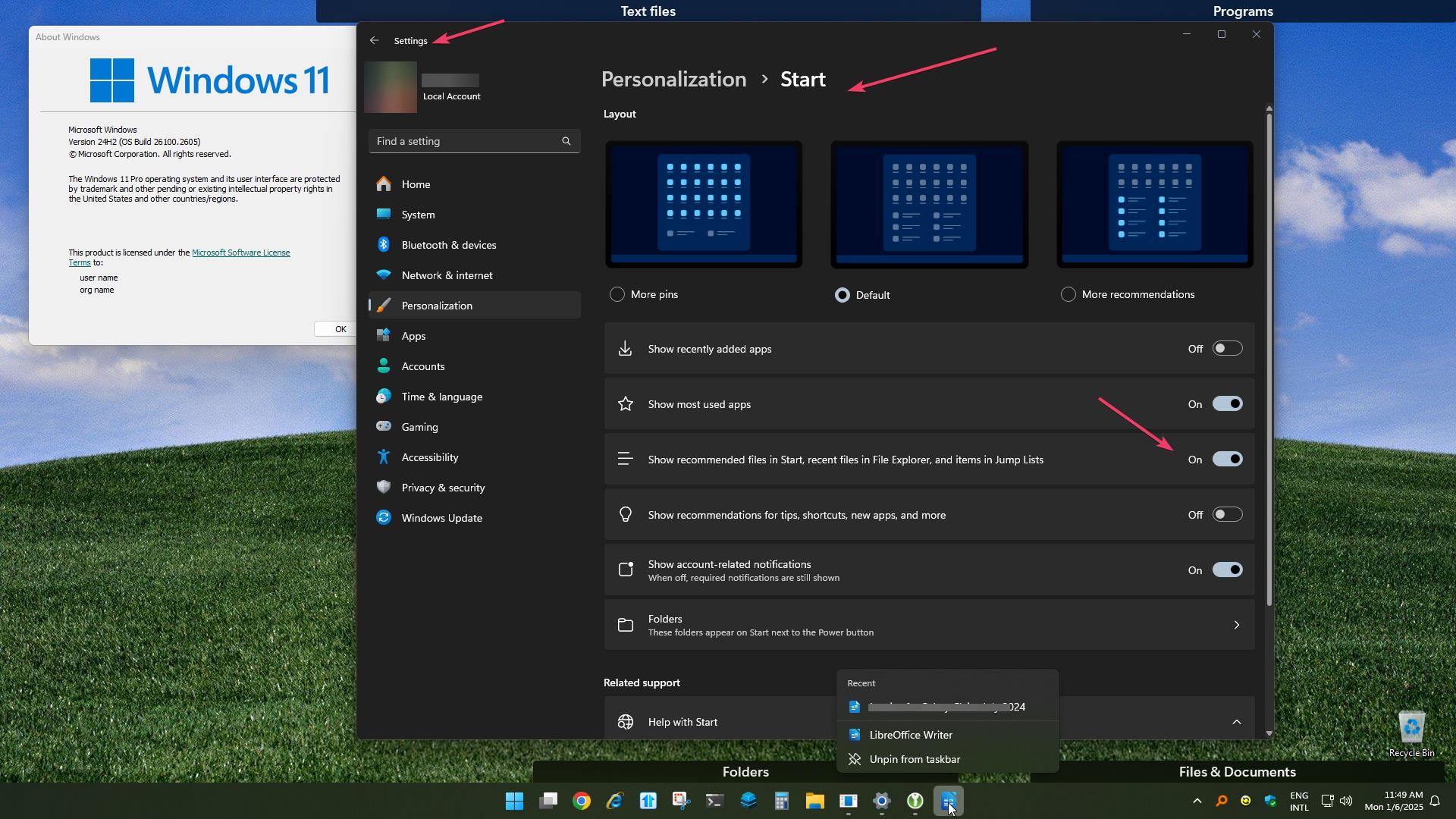
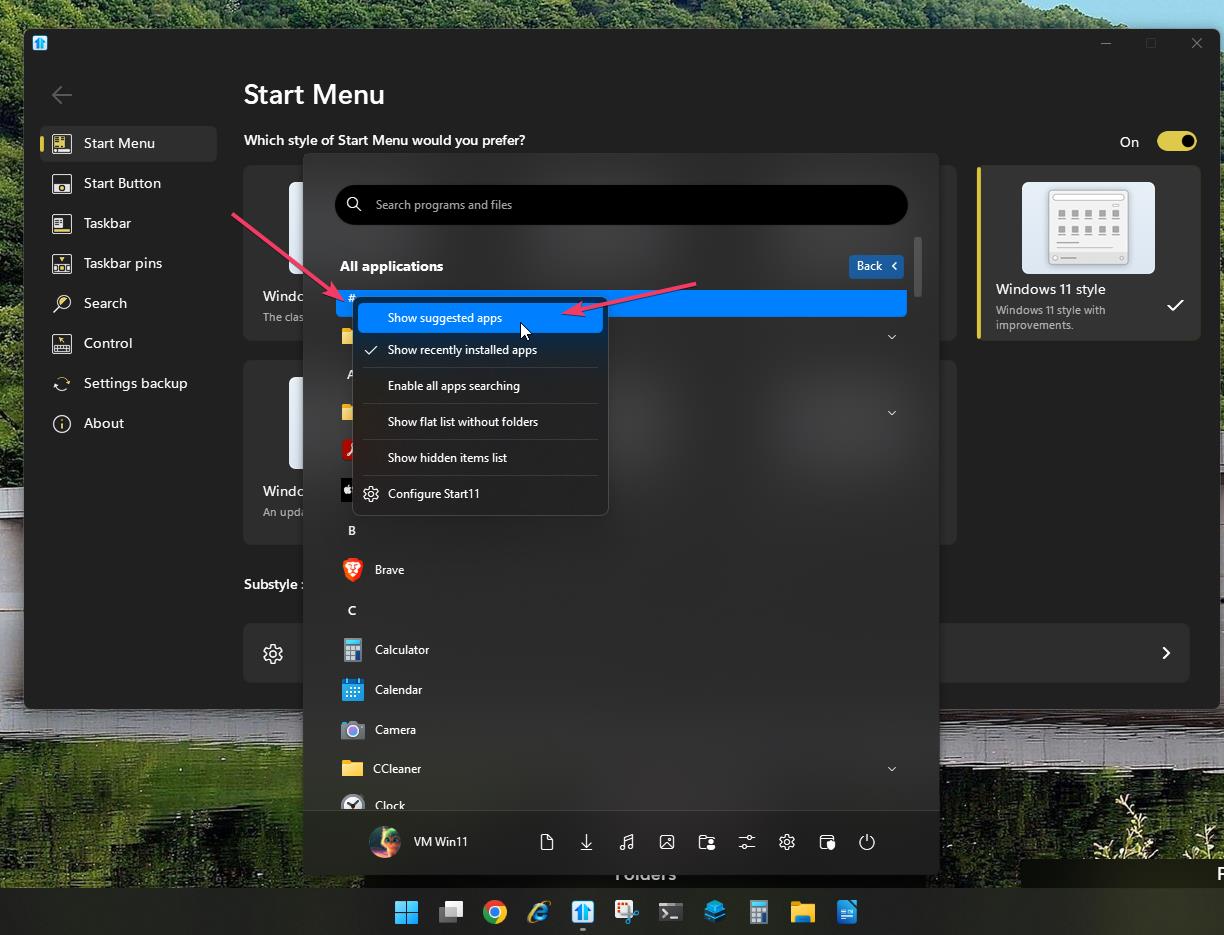
I do not see a # on my All Apps.. I am guessing you have an App that starts with a non-alphabetic A-Z character?
However I get the same menu by right clicking on any header: A, B, etc
I now have a list of Recent Documents instead of Recommendations and I am fine with that... it is a bit redundant because of the "Recent Files..." I added to the right hand side of the Windows Pro Style, but it is more helpful than Recommendations.
I also see that adding pinned items just pushes the Recent Documents down and maybe even off the screen, so I am good now.
Thank you.
Maybe adding icons for apps and documents and folders and... would have also pushed Recommendations off the screen as well and all this time was for naught just because I never pinned any icons over the past 2 years and never tried spending the time before to make it actually useful. I have always just typed whatever I wanted, but I find with my advancing age, the name of the program I want is getting harder and harder to retrieve quickly and I now need a better way to quickly choose from icon options with a mouse. I had used MS DOS for some 15 years before I had to start using MS-Windows and a mouse, so that was only natural and faster.
Now to figure out how to add day of the week to the Taskbar somewhere.
I tried changing the Windows display format for the date to ddd MM/dd/yy, but that had a lot of negative consequences.
Thank you so much for your time. I consider this case closed, probably.