Wrong position of jumplists with taskbar at the top

Hi,

I recently installed Windows 11 and Start11.

I have my taskbar positioned at the top of the screen. However, this results in an issue where the jumplists don't appear as expected below the clicked app icon but instead show up at the bottom of the screen.

For pinned apps, it mostly works (but had to unpin and repin some apps for it work), although sometimes the jumplist starts rendering at the bottom and then suddenly jumps to the top. However, for apps which are not pinned to the taskbar, the jumplist seems to always appear at the bottom of the screen.

This can sometimes be temporarily “fixed” by rearranging the order of apps on the taskbar. Overall, jumplists in combination with a top-positioned taskbar feel very clunky.

Windows Version 24H2 (Build 26100.2454) / Start 11 v2.11


1,904 views 11 replies
Reply #1 Top

Hello,
Sorry to hear you are having issues. If you turn on Start11 Enhance taskbar, does the issue go away?

Thank you.
Basj,
Stardock Community Assistant.

Reply #2 Top

Thank you for your response.

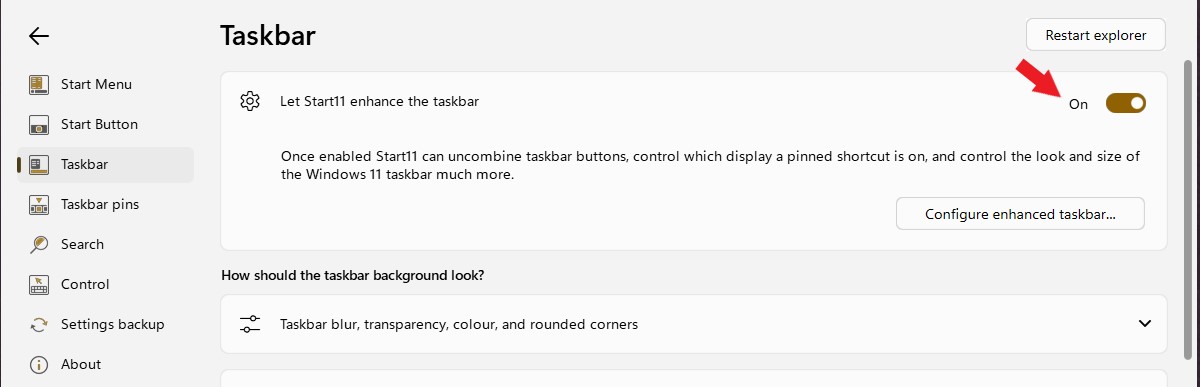
I forgot to mention that I had already enabled this option. Before I enabled it, it was even worse, as no jumplists appeared at all.

As far as I have observed, the issue only occurs with taskbar buttons that are not pinned and can be grouped. This means that if I disable button grouping in the enhanced taskbar settings, the position of the jumplists is correct.

Reply #3 Top

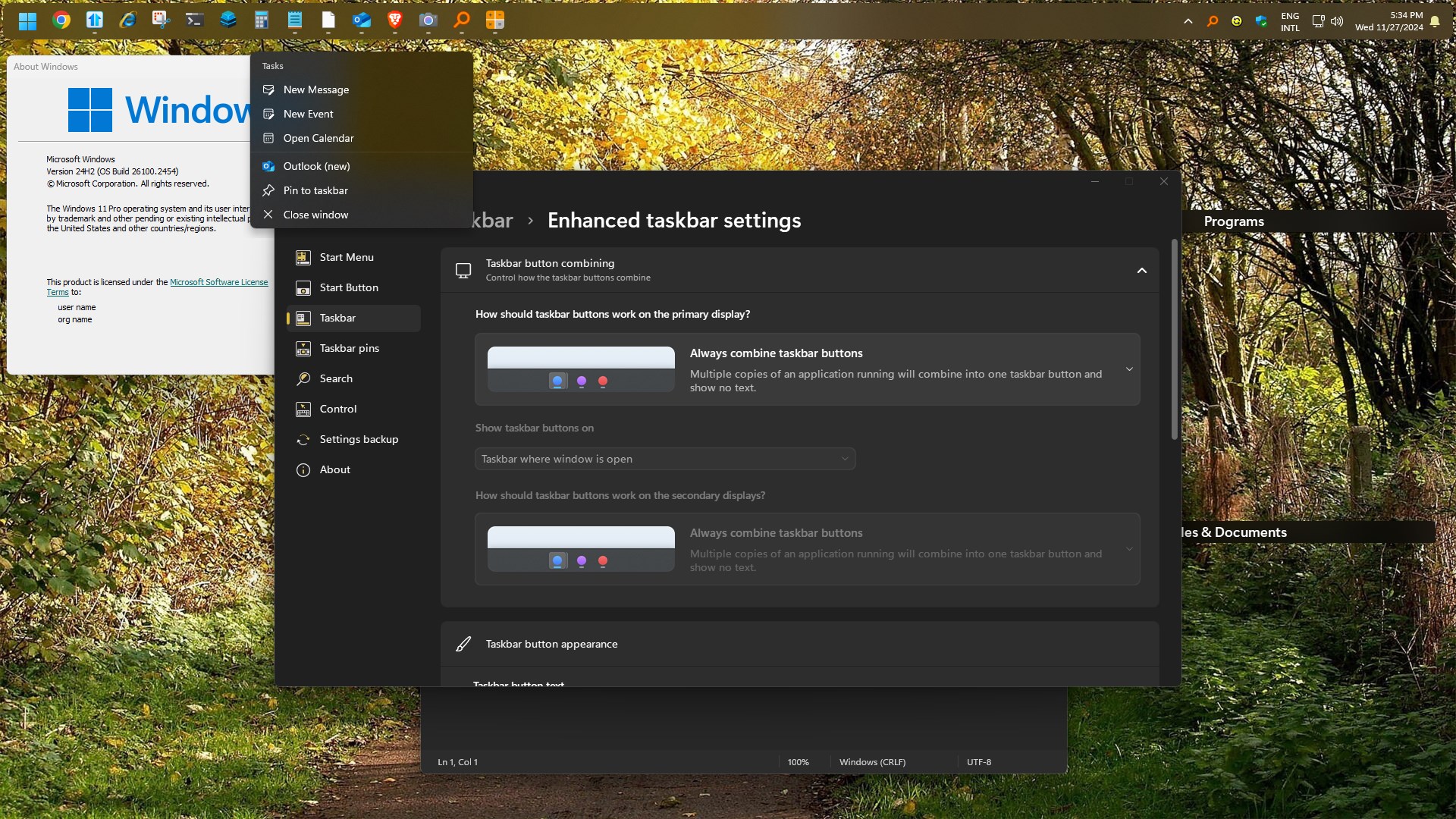
I can not reproduce your issue on my system. This is what I get on my system. Enhance taskbar on, Always combine turn on in Enhance taskbar, Start11v2.11. But, I am on 24H2 (OS Build 26100.2314). I am updating to latest 24H2, will post more if there is any different result.

Thank you,

Basj,
Stardock Community Assistant

Reply #4 Top

Tested on Windows 11 24H2 (OS Build 26100.2454) with same result as my screenshot above. Would like to suggest to do uninstall Start11, reboot immediately right after uninstall finished, redownload latest installer. Install it, reboot again. Retest and report back.

Thank you,

Basj,
Stardock Community Assistant

Reply #5 Top

Uninstalled (+removed settings) and reinstalled it, but the issue still persists.

However, I noticed in your screenshot, that your taskbar is centered. If I set it up like this on my system, everything works as expected. So the issue seems to only occur with a left-aligned taskbar.

Reply #6 Top

I set it the Start button to left and I still don't see the issue. Refer screenshot below.

There might be conflict with other application, do you have any other application that also change how your taskbar/Start panel/Explorer work? For example, DisplayFusion, StartAllBack, ExplorerPatcher etc?

Thank you,

Basj,
Stardock Community Assistant

Reply #7 Top

No, I haven’t installed any software that should affect the GUI/explorer in any way. I’ve been testing some settings and noticed that the issue disappears when I enable rounded corners and set the X-offset to medium or larger.

But the minor inconvenience that he jumplist sometimes starts rendering at the bottom of the screen and then jumps up once fully rendered still persists even if the X-Offset is set to medium.

If the X-offset is set to small or none, the problems with the jumplist positioning return. Although, this might not necessarily be directly related to the X-offset.

It also works if rounded corners are disabled and the taskbar size is set to small. Probably some problem with pixel calculations. 

For context, I’m using a 1920x1080 resolution.

To summarize, the issues occur if:

- the taskbar is positioned at the top
- the taskbar is aligned to the left
- enhanced taskbar is enabled
- rounded taskbar corners are disabled
- taskbar size is set to medium

That said, the workaround with rounded corners and an X-offset ≥ medium works well enough for me, assuming the issue can’t be reproduced on your end.


Reply #8 Top

Well, unfortunately, I disabled rounded corners, and I still can not reproduce this issue, however, I have forward your problem to Stardock Support Team for their assistance. Please keep an eye on this thread for any updates. We appreciate your feedback and patience.

Thank you.

Basj,
Stardock Community Assistant

Reply #9 Top

The next update of Start11 should resolve this for you.  Thanks for letting us know.

Reply #10 Top

Just curious. Are you right-clicking to make the jump lists appear for pinned apps, or do you have "Show hover cards for inactive and pinned taskbar apps" turned on in the Windows Settings>Personalization >Taskbar>Taskbar Behaviors?

Reply #11 Top

I'm using right-click to open the jump lists.

Also the "Show hover cards for inactive and pinned taskbar apps" option is missing in my Windows version but seems to be disabled.