Game crashes when loading a multiplayer save
from  Sins2 Forums
Sins2 Forums
Hello. I want to say that this problem happens only when you try joining a save from the multiplayer lobby. I can play multiplayer or LAN without issues. I can also load the multiplayer save in singleplayer and everything works. Saving and loading in singleplayer works.
When I join the lobby I can select the savefile, but when you try to play the game, 4 consequent error windows open.
Open file failed. path='C:\Users\Р С’Р Р…Р ТвЂР ЎР‚ей\AppData\Local\sins2\saved_games\1039\multi_player_user\Galactic Failure 3.sins2_save' mode=open_read
version=28.3.0 (180) log=C:\Users\Андрей\AppData\Local\sins2\logs\sins2_log_30156.txt ############################# ASSERT(_random_stream.is_valid()) version=28.3.0 (180) log=C:\Users\Андрей\AppData\Local\sins2\logs\sins2_log_30156.txt ############################# ASSERT(_time.get_current_tick().has_value()) version=28.3.0 (180) log=C:\Users\Андрей\AppData\Local\sins2\logs\sins2_log_30156.txt ############################# ASSERT(has_value()) version=28.3.0 (180) log=C:\Users\Андрей\AppData\Local\sins2\logs\sins2_log_30156.txt ############################# ASSERT(player != nullptr) version=28.3.0 (180) log=C:\Users\Андрей\AppData\Local\sins2\logs\sins2_log_30156.txt
The log has the same errors.
For some reason the game cannot read the savefile.
My pc has a Cyrillic username which was problematic for some programs. Might it be a good idea to move the save location to another disk? Is it even possible to do so?
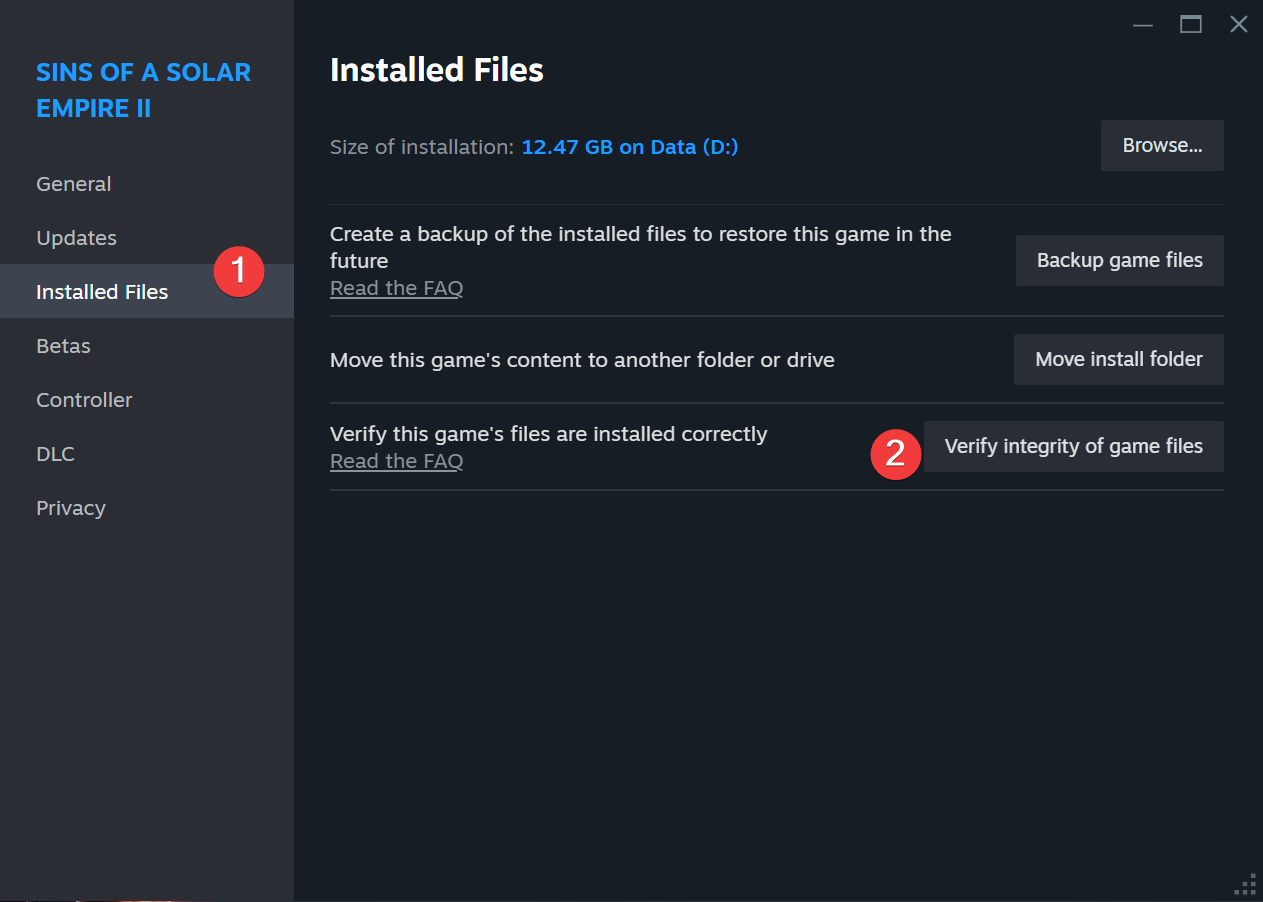
My friend also has the same problem. And in the recent update, when you save in multiplayer, it doesn't appear in game chat like it did previously. Recent updates and file verification haven't fixed the issue.
Any help would be appreciated!