How to restart Groupy?
from  Stardock Forums
Stardock Forums
I recently experienced a glitch with Groupy - a Word document left a ghost tab when I closed it. To get rid of this, I decided to restart Groupy but found no straightforward way of doing that. As such, I proceeded to force close GroupyCtrl.exe from taskmanager. However, that left me with no way to access windows that were in the foreground as tabs. Running GroupyCtrl.exe from the folder where Groupy is installed actually made things worse as now I could no longer create new tabs.
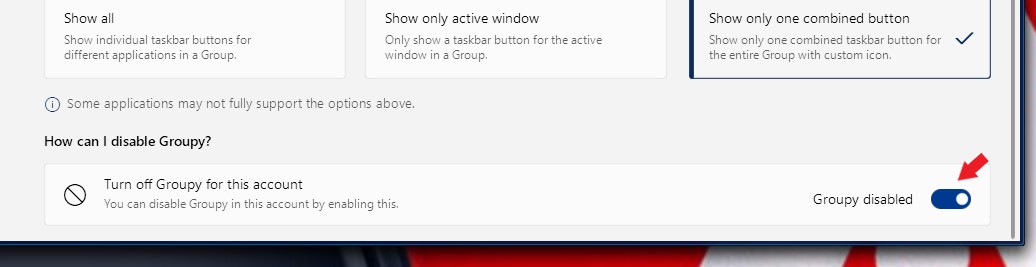
So, with all that said, what's the best way to restart Groupy when it acts up? And do you guys have any plans to add a simple close switch within the configuration window itself anytime soon?