skins issue

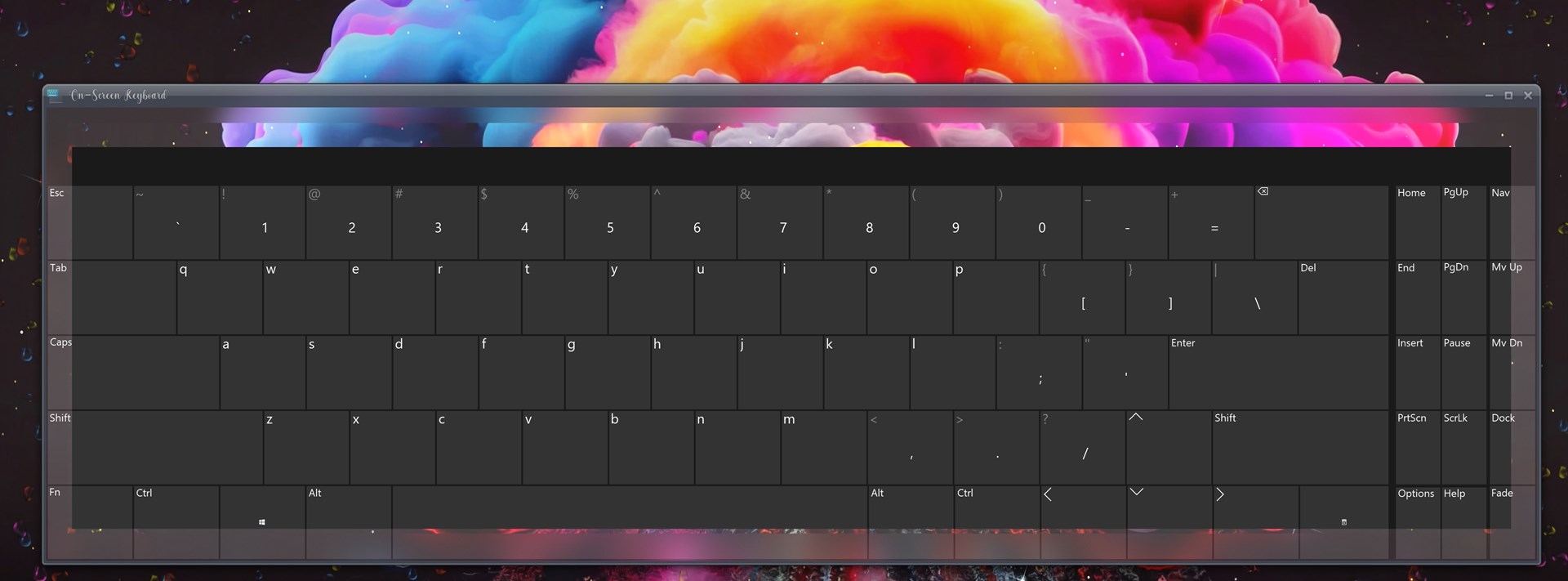
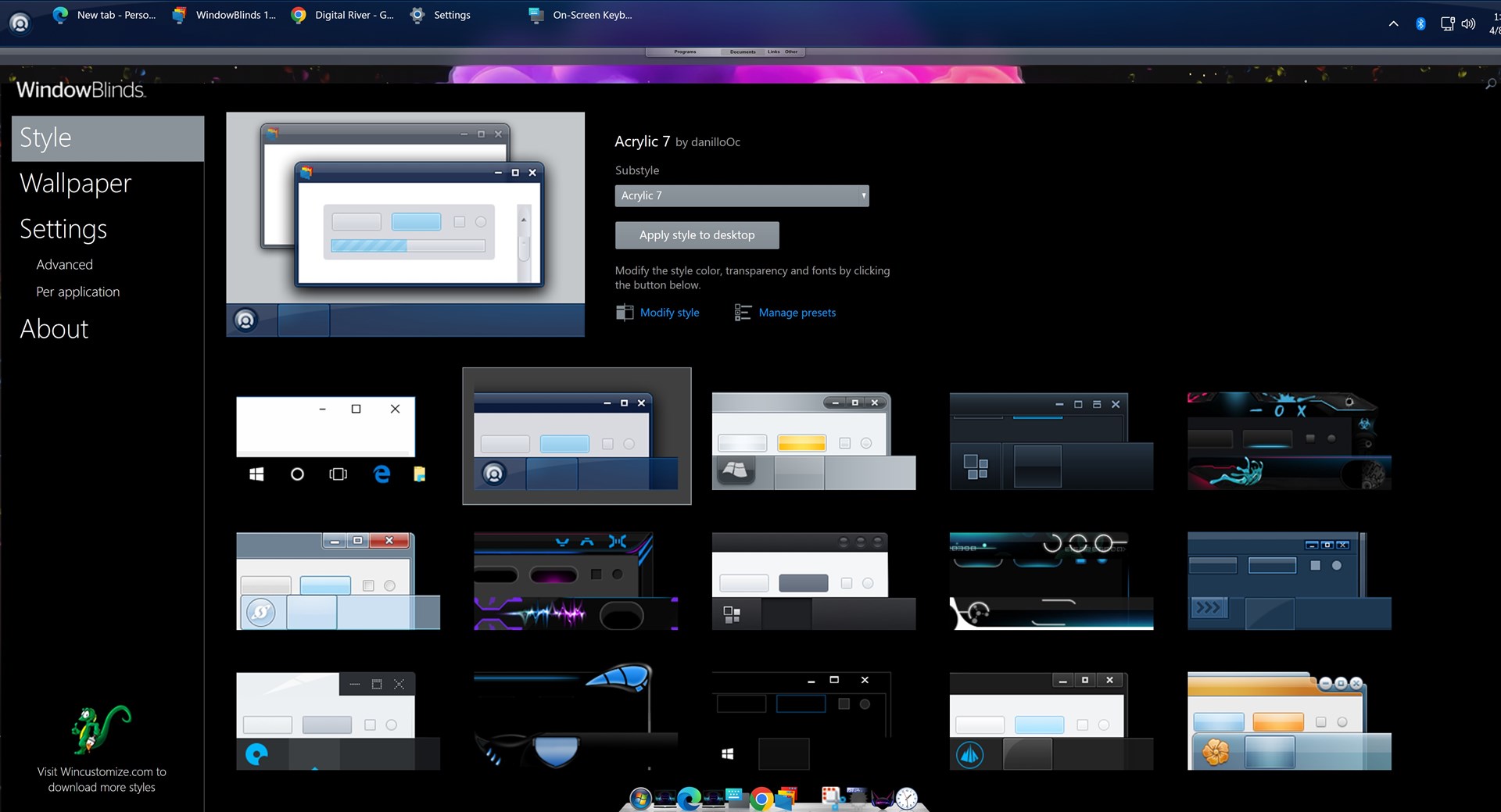
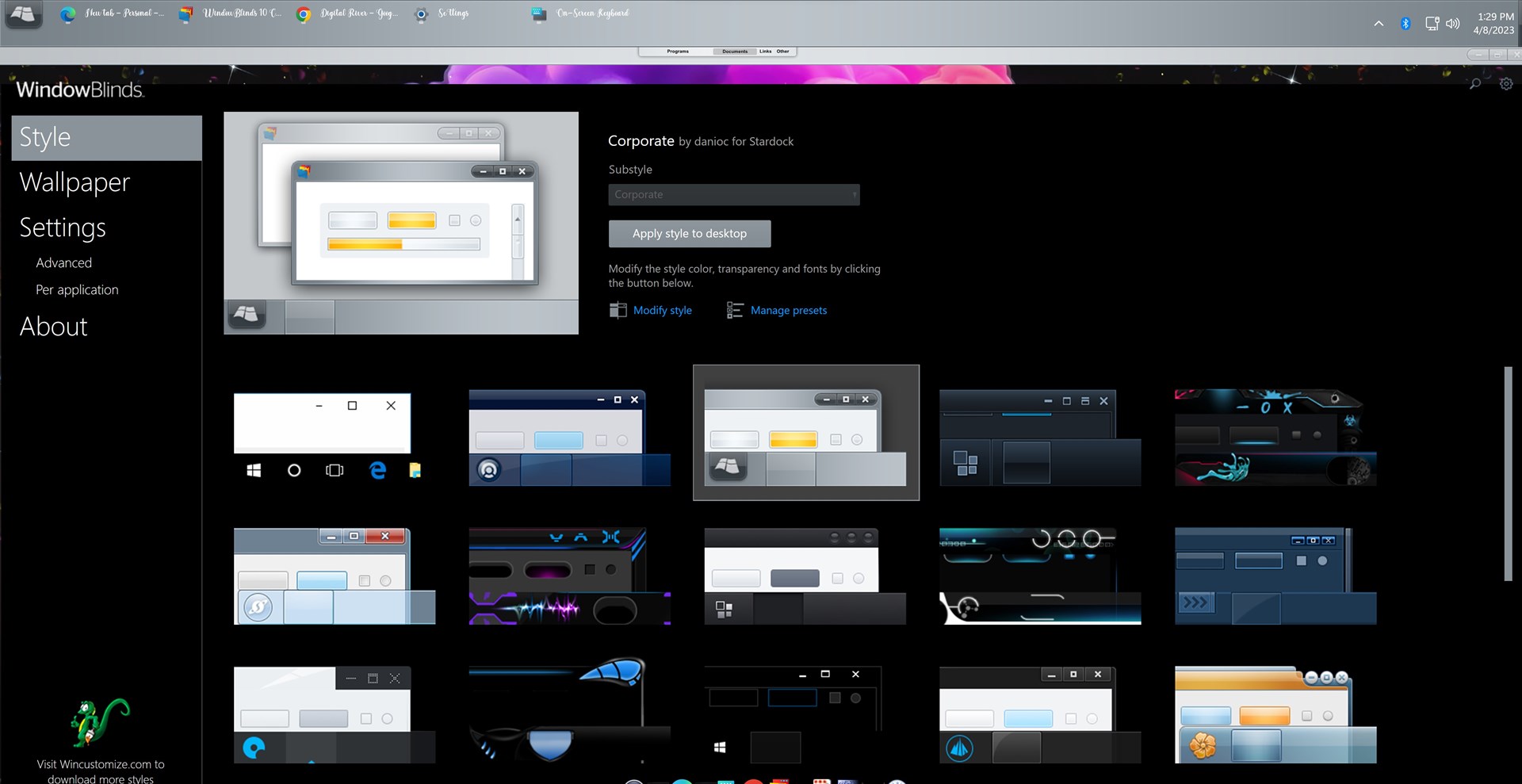
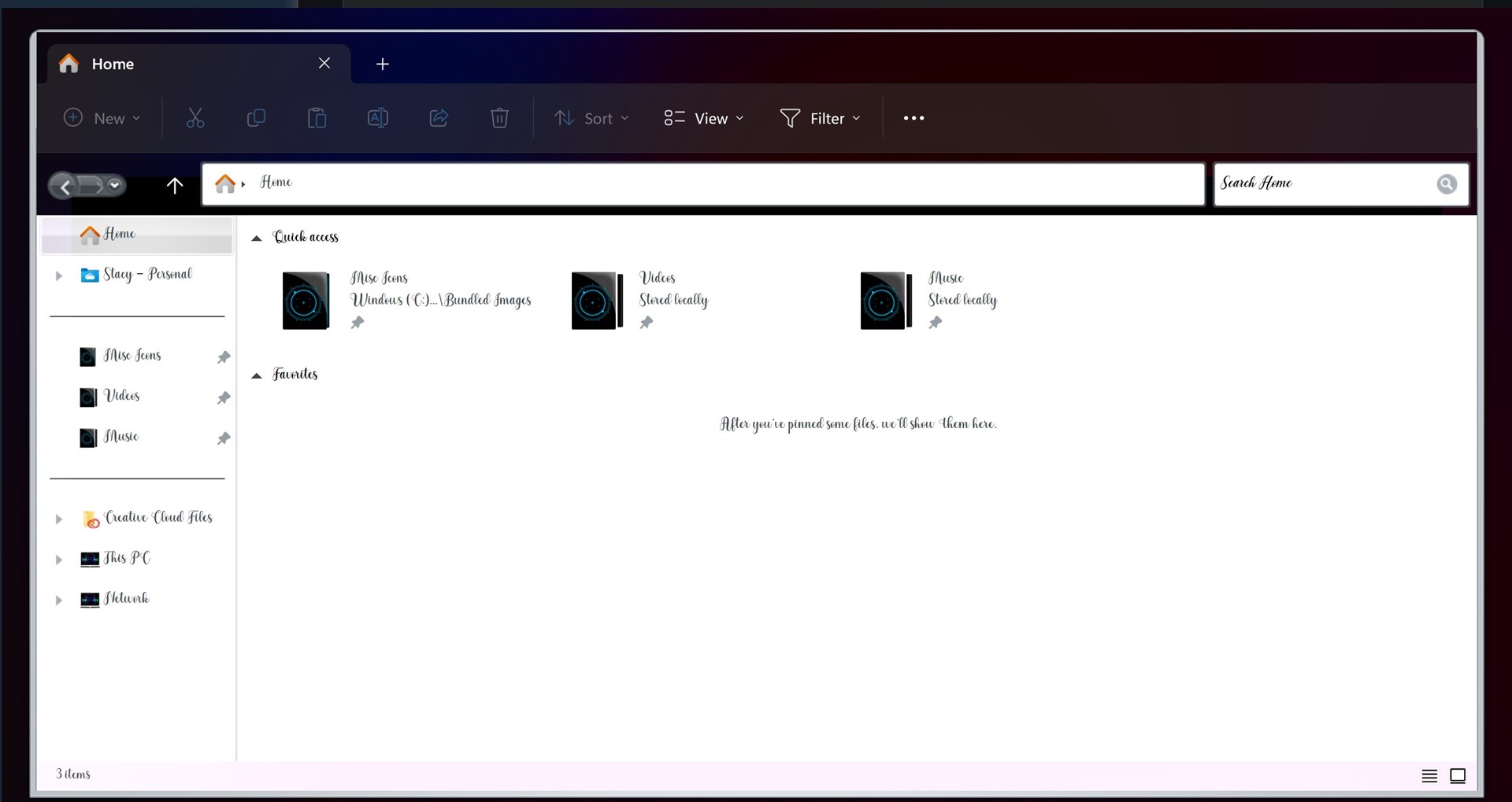
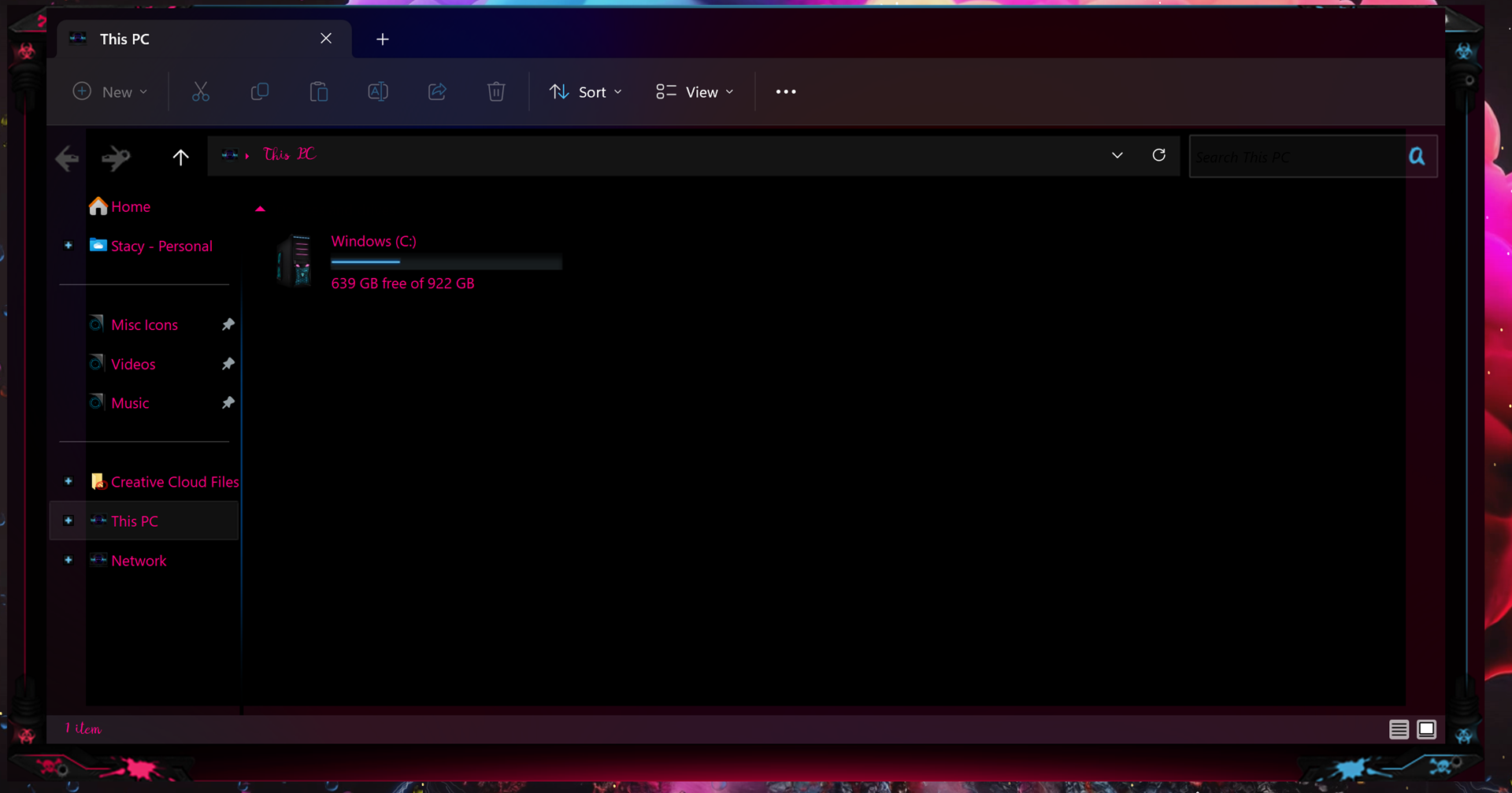
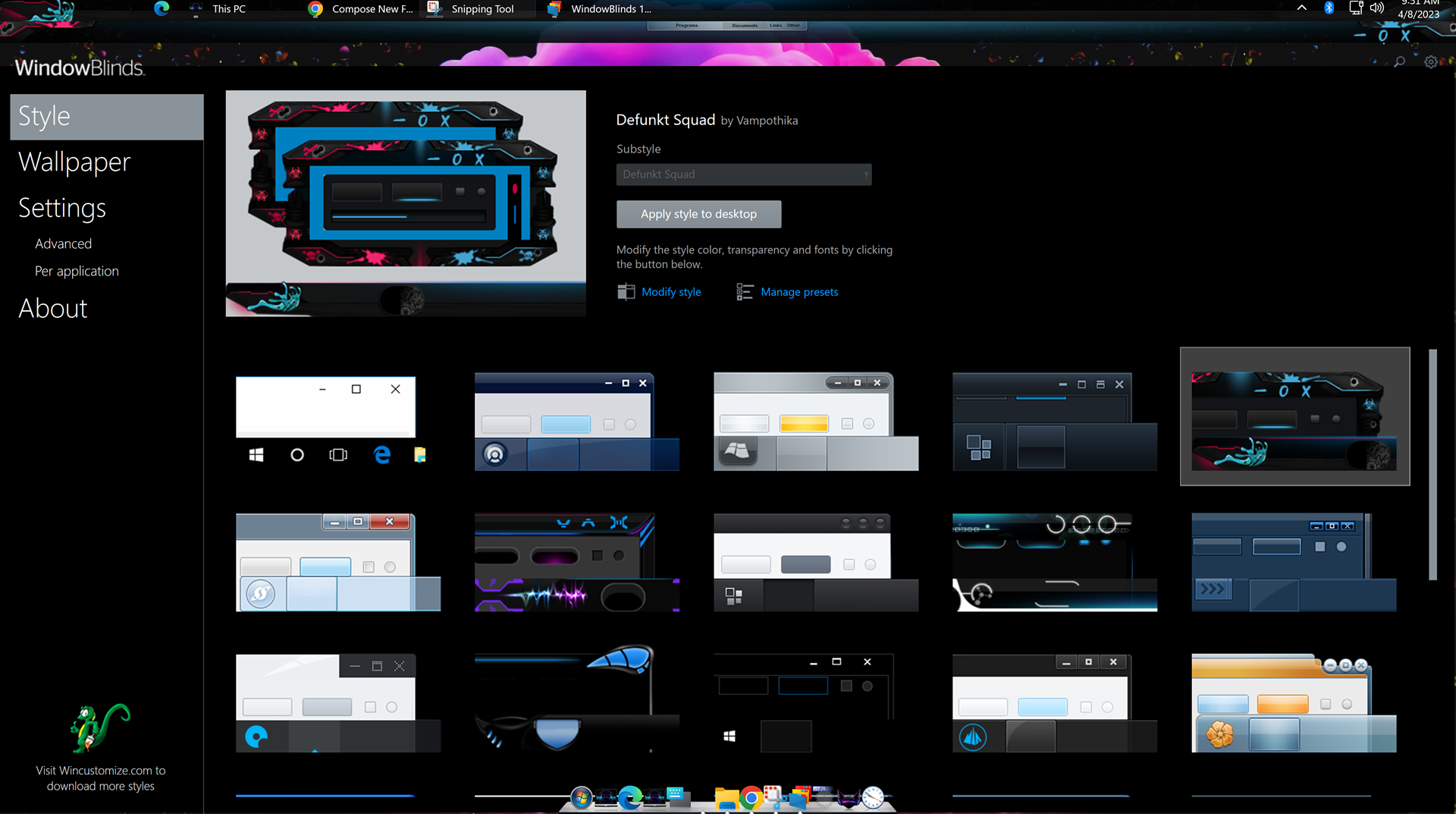
my issue is every single skin i apply from stock ones or ones i have purchased do not theme correctly. here is a pic of how a folder comes up it is all messed up at top i have no minimize button no close off button no expansion button because of how the skin has set in the folder and i have also included a pic of the program now look at the top there is a missing bar of some sorts it just leaves this invisible empty space. it does not matter what skin i place down they all do the same thing.
  

3,749 views 7 replies
Reply #1 Top

Hello,
Sorry to hear you are having issues. Need more information on your system. Please refer here: https://support.stardock.com/space/SHC/1387134987/Contacting+Stardock+About+WindowBlinds+Issues. Also take screenshots on Skin that come along with Windowblinds ie. Skin such as  Acrylic 7 or Corporate etc.

Thanks
Basj,
Stardock Community Assistant.

Reply #2 Top

Device name SnowTyger

Processor Intel(R) Core(TM) i3-10100F CPU @ 3.60GHz   3.60 GHz

Installed RAM 16.0 GB

Device ID 89E20CC1-4446-4869-A950-BE689F1C1F74

Product ID 00330-53525-40142-AAOEM

System type 64-bit operating system, x64-based processor

Pen and touch No pen or touch input is available for this display

Edition Windows 11 Pro

Version 22H2

Installed on ‎4/‎7/‎2023

OS build 22621.1485

Experience Windows Feature Experience Pack 1000.22639.1000.0


as you can see even with changing to them i still have the same issue and on the last pic i still have no icon to minmize, expand or close off on the far right top its like that on any skin i change to.

Reply #3 Top

Look like you're trying to use Windowblinds 10 on Windows 11. Which is not compatible. If that is true, please upgrade to Windows 11.

Thank you,

Basj,
Stardock Community Assistant

Reply #5 Top

Please try purge and reinstall steps as mention here : [Link]. Just make sure to redownload the latest version from your account page. Reboot after the purge. Reinstall and reboot again after the installation. Retest and report back here.

Thank you,
Basj,
Stardock Community Assistant.

Reply #6 Top

For some reason the 10 ver and 11 ver were in my programs so i got rid of both rebooted reinstalled ver 11 and rebooted again and now everything perfect thank you so very much for another pair of eyes. 

Reply #7 Top

Great, glad to hear that.

Thank you,

Basj,
Stardock Community Assistant