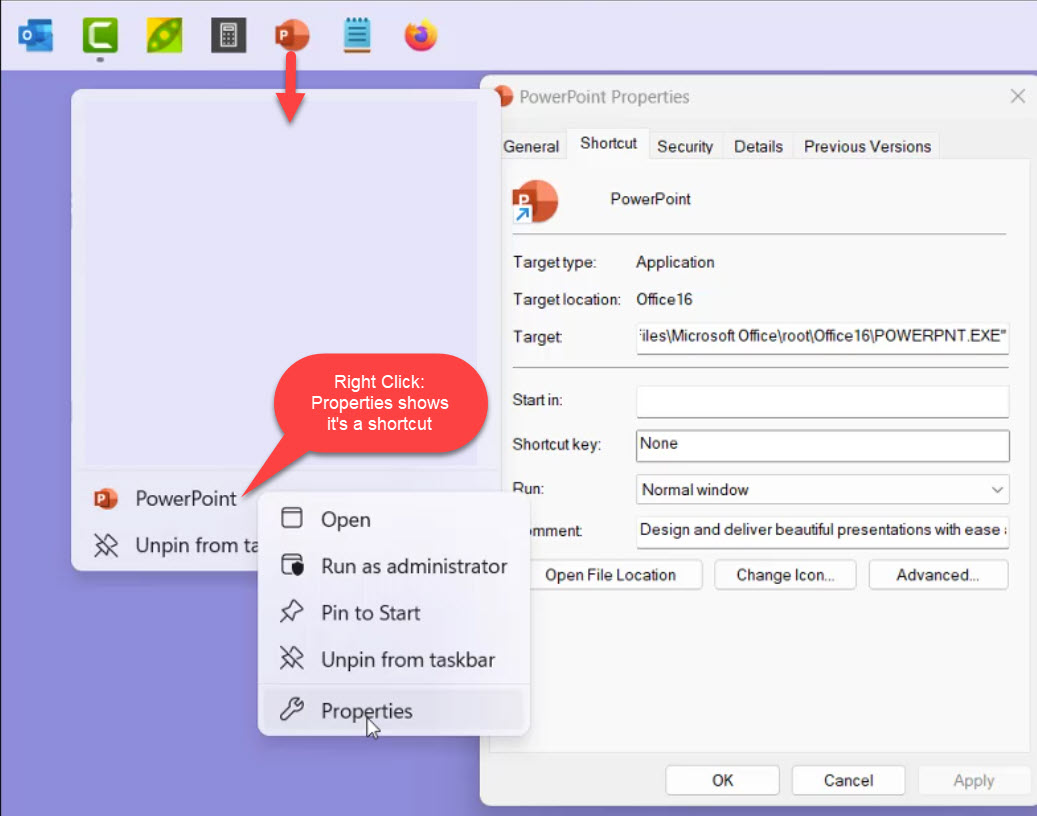
Cannot drag icons on desktop to taskbar anymore
I used to be able to drag shortcuts to the taskbar and pin them there. I can no longer do this after forced update to Windows 11, version 22H2. Does anyone know how to fix this please.
Stardock will be closed for the week starting on Monday, June 29th and we will be returning on Monday, July 6th. We will be monitoring support tickets and forums during this time but expect delays in responses during this time.
I used to be able to drag shortcuts to the taskbar and pin them there. I can no longer do this after forced update to Windows 11, version 22H2. Does anyone know how to fix this please.
Hi chamberlainke,
I am using the most up-to-date version of Windows 11 and Start11 1.36, it is functioning properly for me.
https://cdn.stardock.us/support/uploads/2022-12-08_15-09-03tpscroggins.mp4
Can you make sure you are up to date with Windows and Start11
Paul Scroggins
Associate Technical Support Analyst
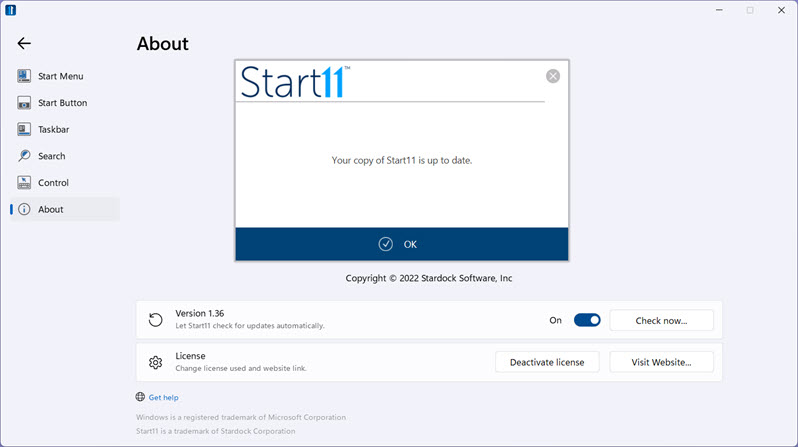
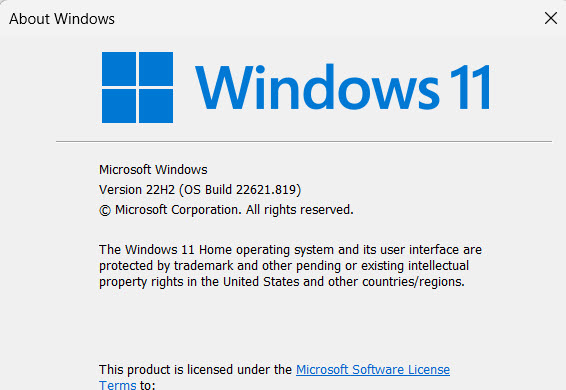
Thank you for the quick response. I can't see how to upload a video, but see images below showing applications up-to-date. Also, image showing previous shortcuts pinned to taskbar. Now I drag a shortcut to the taskbar and drop it, nothing happens.


Thank you for your help!
Hello,
Sorry to hear you are having issues. I tested on my Windows 11 V22h2 (OS Build 22621.900) with taskbar on top. And, I can still drag and drop from my desktop into the taskbar to pin it. Would like to suggest do this. Uninstall Start11, reboot immediately, download again latest version from your product account. Install that version, reboot again. Retest and report back.
Thanks
Basj,
Stardock Community Assistant.
Thank you for your help! I did uninstall/reinstall a couple of times, the last one removing settings too. I tested pinning a folder to the taskbar when Stardock was uninstalled and got the same result. So I contacted Microsoft support and they said that you can only pin applications to the taskbar. I have a folder pinned to the taskbar but that just somehow survived the upgrades that have been done I guess. Can't explain it.
However, I found instructions online (search "windows-11-taskbar-pin-almost-anything" from makeuseof) that say to create a shortcut on your desktop, then edit the Target path to have "Explorer " (w/space) at the beginning, then also change the icon and when you right-click this shortcut you can choose pin to taskbar.
This worked for me. (But it would be nicer if I could have my custom toolbar back as this didn't take up as much space on the taskbar with small icons for everything I used.) And, Stardock, it would be really nice to put the taskbar on the right!
I really appreciate the help.
Welcome Guest! Please take the time to register with us.