Hi
Sorry to say that testing this again today the Windows File and Folder Sharing was working without KVM3 - then loaded Multiplicity KVM3 - rebooted and subsequently lost the shared folders ICONs on both PCs in Explorer. Deleted Multiplicity and they appear again!
I have checked Norton and Multiplicity is "allowed" on both PCs = I cannot see why this is happening as the programme has been running OK for a long time. But I now have a need to file share between the two PCs as a priority which currently means that I cannot use Multiplicity which is a great shame.
Maybe it works on your PCs but not on mine. Yesterday, the Microsoft Tech support reckoned that Norton was to blame but we re checked this, and Multiplicity as well, Norton was found to be OK but not Multiplicity...  Checked again this morning still the same...
My spec - Windows 10 Home 21H2 (19044,1566) used for Gaming
As a suspicion - I checked the Services and found that Function Discovery Provider Host was not running ....(although this is set to Automatic) still checking this out as I write...
Any assistant would be gratefully received.
Nik


 Stardock Forums
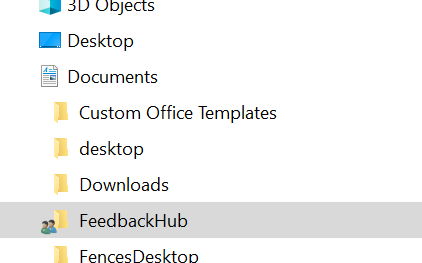
 Checked again this morning still the same...