Display Date and Time on the Taskbar
I've searched everywhere I can think of, can't find a setting to display the date and time on Start11. Where it the setting?
Hello,
Sorry to hear you are having issues. Where you wanted the time and date to appear? On secondary monitor?
Thanks
Basj,
Stardock Community Assistant.
No, on the primary. The normal Time and Date aren't displayed anywhere.
More on your system please.
Thank you,
Basj,
Stardock Community Assistant
Windows 11


No, I don't have any other apps that affect the taskbar.
I uninstalled Start11, and now the Windows Start doesn't work.
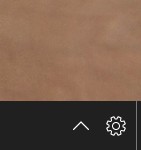
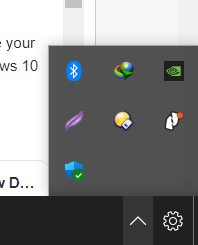
I believe you have install other application that mod Windows 11 shell. I see the cog icon on your taskbar and see something very similar to this tutorial :
You will need to remove all those so there will be no conflict between Start11 and those applications.
Thank you,
Basj,
Stardock Community Assistant
Thanks for the response. I reset the PC and the date and time returned. The same apps are installed, so it wasn't any of them. Something buggy in the first install of Start11.
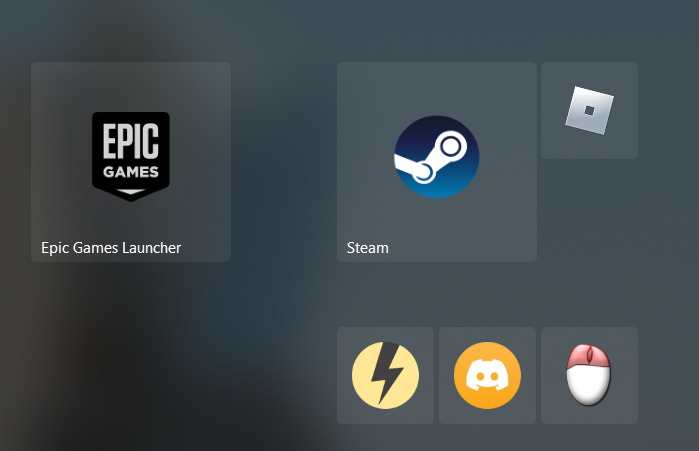
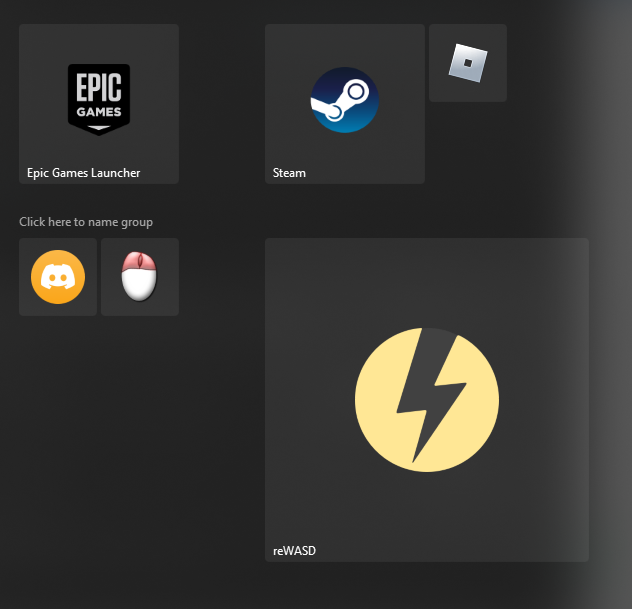
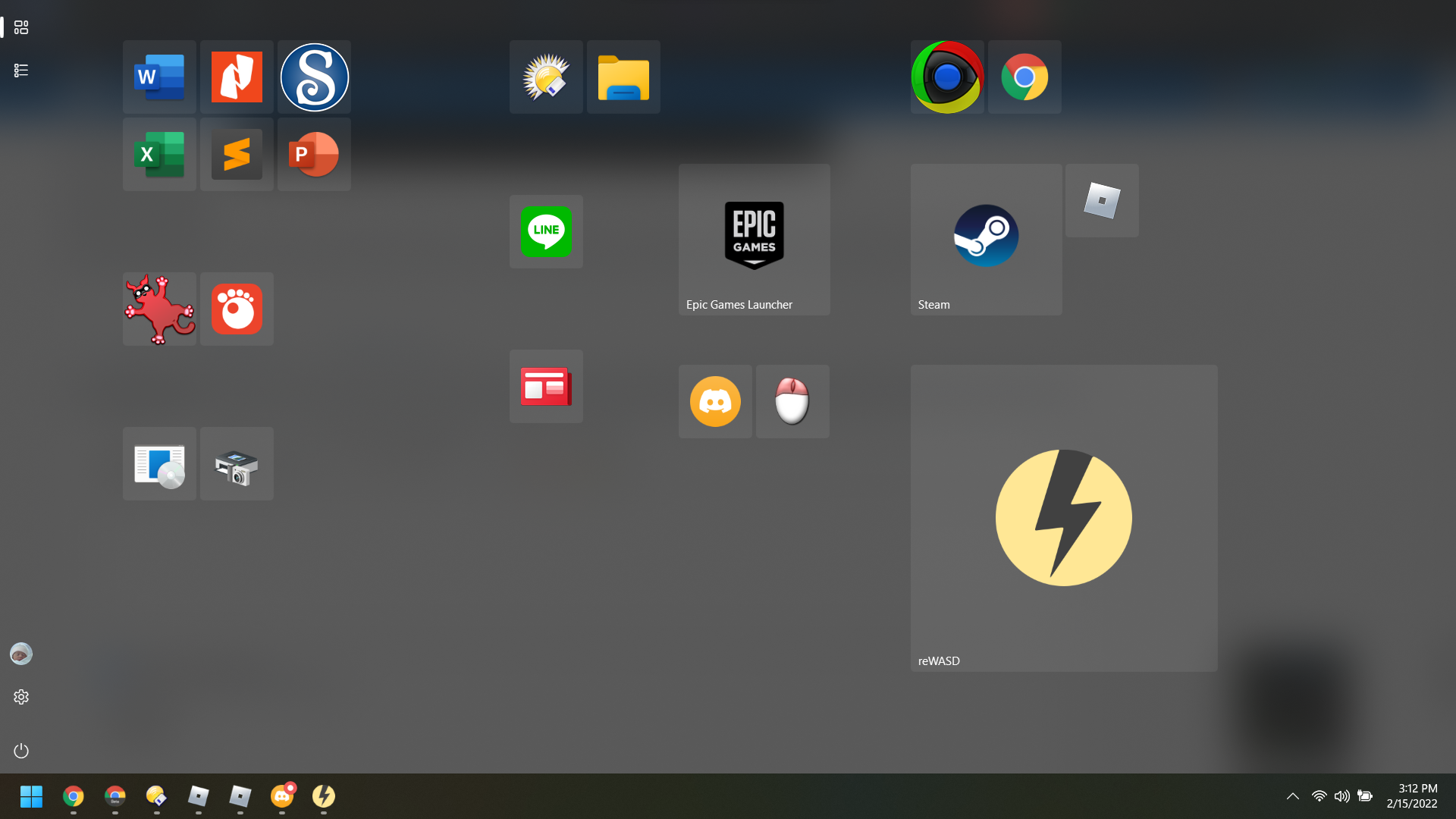
Now I have a different issue. Since I reset the PC, the tiles on Start11 are huge. They are set to medium, but they are way bigger than they were before.
Probably go back to Windows 10 for another year or so.
Your initial issues were probably not related to Start11 itself.
I imagine something in Windows 11 glitched hence the missing clock and the broken Windows Start menu even without Start11 installed.
For the icons could you post a screenshot as it would be helpful to see the problem.
Could be just a trick of the light. Maybe I remember it differently before the reset?!? ![]()
This image is with Windows 11 scale set to 125%

This image is with Windows scale set to 100% 
My vision is not what it used to be, so I want to keep the 125% scaling. The small icons are okay, I can live without the text.
And a full screen at 125%

It looks like you may have set Start11 to size things bigger too.
If you open Start11 config and click the settings cog next to the Windows 10 style and scroll down you should see an option called "Shortcut icons should be sized" This defaults to Medium. Changing this will change the icon sizes.
Likewise if you scroll up there is a setting called Customize menu visual appearance. Clicking this takes you to a screen that has an option for making menu font bigger or smaller. This scales everything on the menu, so 100% is the default.
Ah, that's it. I was on that page, and I used the scroll wheel, and it set the size to Extra Large. I have to be careful of the cursor location when using the scroll wheel.
As you are providing excellent help, can you answer two more questions?
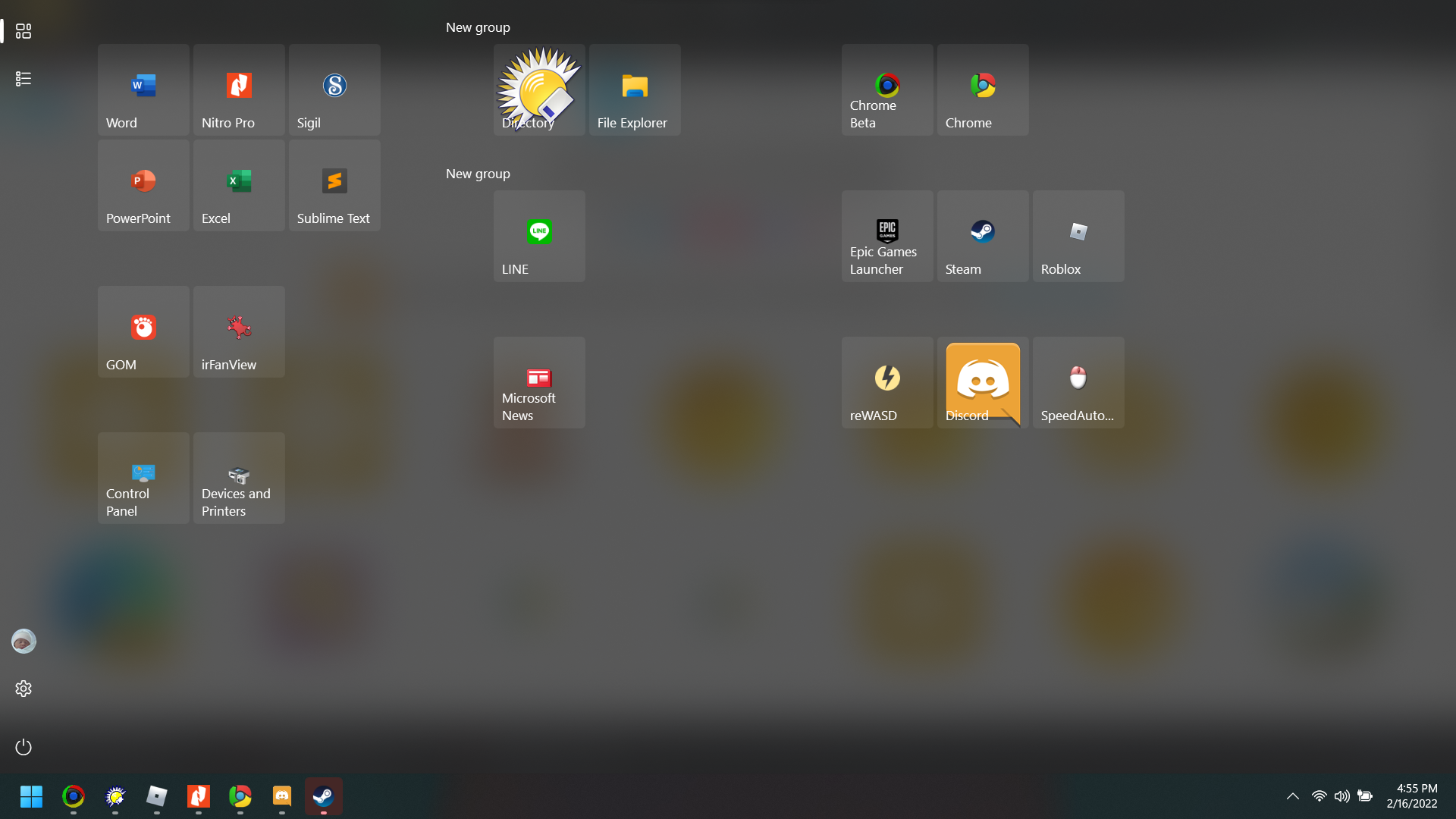
1) Is there a way to stop the automatic inclusion of the New group text? I can't imagine the need. I know I can delete it, but if I could turn it off by default, that would be nice.
2) Is there a way to scale the icon? For example, Directory Opus (the sun) is a png. I've tried different ico sizes too, but they all display the same way; they fill the tile.

Welcome Guest! Please take the time to register with us.