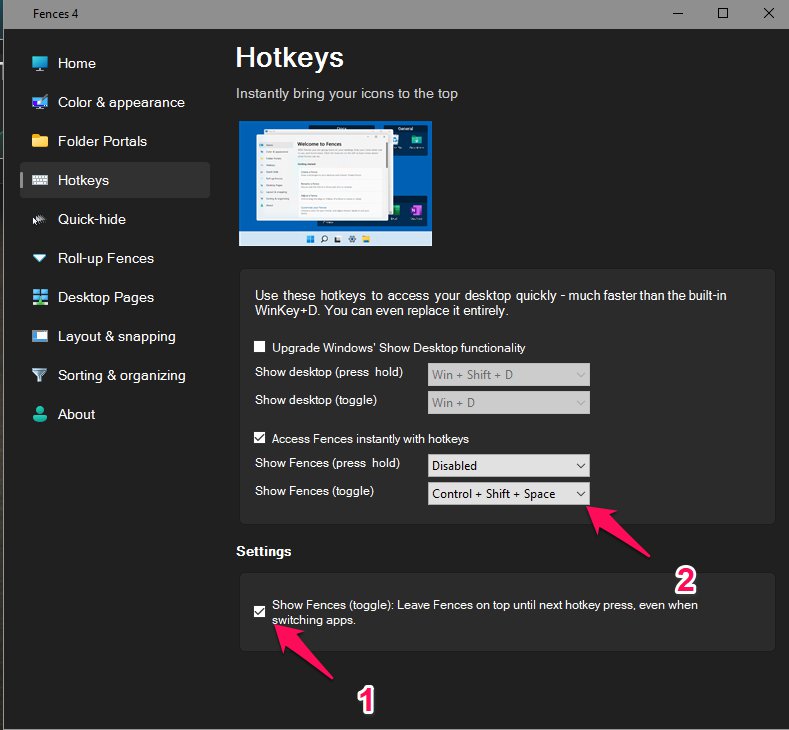
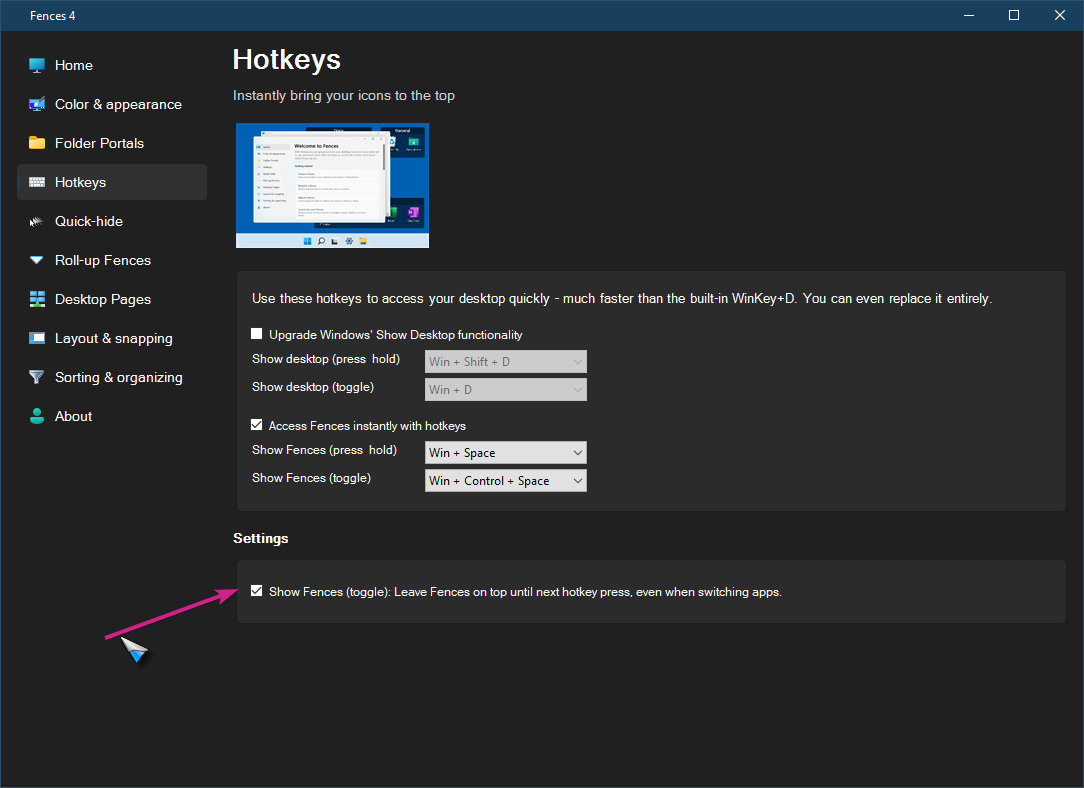
Problem with "Show Fences (toggle)" setting

Stardock will be closed for the week starting on Monday, June 29th and we will be returning on Monday, July 6th. We will be monitoring support tickets and forums during this time but expect delays in responses during this time.

Sorry your having issues.
What version of Windows ?
What version of Fences ?
Thank you for your reply.
Windows 10 pro, 10.019042 build 19042
Fences version 4.0.0.3
Hello,
I have forwarded your report to the Stardock support team for their review and recommendations.
Please keep an eye on this thread for any updates.
We really do appreciate your feedback, thanks.
OK, thank you. I can record a video if necessary. I will monitor this thread.
Any news?
Are you saying that you set the app to 'Always be on top' but then expect Fences options to override it? If that is the case, it will not.
Sean Drohan
Stardock Support Manager
I expect that the settings in Fences will make a rolled-up fence display on top of other windows when the mouse pointer moves over.
I never set any other attributes to any other apps or windows to be set on top and expect Fences to override that setting if that is what you meant.
So basically the setting needs to keep fences on the top of all windows, active or not.
In any other case, the "toggle" setting in Fences is useless and works as a "hold" function (making it redundant), but with the need to press hotkey three times - first to activate it, then to deactivate it when you make some window active (fence will be displayed under it), and then turn it back on to work just until some window is active and the fence is displayed under it again.
Any answer to the problem?
If I am reading what you are writing correctly, Fences 4 is working as designed.
When the toggle to have Fences show above all apps is used, it will keep them there only as long as nothing else is given focus. When that happens, that another app is given focus, Fences will revert to the natural order (below).
Sean Drohan
Stardock Support Manager
Thank you for the reply.
What does that function do, what purpose does it serve?
It doesn't make any sense to have a function named "always on top" but what it does actually isn't always on top. It just makes you do an annoying amount of hotkey presses to achieve the same thing as with the "hold" function. What am I missing?
I suspect you mean this, yes:

There does seem to be some inconsistency in how that is functioning and it has been discussed in another thread. I will talk with the devs about it.
Sean Drohan
Stardock Support Manager
Yes, this is what I mean. Please do let me know the details.
Any news/updates to fix this issue?
No update on this as of now ... Stay-Tuned
Welcome Guest! Please take the time to register with us.