
Start 11 Menu not centered on monitor

Yesterday I installed the Start 11 trial before deciding to purchase it. I am having an issue where when I choose the Start Menu to be centered it isn't, even though I chose centered in the Start Menu settings. It starts wherever the Start button is on the taskbar depending on how many icons I have in the taskbar, not actually centered on the monitor and it looks wrong. Is this a known bug or is there anything I can do to fix this issue?

6,149 views 10 replies
Reply #1 Top

Hello,
Sorry to hear you are having issues. Need to know more on your system.

  1. Windows 10 or 11?
  2. Windows version numbers. You can use Windows Winver.exe to get Windows full version numbers.
  3. Start11 version installed.

Thanks
Basj,
Stardock Community Assistant.

Reply #2 Top

Windows 11 Version: 21H2 Build #: 2200.282

Start 11 Version 1.0

Reply #3 Top

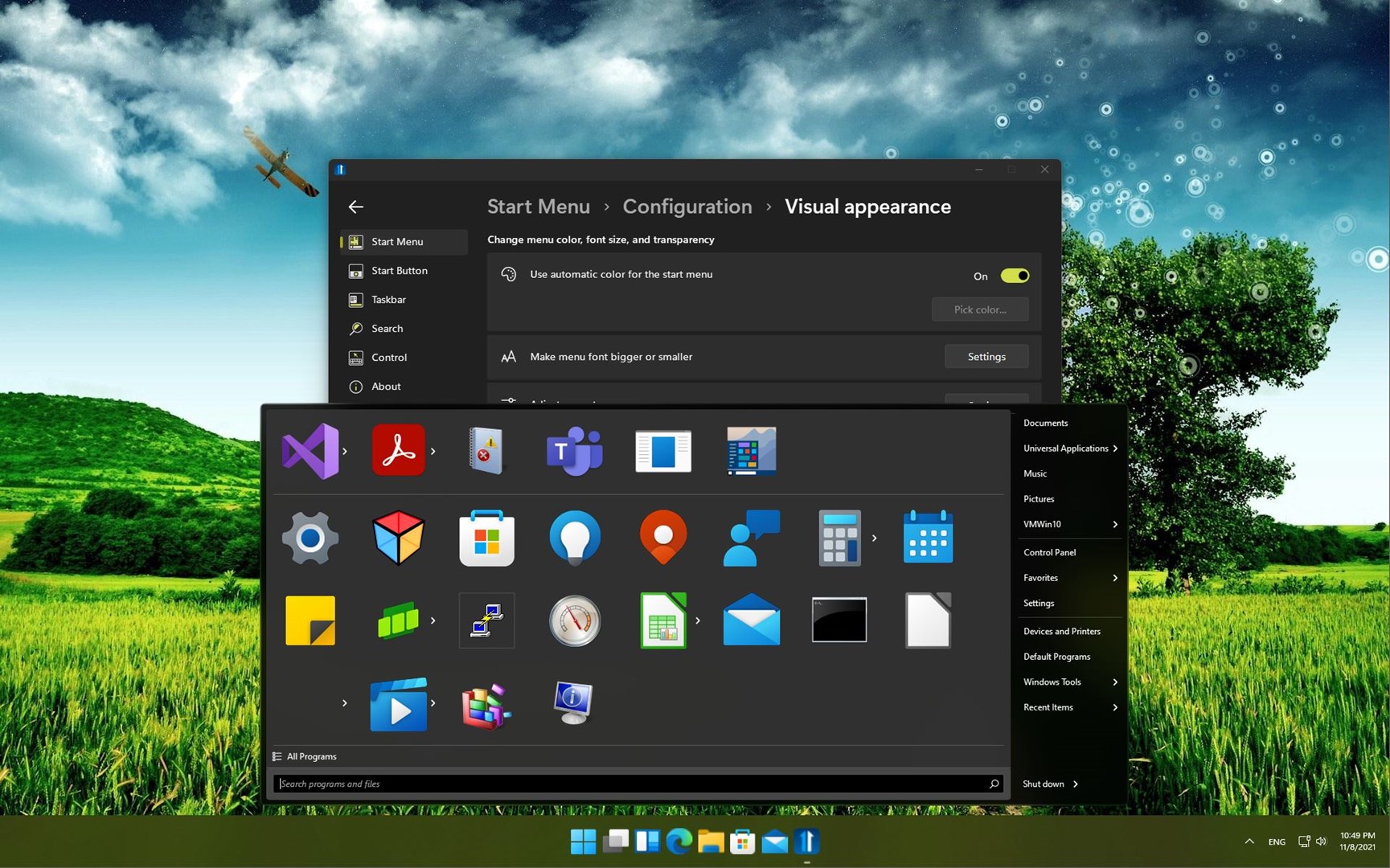
I can't reproduce your issue. Can you post a screenshot on what you're seeing? Here is what I have on my system.

Thank you,

Basj,
Stardock Community Assistant

Reply #5 Top

Hello,
I have forward your problem/question to Stardock Support Team for their assistance. Please keep an eye on this thread for any updates. We appreciate your feedback and patience.

Basj,
Stardock Community Assistant

Reply #6 Top

Quoting Snap30, reply 4

Here is a picture with the Modern Start Menu
End of Snap30's quote

From your image, it looks centered.  The Start11 button will never be in the actual center of the taskbar itself if that is what you are expecting - it will always be to the left the left most taskbar icon.

Sean Drohan
Stardock Support Manager

Reply #7 Top

I'm not talking about the Start 11 button. I'm talking about when the menu pops up instead of being centered on the taskbar it stars above wherever the Start button is. With the Windows 11 Start menu it doesn't matter how many icons there are in the taskbar the Start Menu is always centered.

Reply #8 Top

Quoting Snap30, reply 7

I'm not talking about the Start 11 button. I'm talking about when the menu pops up instead of being centered on the taskbar it stars above wherever the Start button is. With the Windows 11 Start menu it doesn't matter how many icons there are in the taskbar the Start Menu is always centered.
End of Snap30's quote

The menu repositions itself with Start11 because it is a very poor user experience to click on the button and then have to move your mouse right to find the menu.  The more buttons you have and the less wide your menu is the worse this experience becomes.

We could look to add an option to force it to be in the centre for those who don't care about that and just want it exactly centred.

Reply #9 Top
Quoting Neil, reply 8

The menu repositions itself with Start11 because it is a very poor user experience to click on the button and then have to move your mouse right to find the menu.  The more buttons you have and the less wide your menu is the worse this experience becomes.

We could look to add an option to force it to be in the centre for those who don't care about that and just want it exactly centred.

End of Neil's quote

With respect Neil, I feel this to be essential if Start11 offers "Windows 11 Style" as one of the options.  The current implementation (centering the taskbar buttons without centering the menu) is counterintuitive and arguably poor aesthetically, regardless of how you feel about the extra mouse movement.

I do believe adding this as an option would be valuable. Thanks for listening.

Reply #10 Top

Quoting garyvot, reply 9

With respect Neil, I feel this to be essential if Start11 offers "Windows 11 Style" as one of the options.  The current implementation (centering the taskbar buttons without centering the menu) is counterintuitive and arguably poor aesthetically, regardless of how you feel about the extra mouse movement.

I do believe adding this as an option would be valuable. Thanks for listening.
End of garyvot's quote

It is still curious to us why this would be desired but it has been added as an option for the next update based on this feedback (thank you for it).

Sean Drohan
Stardock Support Manager