Start 11 Start Menu Not Always Centered Properly In Multi Resolution Multi Monitor Setup
 Stardock Forums
Hello,
I'm using the latest release of Win11 (22000.194) and Start 11 (version 0.90) . Start 11 was freshly installed.
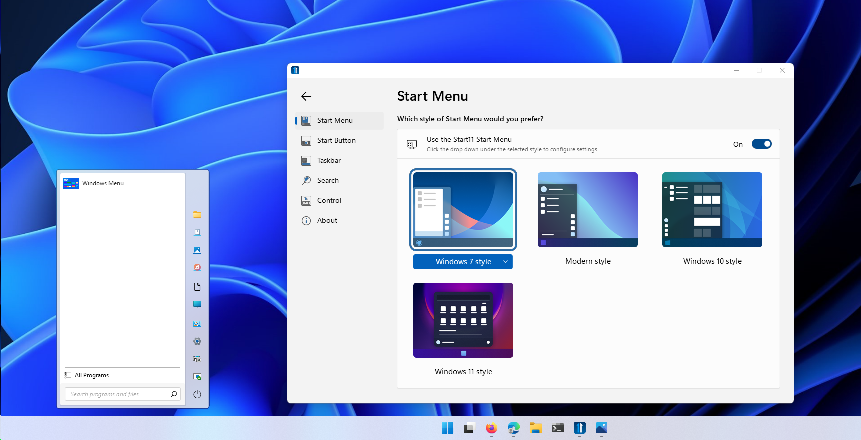
As can be seen below, hitting the Windows key or clicking on the Start Menu causes it to open up far left of where it should be.
This occurs with any style Start 11 Start Menu.
This is not an issue if I choose to dock the Start Menu left. The Start Menu pops up in the expected place.
I'm not sure, but this looks perhaps related to the fact that I have multiple monitors, and that they are not all the same resolution. The issue only occurs on the center 3440x1440 resolution monitor. On the left and right 1920x1080 resolution monitors, the Start Menu pops up centered where it should.
If I disable the two 1920x1080 monitors and toggle Start 11 off then back on, the Start Menu pops up where it should on the 3440x1440 monitor.
As soon as I re-enable the two 1992x1080 monitors, the Start Menu on the center 3440x1440 monitor once again opens up to the left. Toggling Start 11 off then back on again does not resolve the problem.
Thanks!