Black bars above and below remote display window

Hi, I'm hoping someone here can help out with a minor display issue.

I've noticed a visual oddity when connecting to one of my PCs in full KVM mode. It started happening right after updating the Multiplicity software many months back. It was likely in the later part of 2020 when this issue was first noticed. To be clear, this issue doesn't prevent any functionality and isn't critical, but it is less than ideal (you might say an eye sore) and seems like it might even be a quick fix for the team.

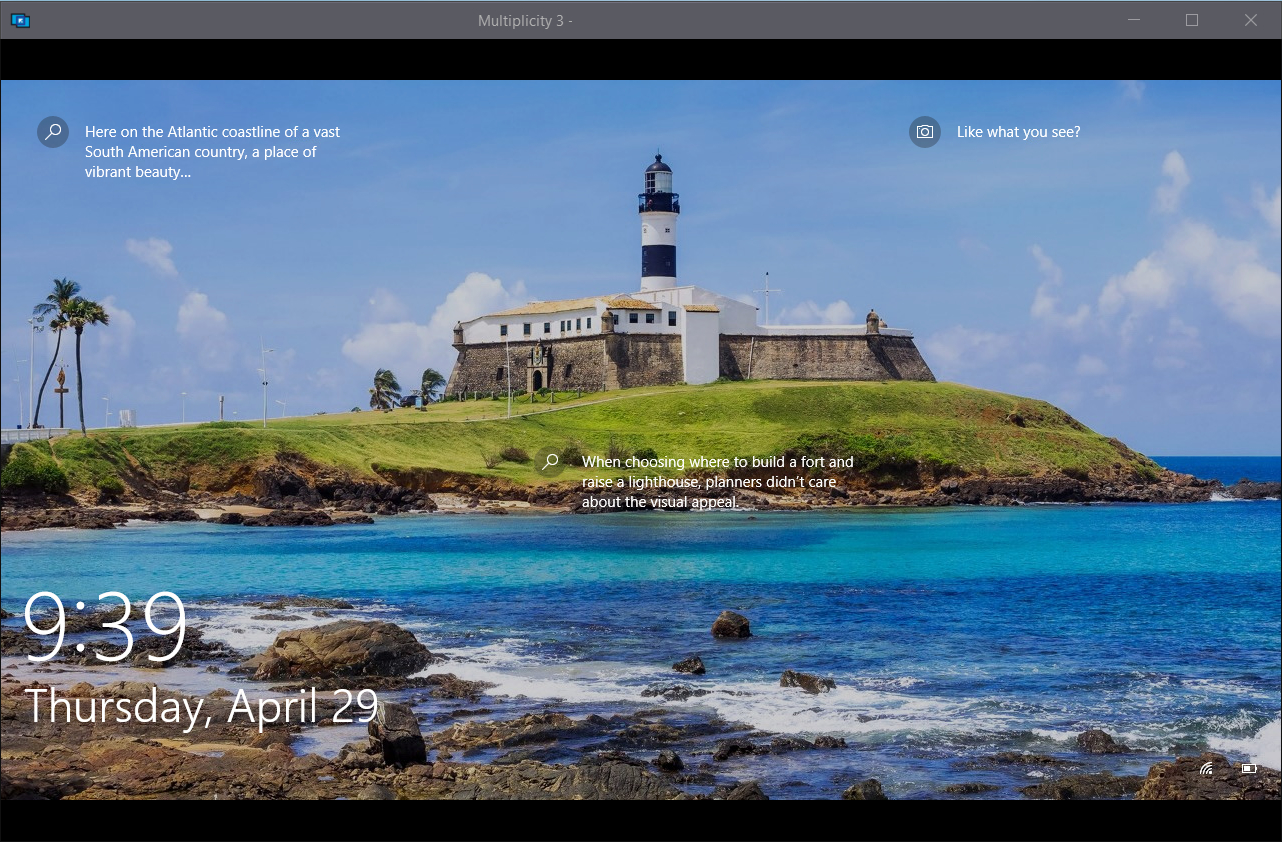
Ever since the update, connecting to one particular PC brings up a remote display which renders correctly but it's adding a black bar at the top and bottom (all within the window frame). Here are the details of that remote PC's display resolution. 1280x720, 8-bit RGB SDR 60Hz. It's a 16:9 wide display. Multiplicity shows the remote display with a 41 pixel high black bar on top and a 42 pixel high black bar on the bottom making the window frame taller than it needs to be. This is happening in both stretch and 1:1 mode. Prior to the update, the display looked correct in either mode.

It's worth mentioning that as far as I know, the remote PC display resolution, Windows settings, Multiplicity settings on either the remote or local PC have not changed since prior to this issue. For that matter, neither has the local PC's display settings. I should also add that I'm still able to connect to other PCs in full KVM mode without any issues (no black bars). So I'm thinking it may be related to one PC's particular resolution or display configuration.

Hopefully the team can backtrack through the old change logs and it will be easy to identify what may have introduced this issue. That way it can get fixed and for a future update.

Thanks for your time and help.

8,118 views 12 replies
Reply #1 Top

Hello,

I have forwarded your report to the Stardock support team for their review and recommendations.

Please keep an eye on this thread for any updates.

We really do appreciate your feedback, thanks.

Reply #2 Top

Hello,

Sorry to hear you are having trouble.

Can you supply an image?

Sean Drohan
Stardock Support Manager

Reply #3 Top

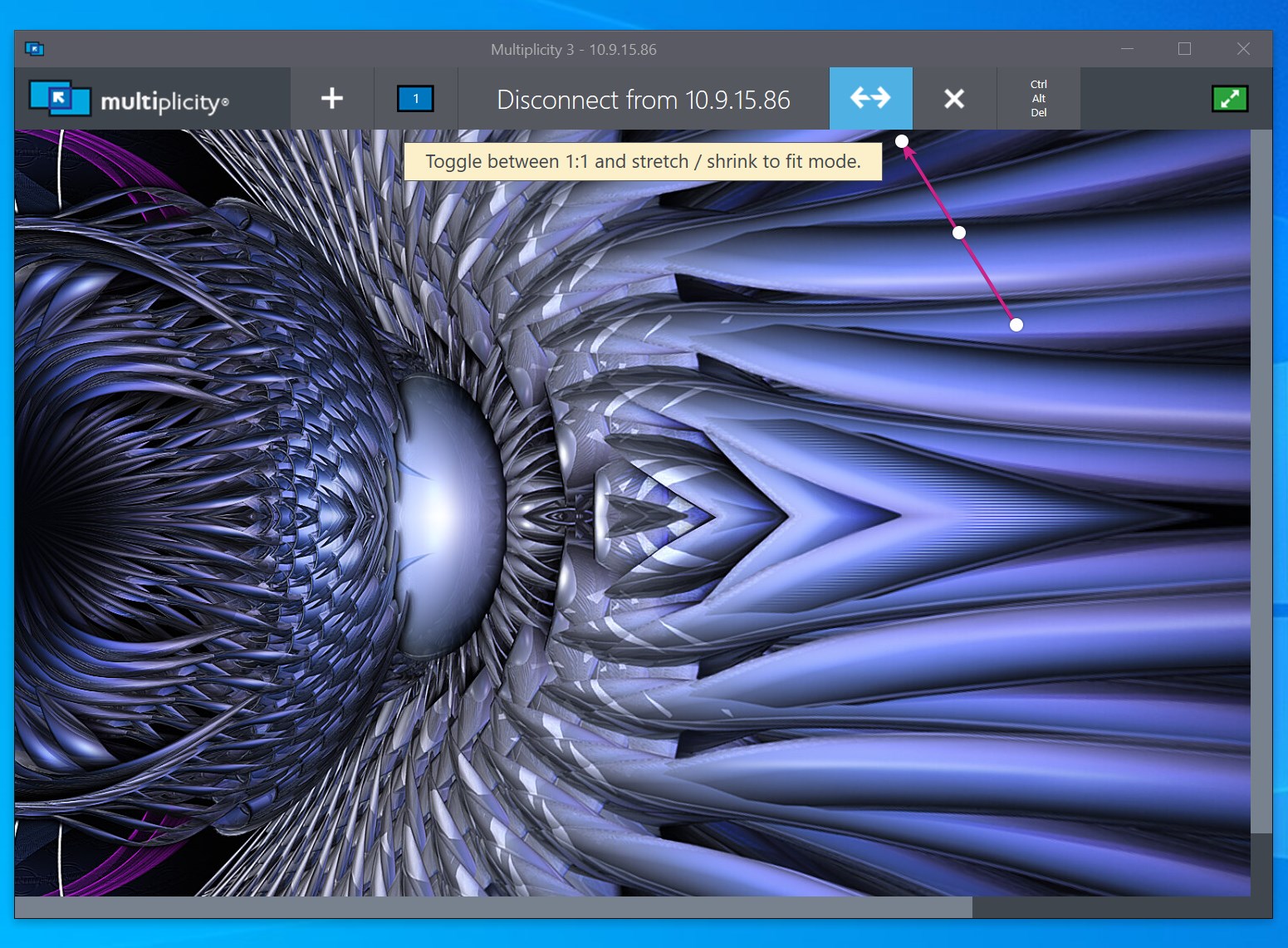
Here is an example of what it looks like. Please ignore the hostname removed from the title in the screenshot.

Reply #4 Top

Hello,

Sorry to hear you are having trouble.

This looks like a resolution difference.  If you stretch to fit?

Sean Drohan
Stardock Support Manager

Reply #5 Top

As I mentioned in my original post, stretch mode and 1:1 mode do not change the appearance of the screenshot example. Stretch does work well for all my other PCs that I remote connect to but not for this particular machine. Stretch used to work for this machine prior to one of the software updates released some time ago. Since then, this one PC always shows the bars through Multiplicity no matter what I do.

Reply #6 Top

Are you able to make the window any smaller to force scrollbars to appear?  If so do the black bars then scroll with the remote machine content (I.e. appear to be part of it)

Reply #7 Top

Quoting thisIsLoneWolf, reply 5

Stretch used to work for this machine prior to one of the software updates released some time ago
End of thisIsLoneWolf's quote

What update for what software?

Sean Drohan
Stardock Support Manager

Reply #8 Top

Thanks for the replies.

I just tried to make the window smaller but it will not let me make it smaller (in either 1:1 or stretch mode).

The last time this worked without bars on this PC was prior to a Multiplicity software update. It was months ago now so I don't remember which version or when, but I'm pretty sure it was toward the end of 2020.

Reply #9 Top

I suspect the issue is a min size limit set on the window then.  720p is a lowish res so we may have assumed 768 as a min res.  If so we can sort that quite easily.  I will investigate further tomorrow.

Reply #11 Top

I have checked the code but the min size should be 1024x680 pixels and the file hasn't changed since 2017.

This is dependant on OS dpi however, the higher the dpi, the bigger that number would be.  At 125% the min height including titlebar would be 850 pixels.

What DPI / Scaling factor are you using and if you resize the window to the smallest possible at the initial pick computer screen what dimensions is it if you take a screenshot of just the window (alt-print screen) and then paste that into say MS paint and save it?

I am wondering if some other utility on your computer is somehow limiting how small the window can go.

Had it been resizable smaller but in 1:1 mode the black lines show and they scroll with the content then I would look at the video drivers on the remote end which may be faking 1280x720 support in a way which exposes a larger canvas to MP somehow.

Reply #12 Top

Neil I think you figured it out. I have my display scaling set to 125% because my monitor resolution is quite high. I think it's possible this scaling setting could have changed around the time the Multiplicity issue began.

I tested it out and I can confirm setting the display scaling back to 100% eliminates the bars on the remote window.

Is there any way to eliminate this issue without using 100% scaling in Windows? Thanks for all the great work.