Fence Disappears, along with icons
 Stardock Forums
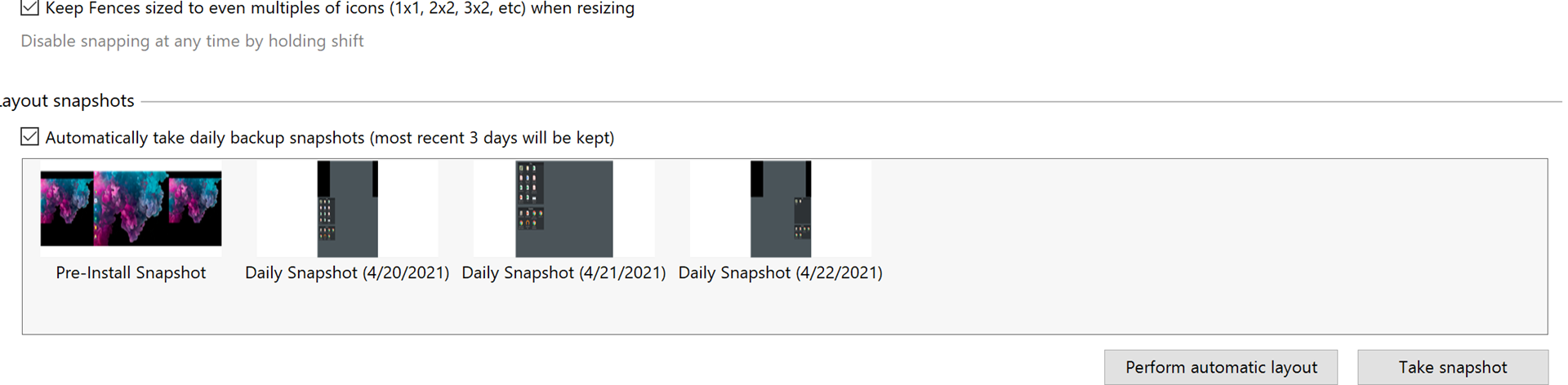
I have a fence of icons that has all of a sudden disappeared. Have not been in settings until after it occurred. If I go to File Explorer I can still see all the icons/files when I click on Desktop but they do not show. When I reboot my laptop the fence shows briefly and then it disappears. This is not related to the double click feature because I have other fences that are active and show fine. I have uninstalled and reinstalled Fences. When I uninstalled Fences all the icons shows back on my desktop and when I reinstalled Fences they were hidden again in that same fence.
I am using Windows 10 (version 20H2) but this issue has been going on for months (previous releases of Windows) and I am just tired of it and thought I would reach out.
Thanks!
 WinCustomize Forums