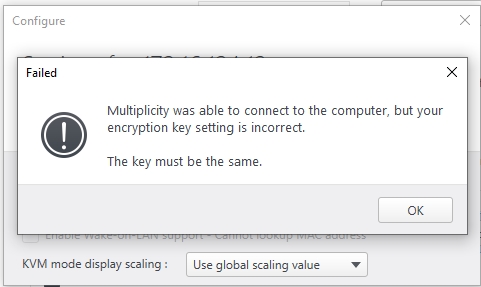
Multiplicity was able to connect to the computer, but your encryption key setting is incorrect. They key must be the same
Why is this happening, I check it 10 time and recreated it 10 times and made it so easy there is no way to get it incorrect yet the error?
 Stardock Forums
Multiplicity was able to connect to the computer, but your encryption key setting is incorrect. They key must be the same
Why is this happening, I check it 10 time and recreated it 10 times and made it so easy there is no way to get it incorrect yet the error?
I uninstalled the primary, secondary, I updated the primary secondary, still gives me the same error
how is 123456 not the same as 123456, that is my key just to test, I tried even simple keys like "password" still no joy
I even tried "whyisthisnotworking" or "stupidsoftware" or "whyme" as the keys and still the key is incorrect????
anyone else experiencing this?
Oh and NO Firewalls are ON, Zero Zilch, Nada, Nothing, it's so weird