Failled to connect

hello, i have the following message, when the secondary computer is in standby.

Please Check the Firewall settings on the secondary (Should not be set to public / Guest), the computer name, and ip address.

the secondary computer is connected to a private network and the network is declared as a private network on Window 10.

what should i do to correct the problem?

7,655 views 13 replies
Reply #1 Top

Hello,
I have forward your problem/question to Stardock Support Team for their assistance. Please keep an eye on this thread for any updates. We appreciate your feedback and patience.

Basj,
Stardock Community Assistant

Reply #2 Top

Hello,

Sorry to hear you are having trouble.


hello, i have the following message, when the secondary computer is in standby.

Please Check the Firewall settings on the secondary (Should not be set to public / Guest), the computer name, and ip address.

the secondary computer is connected to a private network and the network is declared as a private network on Window 10.

what should i do to correct the problem?
End of quote

Please see:

https://forums.stardock.com/486104/multiplicity-support-faq#connectionissues

Sean Drohan
Stardock Support Manager

Reply #3 Top

Hello, My secondary computer seems to have the correct configuration, and I still get the same message. A slow response error is displayed in the Try system on the master computer.

I have a question about waking a computer on a network. Should this option be enabled in the bios?

Reply #4 Top
 
Reply #5 Top

The link between the master computer and the secondary computer breaks when I put the secondary computer to sleep, when the configuration seems to be correct.

Reply #6 Top

Quoting a_carignan, reply 5

The link between the master computer and the secondary computer breaks when I put the secondary computer to sleep, when the configuration seems to be correct.
End of a_carignan's quote

Of course, it would 'break' when it's asleep - you don't expect it to be accessible when it is, correct?  I assumed your issue was that, when you 'woke' the Secondary that it would not then reconnect - is that the case?

Sean Drohan
Stardock Support Manager

Reply #7 Top

Indeed, it is when he is sleeping that he no longer receives anything. Yes, I was expecting my new laptop to do like the old one to wake up when the mouse hovers over its screen.

Reply #8 Top

Quoting a_carignan, reply 7

Yes, I was expecting my new laptop to do like the old one to wake up when the mouse hovers over its screen.
End of a_carignan's quote

Is this a KVM or Seamless connection?

For Seamless, one would just try to move the mouse to the Secondary PC's monitors.

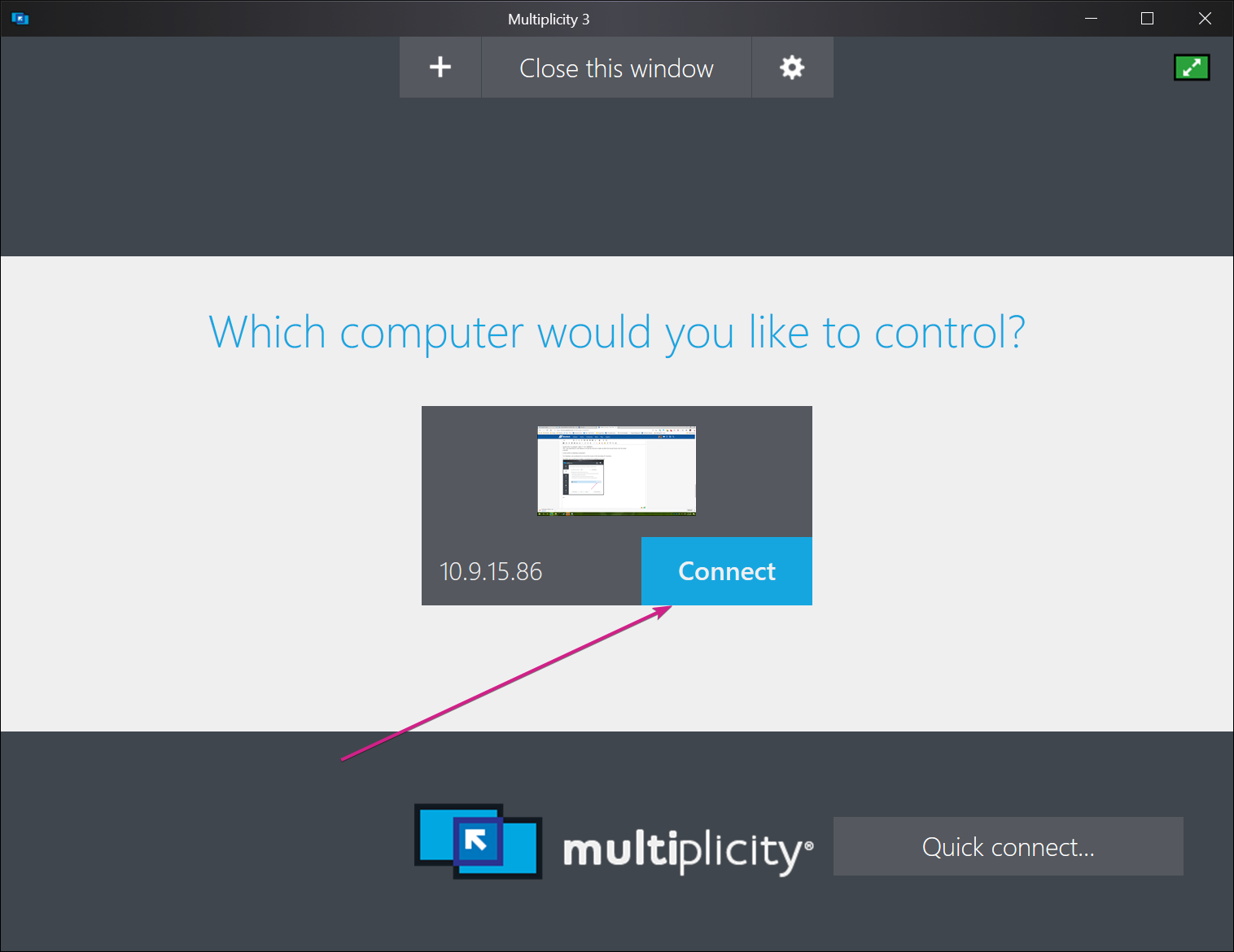
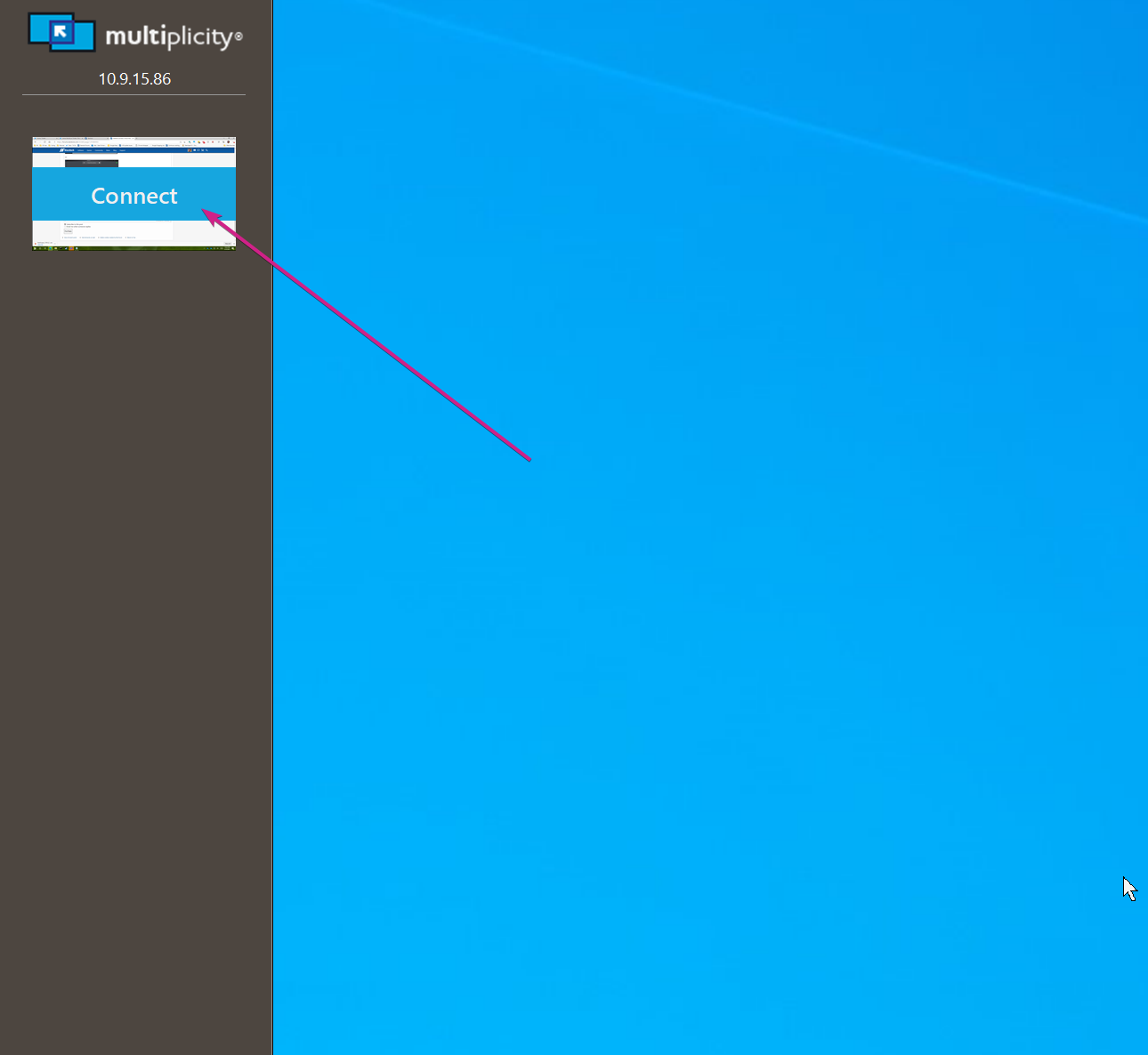
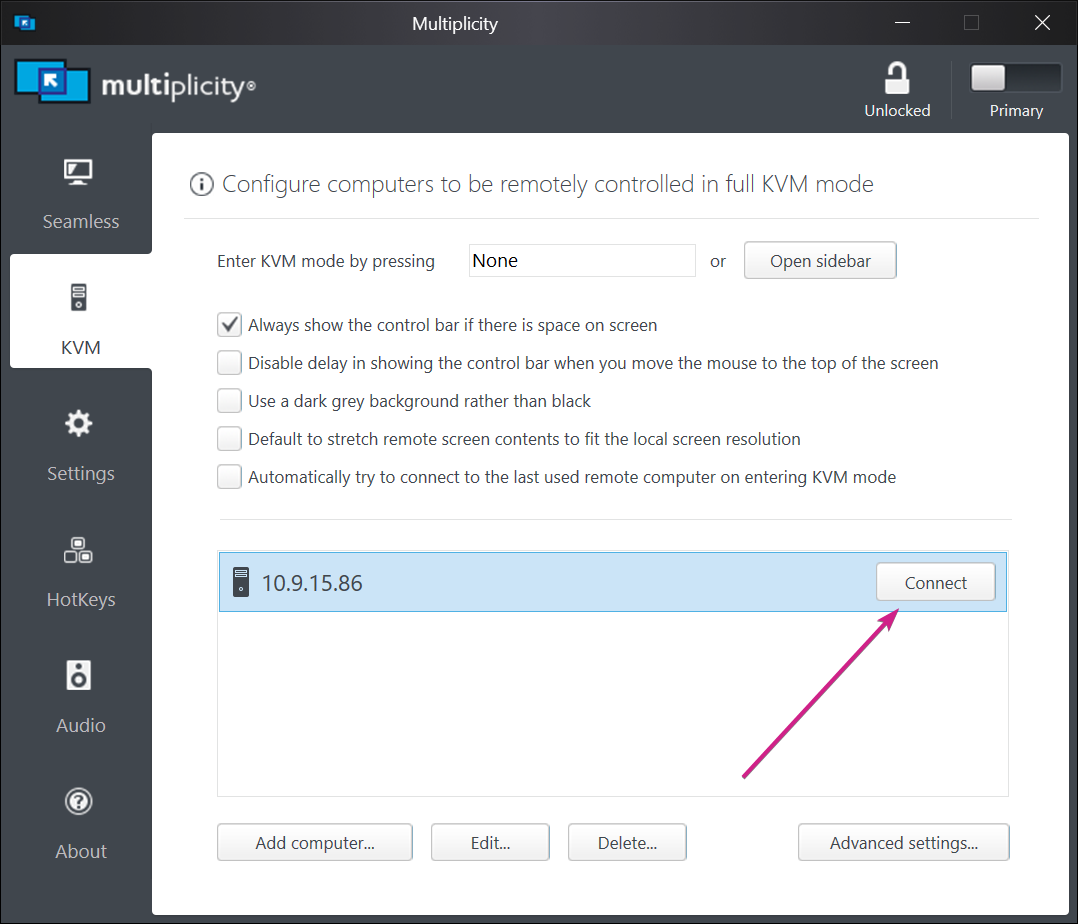
For KVM, one would have to make a connection for anything to be sent:

or:

or:

Sean Drohan
Stardock Support Manager

Reply #10 Top

Quoting a_carignan, reply 9

À Seamleast
End of a_carignan's quote

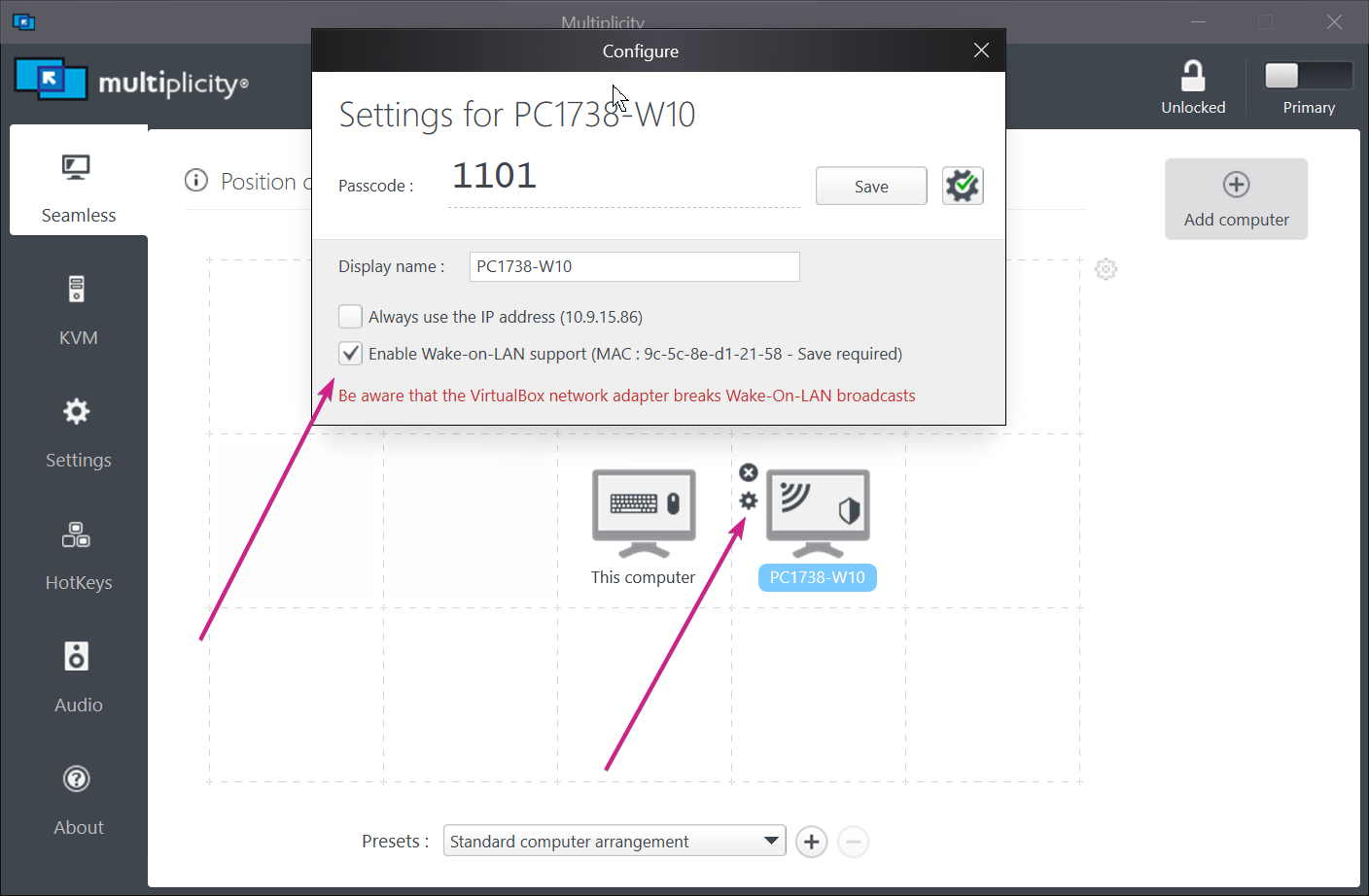
Then just mousing over to the Secondary monitors should 'wake' it.  You can also enble:

Your Secondary bios need to support it as well.

Sean Drohan
Stardock Support Manager

Reply #12 Top

Quoting a_carignan, reply 11

I checked the option in your software and in the bios and had the same problem.
End of a_carignan's quote

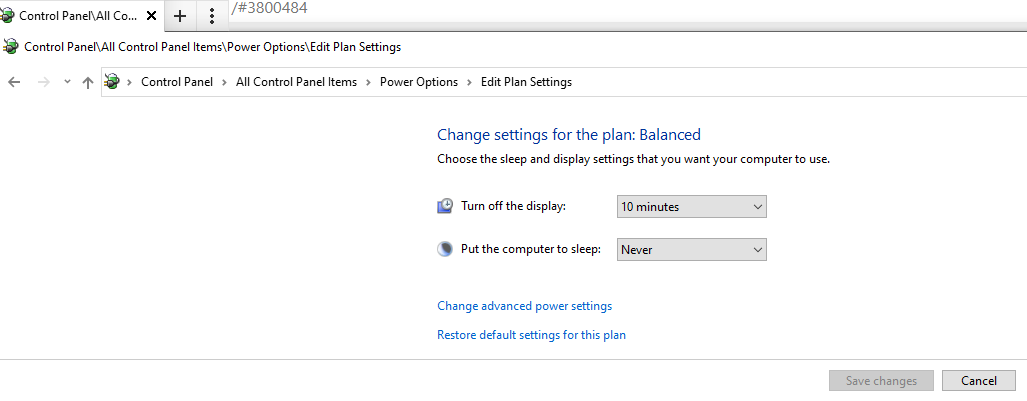
If you stop the PC from sleeping and just shut the monitor power down, does it work then:

Sean Drohan
Stardock Support Manager

Reply #13 Top

Effectively closing the window might be easier.O:)

I believe I have found, I have enabled the file and printer sharing option on my new laptop and it seems to have fixed the problem. :grin: