Disappearing Fence Borders
from  Stardock Forums
Stardock Forums
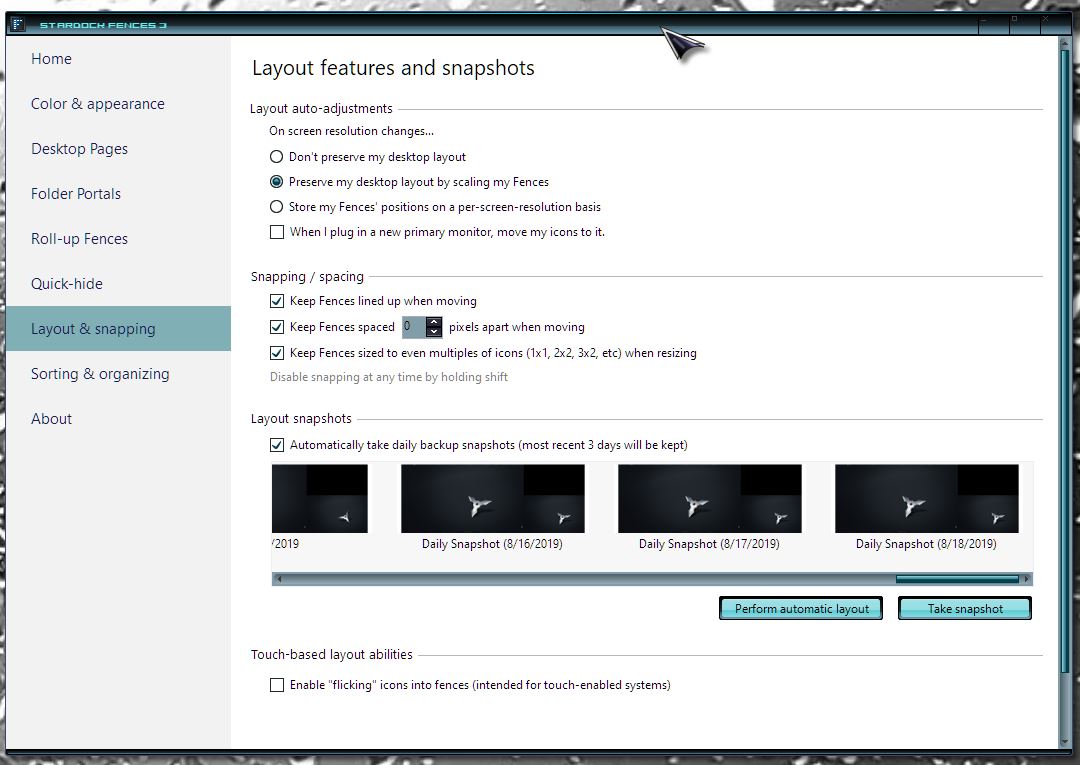
I just updated Windows 10 to 19041 and the borders for Fences has disappeared. I tried restoring it from a snapshot from 2 days again but that did not do anything. I have a black background but the fences title appear. If I change the background color then the fences appear as a darker shade of the new background color. The fences had been configured for a lot of different colors but they all appear to be the same color now. If I go into Fences configuration all of the fences appear there to have the same color.
How can I restore the setting from before the Windows update to get my multiple colors of fences back to where they were?