
Desktop icon disappears on Win 10 x64
Every time I check Enable Fences, my "This PC" desktop icon disappears from my desktop screen.
When I uncheck Enable Fences, the icon reappears.
How can I fix this so that the icon does not disappear?
Every time I check Enable Fences, my "This PC" desktop icon disappears from my desktop screen.
When I uncheck Enable Fences, the icon reappears.
How can I fix this so that the icon does not disappear?
Hello,
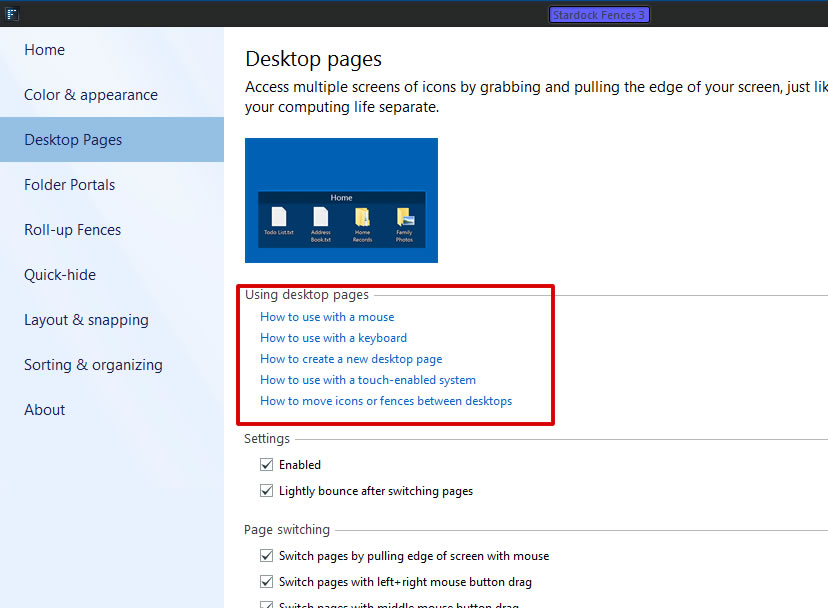
Sorry to hear you are having issues. You might have accidentally send those icons into another Fences Desktop page. You can learn how to navigate the Desktop pages or you can disable it by un-tick the "Enable" box. This should bring all those other icons in other desktop pages to one main Desktop page only.

Basj,
Stardock Community Assistant.
Thank you! That worked perfectly!
Great, glad it worked for you.
Thank you,
Basj,
Stardock Community Assistant
Welcome Guest! Please take the time to register with us.