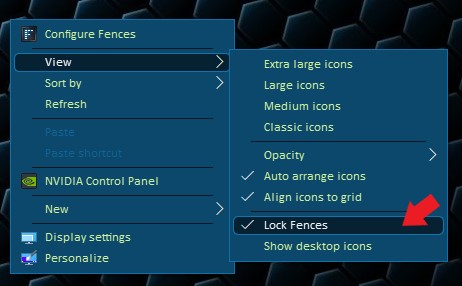
Fences moving
from  Stardock Forums
Stardock Forums
I am using Fences 3.0.9.11, HP laptop with an HP docking station splitting into 2 monitors. When i undock my laptop all of the fences "squish" into the one monitor, which is fine since I don't do a lot of work while traveling. However, when I dock back up again the fences do not move back to their "docked" locations. I have to move all of them back manually. I though the snapshot feature would take care of this but even the snapshot shows all of the icons on one monitor even when i snapshot docked.
This was not the case a few weeks ago. Once I would dock all of the fences went to their normal position and I am not sure what has changes.