
Installation not working. (STEAM)

STEAM Purchase

Hey there,i recently bought Fences V3 on Steam, once installed it opens a window to do an automatic organization, when pressed it seems like nothing happens, and when trying to draw a rectangle on desktop nothing happens neither shows anything.

Right clicking on desktop does not show Fences settings option, homever Fences appears as already installed on Control Panel.

tried uninstalling and purging but nothing happens.
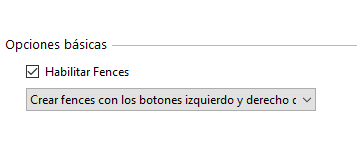
Im currently using Windows 10.
4,104 views 5 replies
Reply #1 Top

Hello,
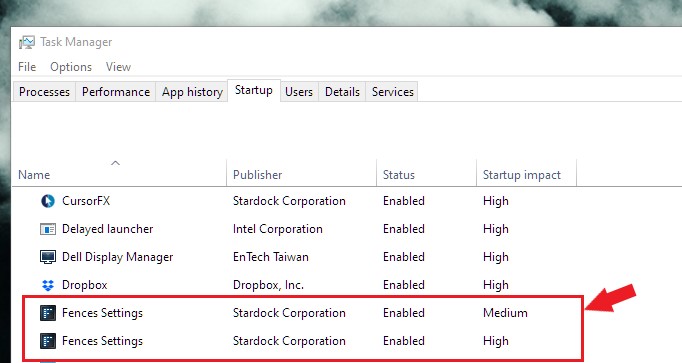
Sorry to hear you are having issues. Please check your Taskmanager and see if Fences is enabled at startup twice. If it is not please enable it. Reboot and see if it working. If not, report back here.


Basj,
Stardock Community Assistant.

Reply #3 Top

Please try purge and reinstall steps as mentioned here: https://forums.stardock.com/486084/fences-support-faq#reinstalling Just make sure to redownload the latest version from your account. Reboot after the purged. Reinstall, and Reboot again after the installation. Retest it. Report back here.

Note : Please follow the Steam part of the guide.

Thank you,

Basj,
Stardock Community Assistant

Reply #4 Top

That didnt really work, i found the issue.


My computer came with Desktop Organizer, which comes with the Anti Virus, it was messing with the settings.

I discovered it when rebooting, for an small second i saw the fences on desktop but when Desktop Organizer came in they disappeared.

This might be useful for anyone else having this problem out there x)


Anyway thanks!

Reply #5 Top

Great, glad you solved it.

Thanks. 

Basj 

Stardock Community Assistant.