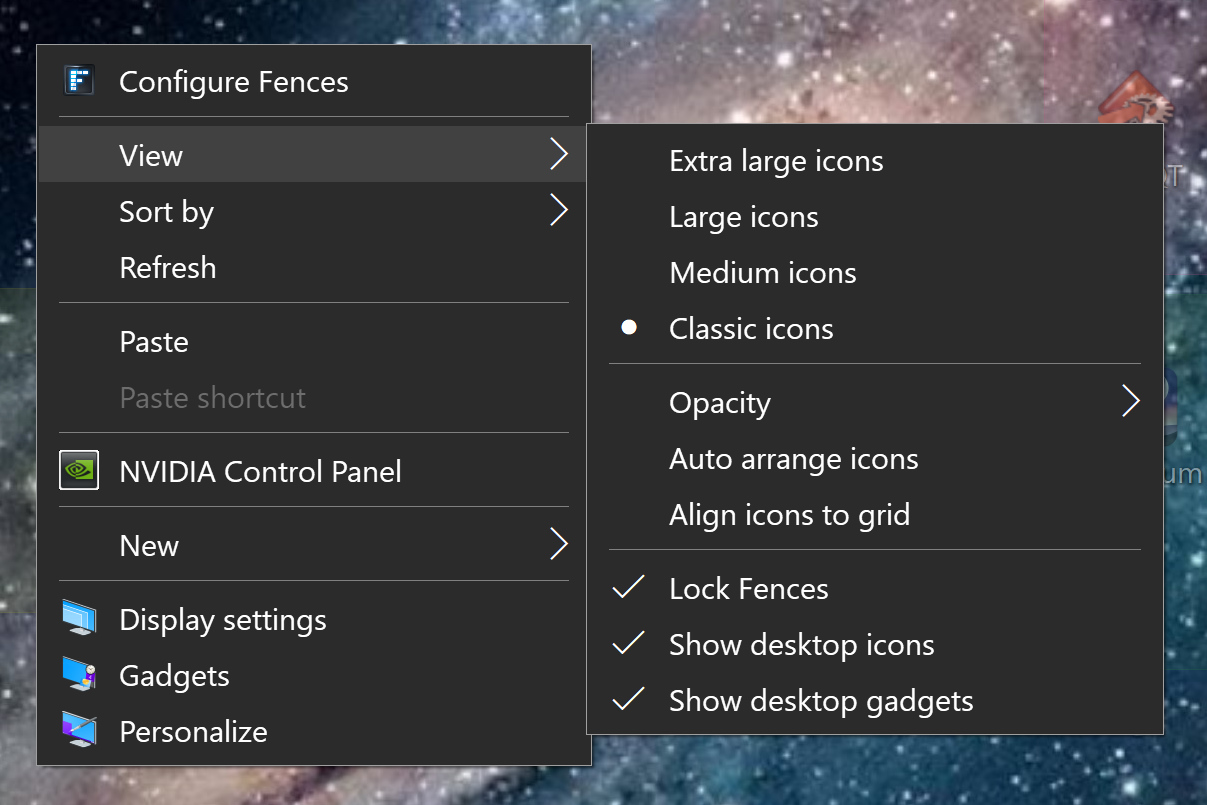
Icons moving Windows 10

Hello  --  I have HP OMEN running Win 10 - Version    10.0.18363 Build 18363.  [ Have ALSO used Fences on Win 7
machines successfully ]   No matter what I try (View -> Lock fences; etc ),  the ICONS move around in several 'fences' almost continuously, whenever I perform some 'operation' on machine. I have SEEN others' complaints
about this phenomenon, and, most of the time, blame Microsoft 10.  Does ANYONE know how to rectify this issue,
PLEASE ?   (why have 50 icons arranged in different colored/different fonts/label sizes/categories/etc  for easy repeat access if the icons keep moving around ?  I have sent e-mails to Sean Drohan & he says 'find answer here
on Forum  -- however, I do NOT see answer. ) I would appreciate some help, please. Thank you.
rudyrudy1862hot   on my hotmail  account.

7,777 views 8 replies
Reply #1 Top

Hello,
Sorry to hear you are having issues. Need to know more information on your issue. Please post a video of the issue so we can understand it better.

Thanks
Basj,
Stardock Community Assistant.

Reply #2 Top

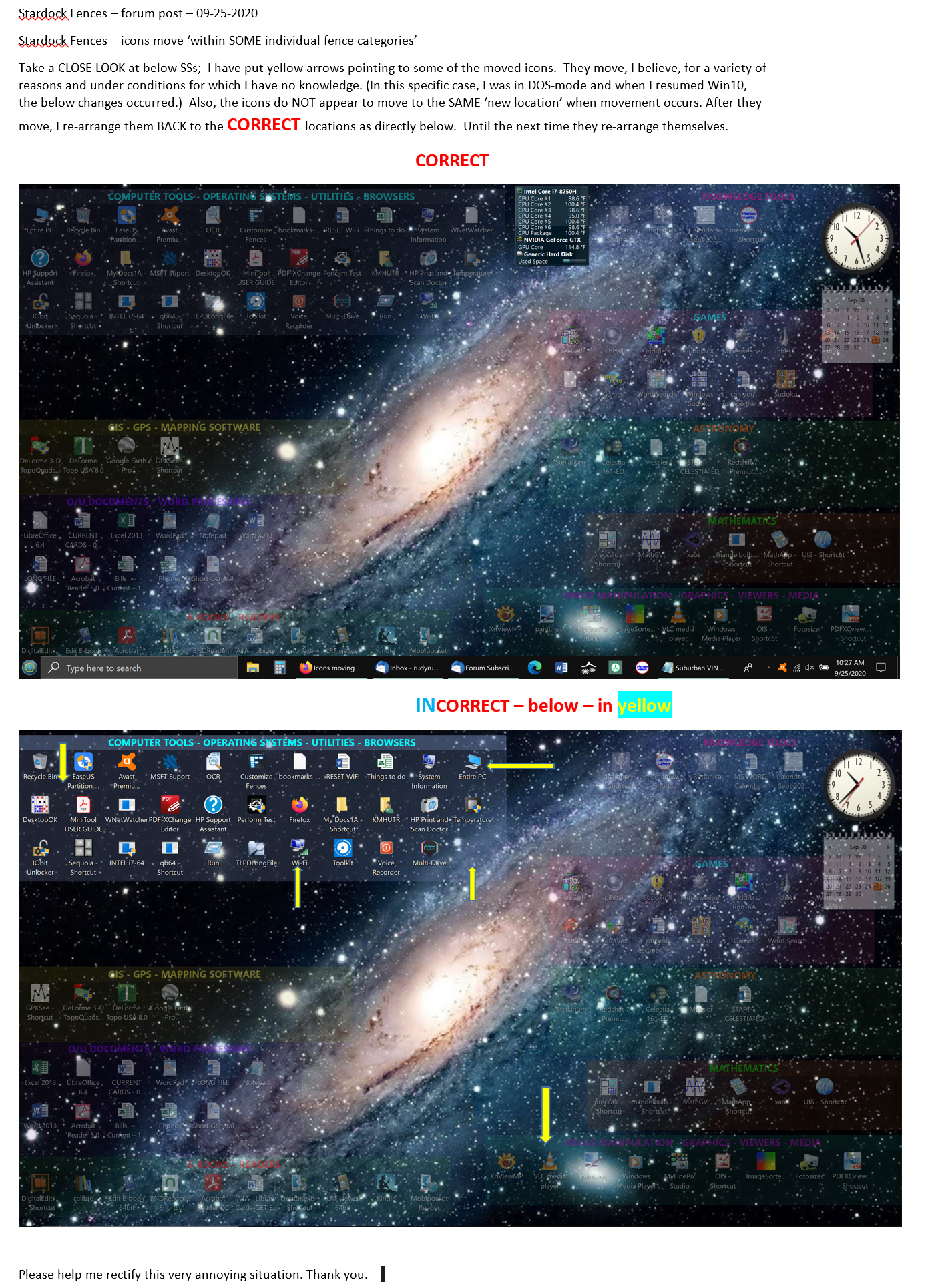
Hello - here is a MSFT Word.doc w/screen shots of some changes as I mentioned in my original post. Let me know if u want anything additional.  Thank you.

Reply #3 Top

Hello,

Need to know more detail.

1) What version of Fences you're running?

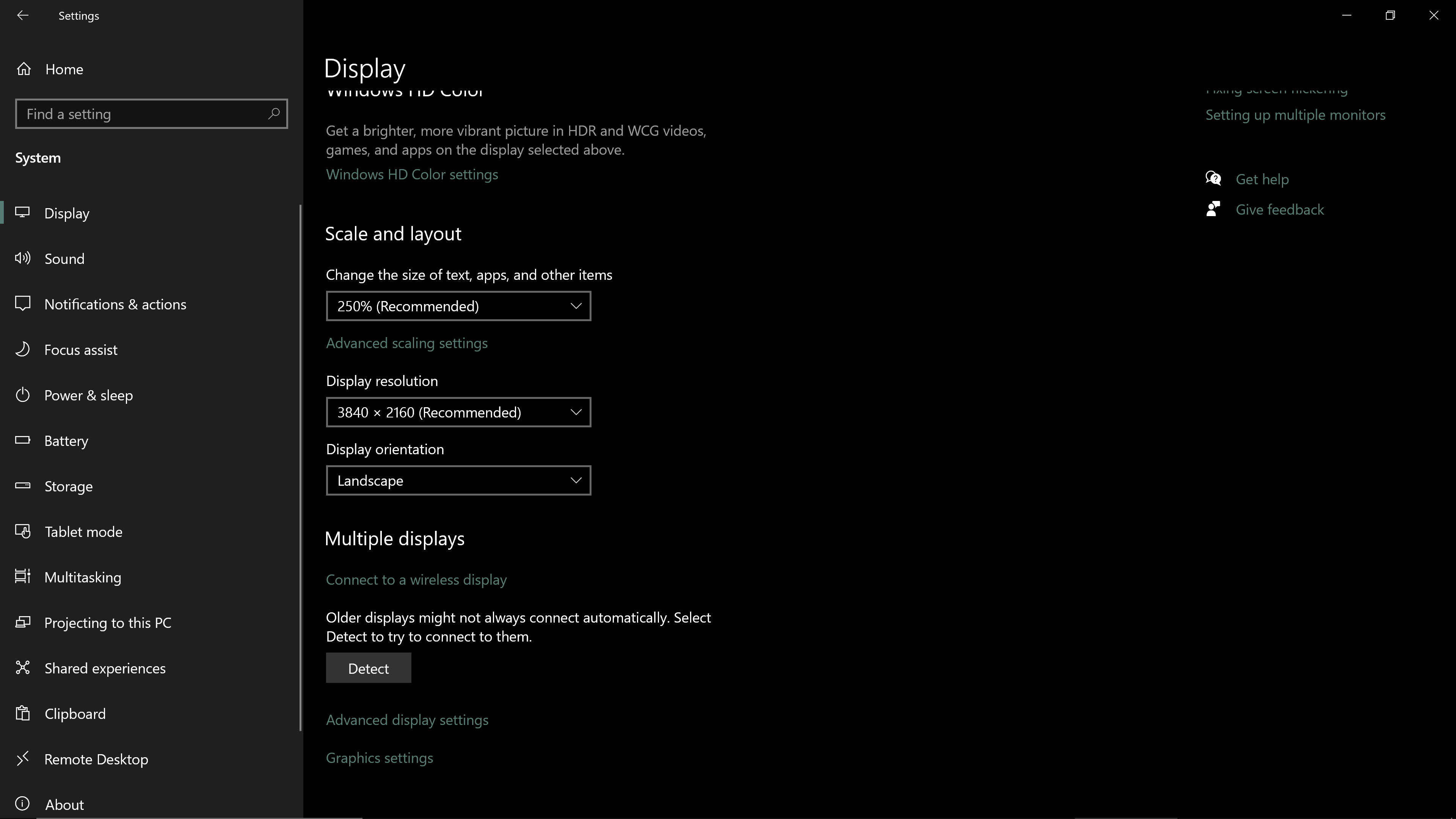
2) Monitor/s resolutions and scaling factors (100%,125%,150% etc)

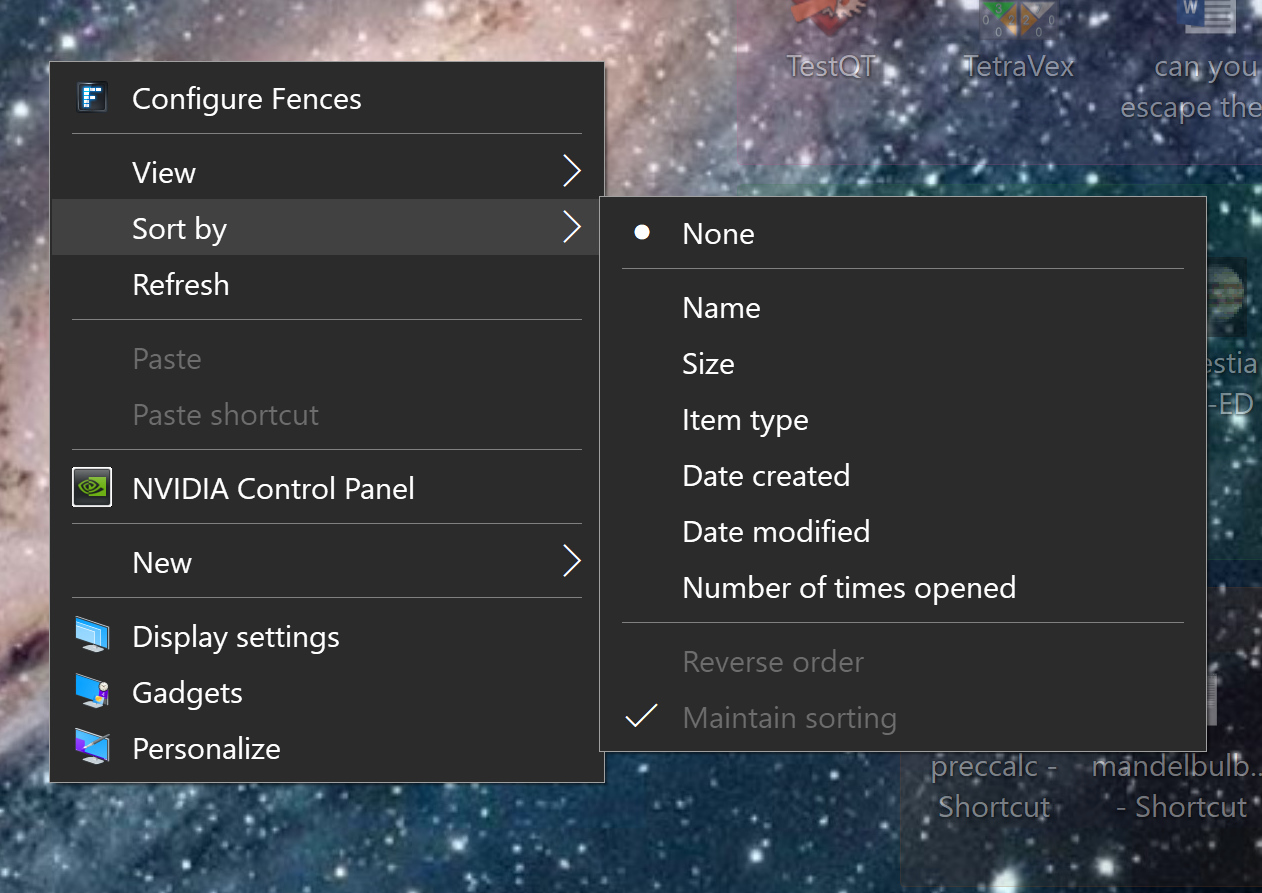
3) What sorting setting on each fences?

Thank you,

Basj,
Stardock Community Assistant

Reply #4 Top

Fences Version:  3.0.9.11 ;  ;
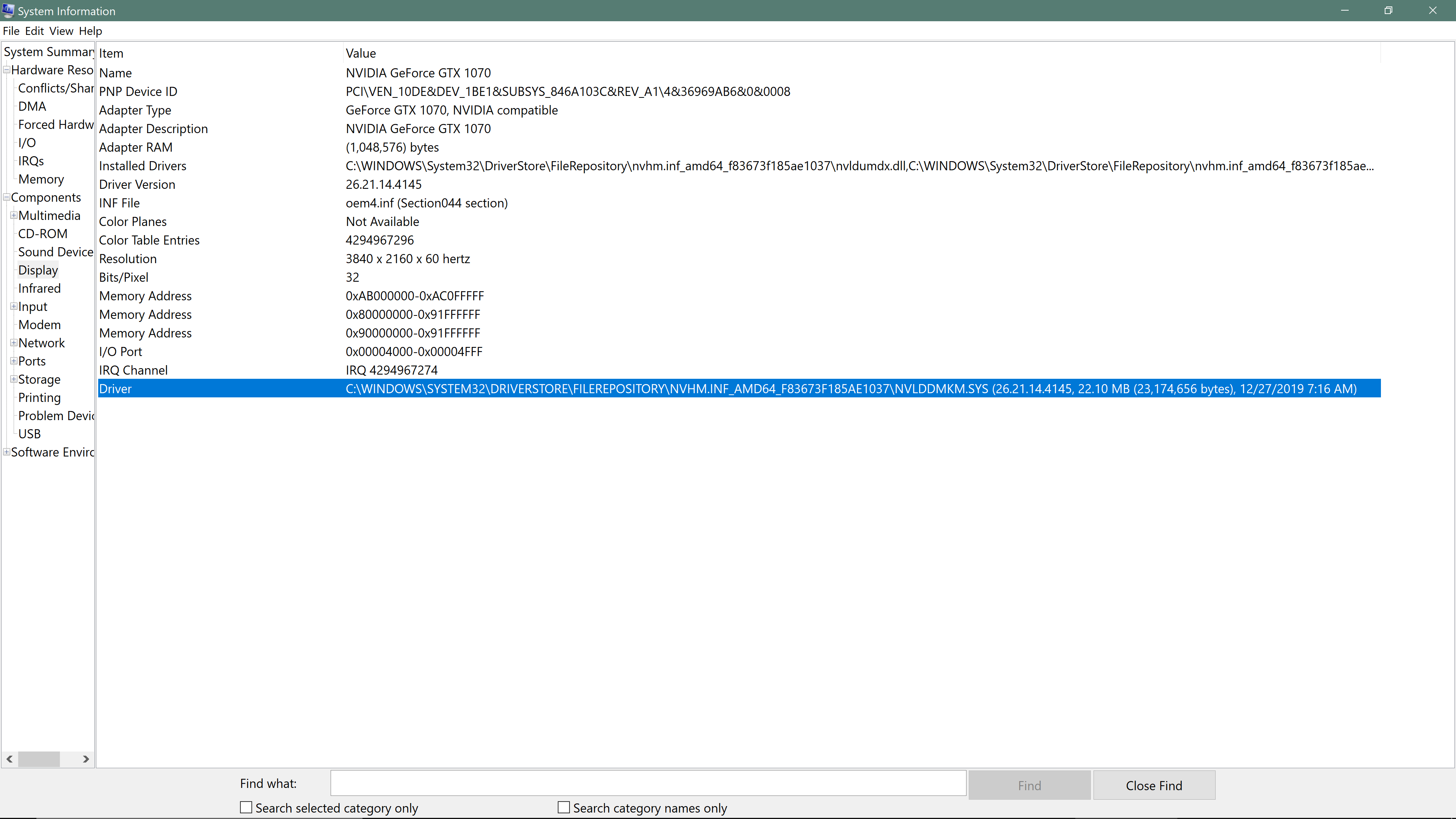
NVidia:     

This shows MOVED icons: 


I hope this comes thru the 'forum' OK.  If not, send me an e-mail and I can attach whatever u want. THANKS !!!
[email protected]

Reply #5 Top

Hello,
I have forward your problem/question to Stardock Support Team for their assistance. Please keep an eye on this thread for any updates. We appreciate your feedback and patience.

Basj,
Stardock Community Assistant

Reply #6 Top

Hello again BASJ  --  I don't know what you do, but I appreciate your attempted assistance. However, I have been a computer scientist for >40 yrs & been @ HP; CRAY; SQNT; Oracle; IBM  ---  and used 'Fences' since its inception.  Way back in time, Fences ran fine on several earlier versions of Windows. (I still have 6 or 7 different
machines of earlier technology and earlier Windows versions where the ICONS STAY in 'assigned' locations within 'categories'). Further, w/regard to ur above comment '...support team...'  -- Please refer to my very first post waaay above. I have BEEN in contact w/Sean MANY times over the years, and he has been helpful. HOWEVER, for this specific issue about 'icons rearranging themselves inside individual fence categories', he has
recommended I come HERE to the Forum.  Maybe you can get some resolution on this issue. I am surprised I
haven't seen this problem discussed previously   ----  maybe I have some errors in either my OS or the 3.0.9.11
Rev.. Thanks for ur continued/persistent help !!!!!    rudyrudy1862hot      hotmail.com

Reply #7 Top

Hello,

I have forward your issue to Support. But, since its now weekends. You just need to wait a bit more for they to come back on Monday morning their time. We appreciate your patience.

Thank you,

Basj,
Stardock Community Assistant

Reply #8 Top

Hello,

Sorry to hear you are having trouble.


Hello  --  I have HP OMEN running Win 10 - Version    10.0.18363 Build 18363.  [ Have ALSO used Fences on Win 7
machines successfully ]   No matter what I try (View -> Lock fences; etc ),  the ICONS move around in several 'fences' almost continuously, whenever I perform some 'operation' on machine. I have SEEN others' complaints
about this phenomenon, and, most of the time, blame Microsoft 10.  Does ANYONE know how to rectify this issue,
PLEASE ?   (why have 50 icons arranged in different colored/different fonts/label sizes/categories/etc  for easy repeat access if the icons keep moving around ?  I have sent e-mails to Sean Drohan & he says 'find answer here
on Forum  -- however, I do NOT see answer. ) I would appreciate some help, please. Thank you.
rudyrudy1862hot   on my hotmail  account.
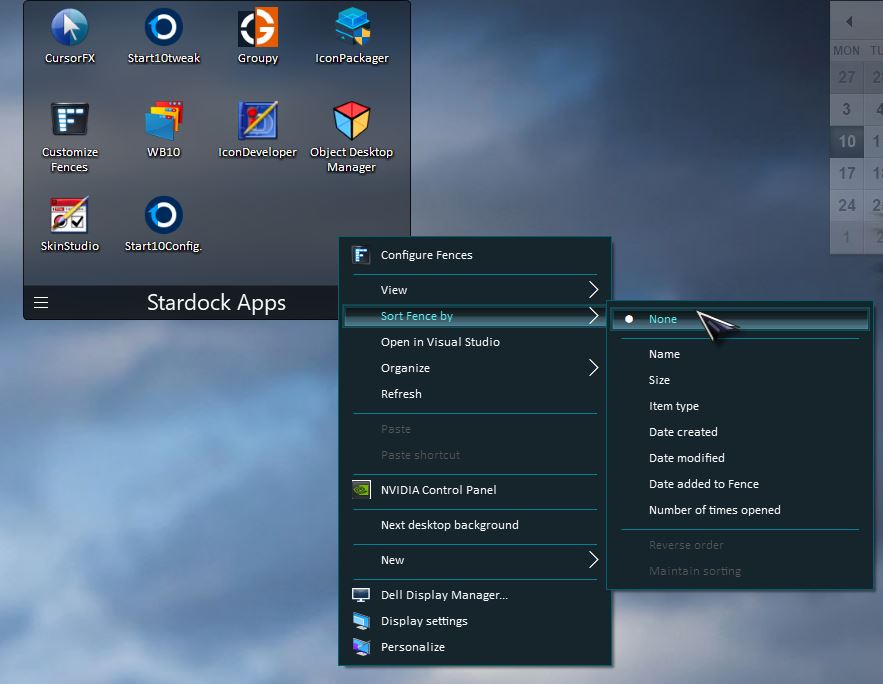
End of quote

Nothing here indicates what is facilitating any 'moving'  If this is it:

Quoting rudyrudy1862hot, reply 2

here is a MSFT Word.doc w/screen shots of some changes
End of rudyrudy1862hot's quote

That when you are working with MSOffice files, this has indeed been talked about in forums many many times.

Office files, when open by their apps, create temp files.  Upon saving, the temp file becomes the new.  Fences does not know what to do with it (its new) so it puts it on the main desktop.

The best solution for avoiding this is to have such files, Office files, in a Folder portal to another location on the drive and not on the main desktop.  The temp files, and any 'new', will exist in the same directory avoiding the issue altogether.

Sean Drohan
Stardock Support Manager