Re-Installing Fences

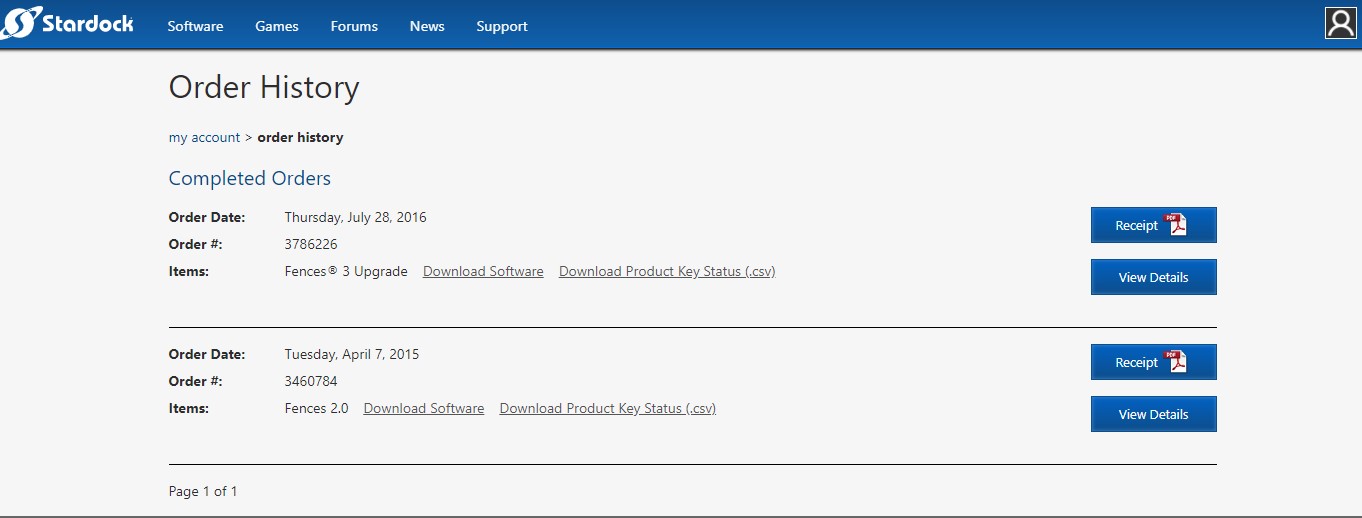
I must be missing something... Hopefully someone can help... Here's the story so far: I had to do a clean Windows 10 Install. Prior I was running Fences 3.09 No issues at all since I installed in 2016. BTW Fences 3 was an upgrade from Fences 2. The problem I'm having is activating it. It says the Keys are not associated with my email address, which is bizarre. Since all the documentation clearly has my correct email address on both purchases and my stardock account plus the downloaded CSV file has the correct email address. I've tried installing fences 2 only removed and fences 3 only and fences 2 first with fences 3 over that. Tried both keys in each version and then the fences purge tool. Any Ideas please point me in the correct direction. PS, tried to use a support ticket but don't have and can't setup an account.
7,001 views 8 replies
Reply #1 Top

Hello,
Sorry to hear you are having issues. You don't need to install Fences 2 if you just going to use Fences 3 and Fences 3 activation key only work on Fences 3. Please check if you have not max out your activation, if you do deactivate it by using this guide : https://forums.stardock.com/486311/accounts-and-activation-support-faq#deactivateproduct . Once deactivate is done, try activate it again. Report back if you still have issue.

Thanks
Basj,
Stardock Community Assistant.

Reply #2 Top

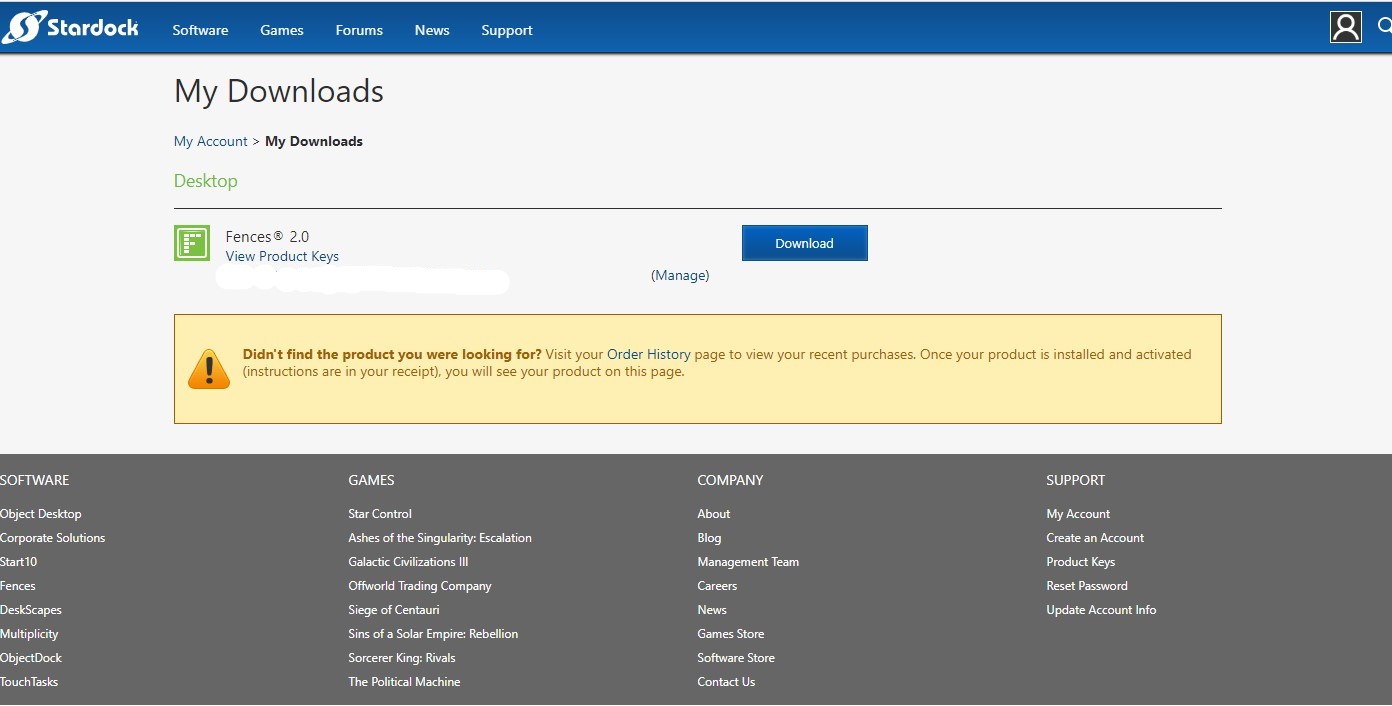
I've been able to deactivate Fences 2.13. Fences 3.0 is not an option when I look for manage. I tried to install  the latest version with the ver 3 code and still would not recognize my email address. [Key is hidden]

Reply #3 Top

From your screenshot, it shows you do not have Fences 3 under that account. If you have purchased the Fences 3 that it might be in another account. Please check if you have misspell your email address when you did the purchase. If you still have issue, please raise a ticket using this link http://esupport.stardock.com/index.php?/default_import/Tickets/Submit . Please include all information in there about your purchased on Fences 3. Support will help you from there.

Thank you,

Basj,
Stardock Community Assistant

Reply #4 Top

Hi basj,

First of all, thanks for your help! Much appreciated... Both purchases [Fences 2 and Fences 3 upgrade] have been placed under my  account I set up 5 years ago, with the same email address. Both purchases showed up under my logged in account at stardock. I clicked on order history near the bottom of the screen shot in the previous reply and both purchases showed up with download links and keys. I've tried to send esupport ticket, but can't seem to log in with my credentials. [Same as logging in to my stardock account?] I get the Login or Password is Invalid error. Cant see a way to create a ticket without an account or guest account. I've tried all the steps in this thread: on Edge, Chrome and Firefox browsers with the same results. Looking forward to your reply....

Reply #6 Top

AzDude, Thanks I was able to send a ticket.... No problem :grin:  

Reply #7 Top

Thanks all! esupport fixed the problem

Reply #8 Top

Great, :thumbsup:  

Thank you,

Basj,
Stardock Community Assistant