Bar outside of the visible area

Hi,


for any reason Fences did what it's supposed to prevent and my desktop (laptop) is completely screwed.

All the (no idea how they are called officially) windows got a size of approx. 100x100 icons.

Most of them are fixed but some are more tricky.

The bar is outside of the visible area so I can't grap them and make them small again.


Is there an alternative to move a window if the bar is not reachable?

Is there a XML file where I can adjust the size manually?


Thank you

4,304 views 5 replies
Reply #1 Top

Hello,

Sorry to hear you are having issues.

We need more information please.

What version of Windows ( Full version ) use winver.exe for that info

What version of Fences ?

Post a Screenshot of your issue .. bar ?


AzDude
Stardock Community Assistant

Reply #2 Top

Windows 10 Enterprise 16299.2045

Fences 3.0.9.11


OK, obviously the naming was not correct, so another try :D  

Each Fences Window got a bar, usually at the top.

There's the name and (mouse over) 3 lines at the left side to enter the menue of this window.

Some of my windows are round about 100x100 icons big, so this bar is outside of the visible area.

Without this bar I can't "grap" the window to move it around. And without the upper edge I can't reduce the size.


So either I need a way to grap these windows in the middle of it.

Or a menue / XML / whatever to change this by the settings

Reply #3 Top

Hello,
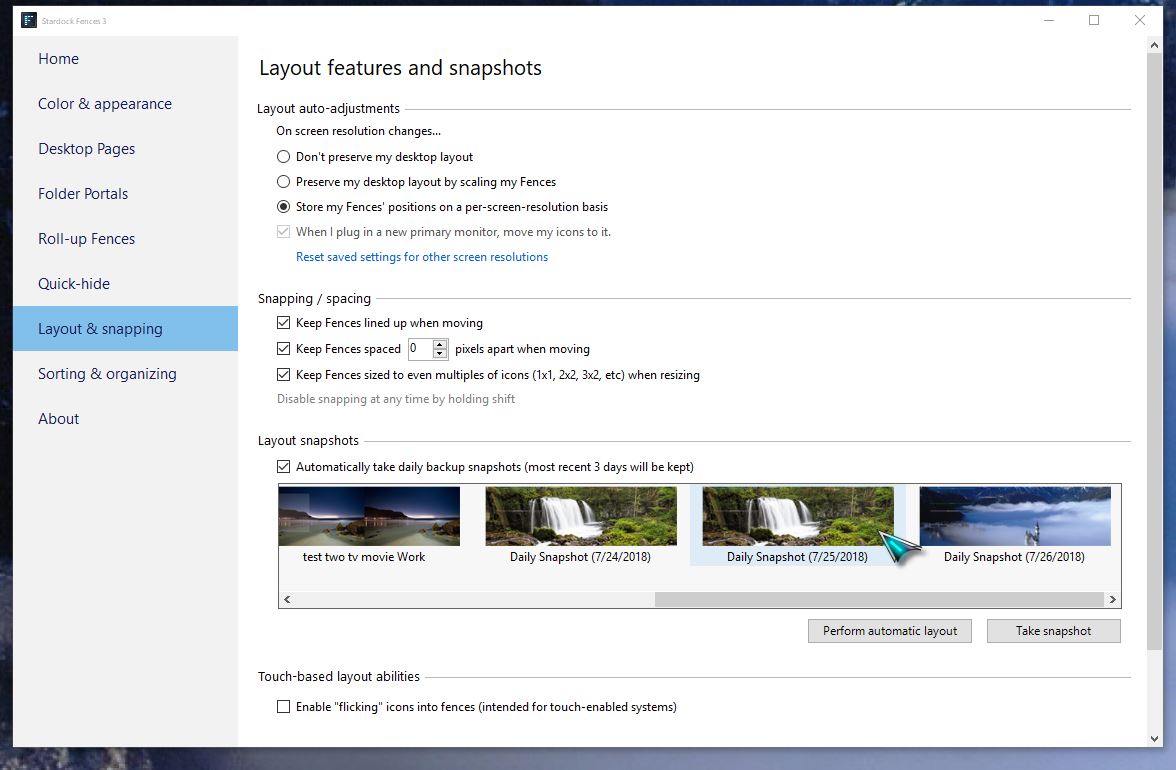
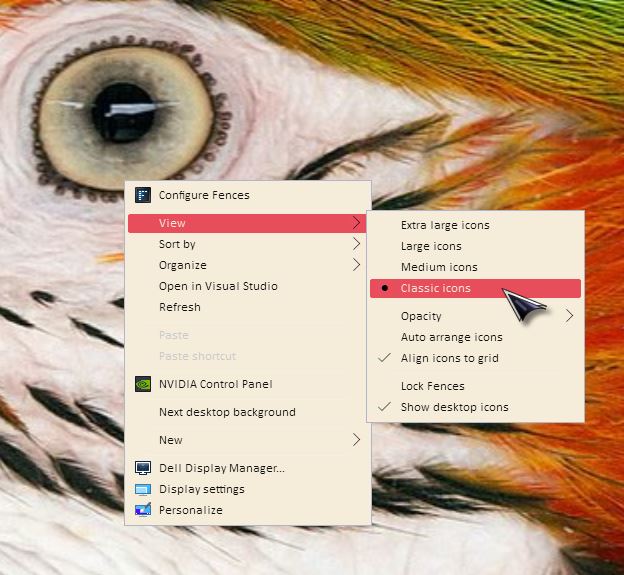
Sorry to hear you are having issues. Please try the layout snapshot restore and change your icon size to smaller


Basj,
Stardock Community Assistant.

Reply #4 Top

Changing the Icon Size doesn't change anything, the window is still much to big and I can't resize it without access to the bar.
The snapshots do not help since this issue is several weeks old. All snapshots are corrupted.

Reply #5 Top

I was able to fix it on my own.
I added a 2nd screen and moved this screen in the Windows settings to the "nomansland" where the fences-window ended.

There I was able to grab it and resize it.