Fences Desktop Icons issue
from  Stardock Forums
Stardock Forums
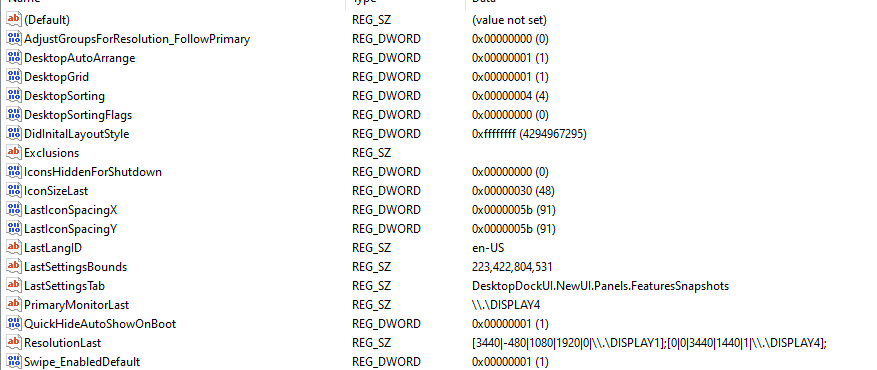
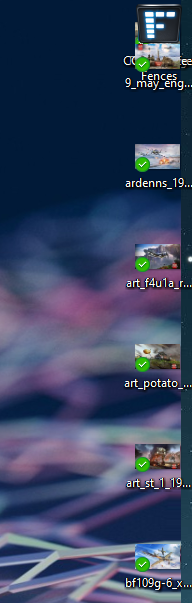
I have 2 monitors, one 35" 3440x1440 wide screen and a 22" 1920x1080 vertical screen beside it. When I enable maintain sorting for desktop icons, it now bundles a few of them up in the top right corner of the main monitor (35") and goes only a part way down. It used to sort them on the trop right corner of the 35" with maintaining sorting on. I attached the settings in the registry and a screenshot of my right side of the z35 screen. On another note, I can login to stardock site but support login doesn't recognize my login, so I cannot open a ticket. Everything works fine with fences uninstalled or maintaining sort off (which unlike fences disabled, it doesn't auto sort any new icons on desktop.