
Folder portal always shows "medium icons" instead of "list" after reboot

Hi,

Everytime I reboot, the folder portals on my desktop show the content in "medium icons", while I want set it to "list".

So I have to go to "configure fences" -> "adjust color & appearance", thick the box "show titlebar buttons on mouseover". Then I can use the "titlebar button" to change the view in the portal back to "list". And then I have to do the first steps again to unthick the box.

Surely there must be a better way, no? Or what must be done to prevent the automatic change from list to medium icons?

in reality when viewing these files in the "normal way" with the file explorer, these files are shown as "details".

10,615 views 9 replies
Reply #1 Top

Hello,

I have forward your problem/question to Stardock Support Team for their assistance. Please keep an eye on this thread for any updates. We appreciate your feedback and patience.

Basj,

Stardock Community Assistant

Reply #3 Top

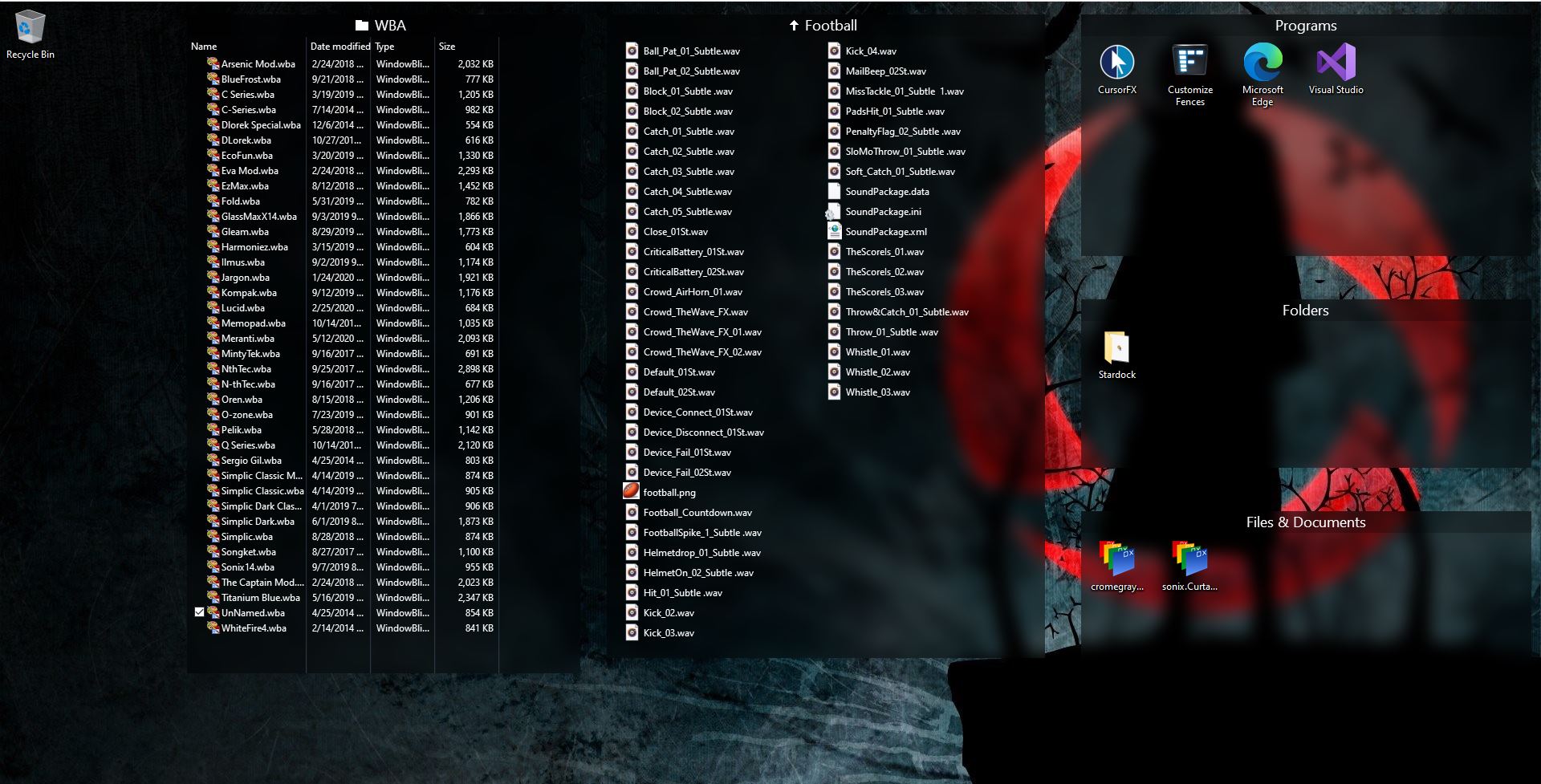
No update yet. But, I just tried your situation on my system and I can't recreate the issue. I have 5 Fences, 3 Normal Fences and 2 Portal Fences. Portal Fences "WBA" is on Details View and "Football" is on List view. The 3 normal Fences is in "Medium Icons". Reboot and it still in those setting after reboot.

Need to know.

1) Windows versions. Please use Winver.exe for full Windows version numbers.

2) Fences versions.

Thank you,

Basj,
Stardock Community Assistant


Reply #5 Top

Hello,
I think most probably because you still running Fences 2. Please update to Fences 3. It is now Fences 3.0.9.11.

Here are Fences Change log : https://www.stardock.com/products/fences/history

Thanks
Basj,
Stardock Community Assistant.

Reply #6 Top

ok, I updated to Fences 3 and activated the 30 days free trial.

It seems to be working now, but the update is not for free...

Can I either get a refund on the malfunctioning Fences 2 that I bought or a free activation key for Fences 3? 


Reply #7 Top

I don't think that is possible. Since Fences v3 is an upgrade not an update. But, I have forward your problem/question to Stardock Support Team for their assistance. Please keep an eye on this thread for any updates. We appreciate your feedback and patience.

Basj,
Stardock Community Assistant

Reply #8 Top

Quoting stsarens, reply 6

Can I either get a refund on the malfunctioning Fences 2 that I bought or a free activation key for Fences 3? 
End of stsarens's quote

Fences 2 is not 'malfunctioning', it was just never meant to work on Windows 10.

Sean Drohan
Stardock Support Manager