
Translucent background bug
Bug of transparent background with wide Wallpaper
Hi, I have 2 monitors and a Wallpaper that fills them both. When the transparent background is enabled Fences blur the wrong part of the background image
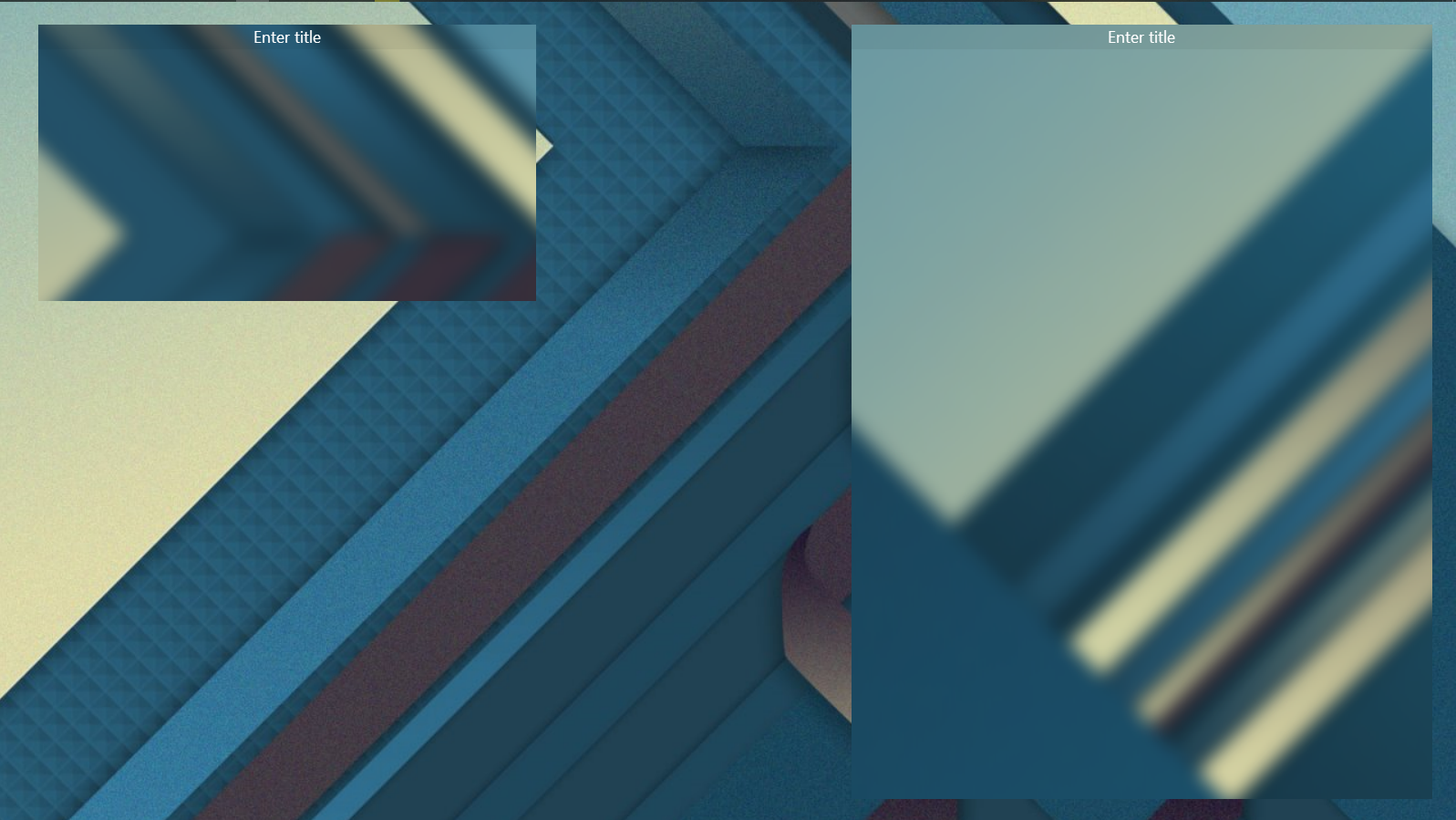
Bug of transparent background with wide Wallpaper
Hi, I have 2 monitors and a Wallpaper that fills them both. When the transparent background is enabled Fences blur the wrong part of the background image
Hello,
Sorry to hear you are having issues. Need more information on your system :
1) Windows version, please use Winver.exe for full Windows version numbers.
2) Fences version.
3) Do you Wallpaper engine or something similar installed and running in the background?
4) And also please refer to this guide for Multimonitors : https://forums.stardock.com/486084/fences-support-faq#multimonitor
Thanks
Basj,
Stardock Community Assistant.
1) screen
2) 3.0.9.11
3) i don't use programs like this
4) i don't use multi monitor applications and both monitors have the same permissions
Hello,
I have forwarded your report to the Stardock support team for their review and recommendations.
Please keep an eye on this thread for any updates.
We really do appreciate your feedback, thanks.
AzDude
Stardock Community Assistant
Please try purge and reinstall steps as mentioned here : https://forums.stardock.com/486084/fences-support-faq#reinstalling. Just make sure to re-download the latest version from your account. Reboot after the purged. Reinstall, and Reboot again after the installation. Retest it. Report back here.
Thank you,
Basj,
Stardock Community Assistant
Full reinstalling didn't help
I would like to note that the problem only occurs if one image fills both screens. And that the 2nd screen is connected via another video adapter
Please elaborate on this and more details on your monitors setups. Such as Resolutions, scaling and connection type.
Thank you,
Basj,
Stardock Community Assistant
The monitors have a resolution of 1600x900. The default zoom is set to 100%. One monitor is connected via a video card (AMD R9 380) via DVI and a DVI-I to VGA adapter, and the second is connected to the motherboard (Intel(R) HD Graphics 4400) via VGA. The problem described above is present on both monitors
BTW, did you do the purge part from that guide? If you did not please do it. "Purge" vs "uinstall" is not the same.
If you did it and still have the same issue please see this guide on setting primary monitor correctly https://forums.stardock.com/486084/fences-support-faq#shortcutswrongmonitor
and doing the Cleanboot steps to see if something is interfering with Fences : https://forums.stardock.com/486084/fences-support-faq#cleanboot
Thank you,
Basj,
Stardock Community Assistant
I have completely completed the purge and uninstall.
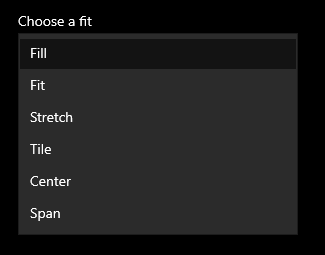
I think I've found the problem. If the image settings are set to "span", the image is stretched and Fences blurs correctly. if "fill" is set, then a fairly wide image is also stretched to 2 screens, but the blur does not work correctly

Welcome Guest! Please take the time to register with us.