

New Files not showing inside fences - Shows only after refersh
from  Stardock Forums
Stardock Forums
Hi
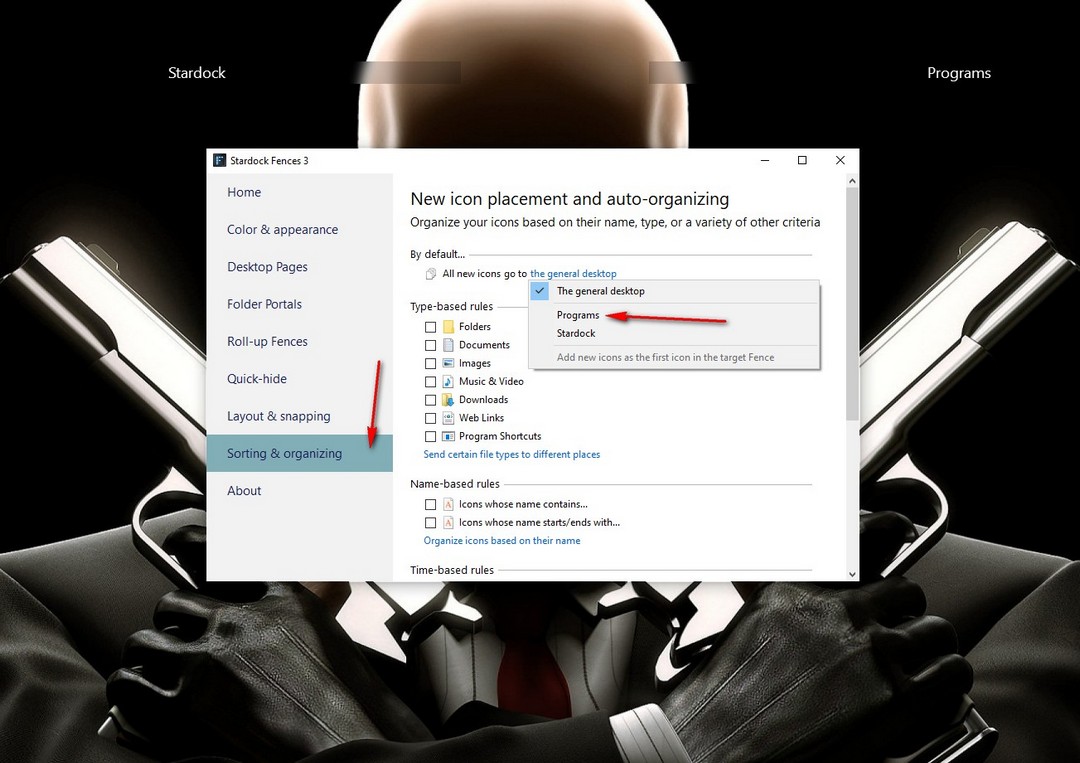
When we download a file to the desktop from chrome, the new file is not showing inside the fence. After giving a refresh, the file shows in the fence. Is there a setting to show the file the moment it is downloaded, without refreshing every time ?

 WinCustomize Forums