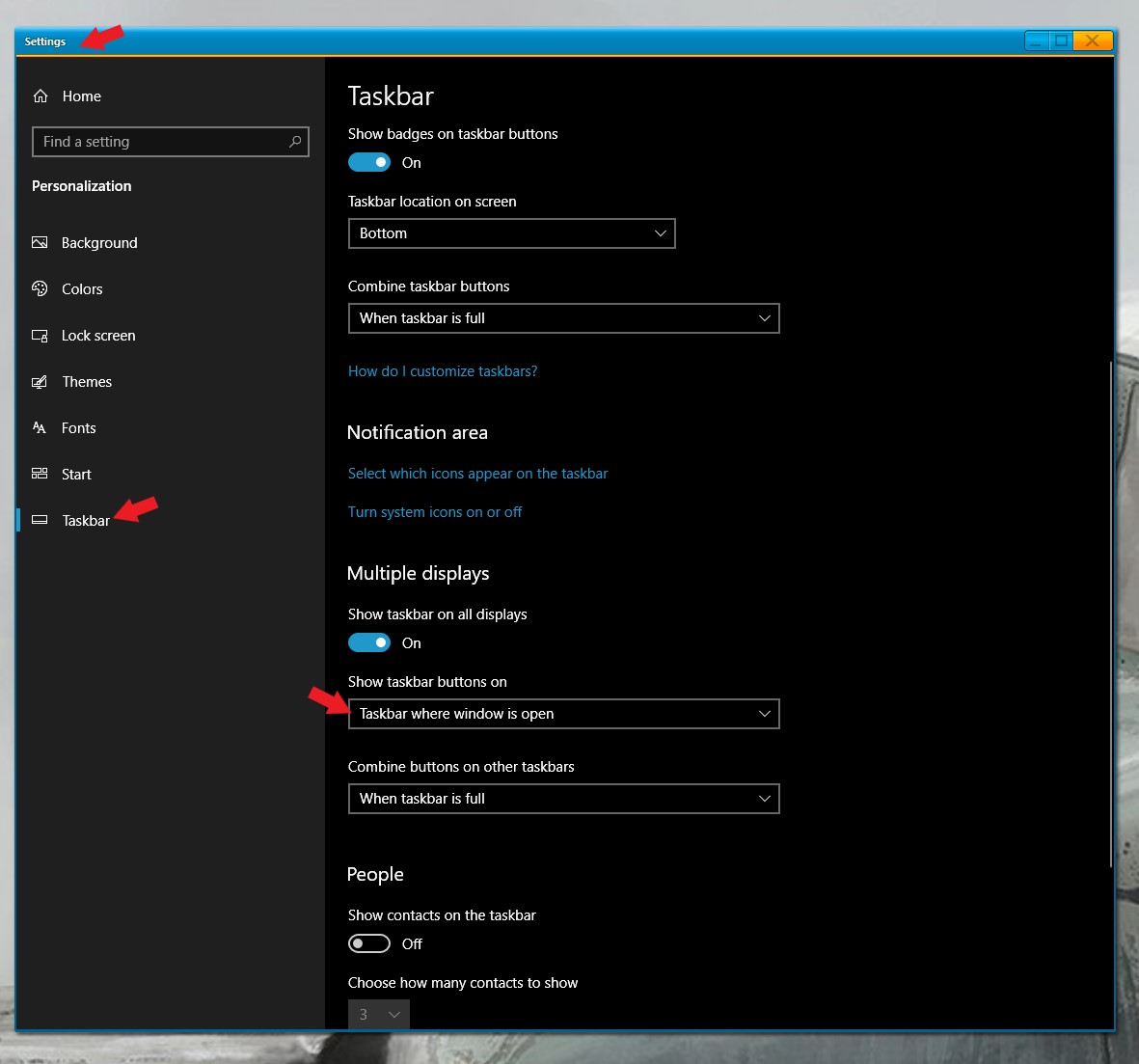
How to Manage Dual Monitors?
Exact same buttons appear on both bottom bars
from  Stardock Forums
Stardock Forums
Hi guys, wondering if you could help me. I previously was using Stardock and managed to get the correct open documents in each window to show on the bottom bars. After my hard disk crashed and I got a new computer and reinstalled, it seems like I have lost that functionality. It's been a few years since I last tweaked the settings, could you help point me in the right direction?
Thanks in advance!