Windows 10 19H2 desktop icons black
from  Stardock Forums
Stardock Forums
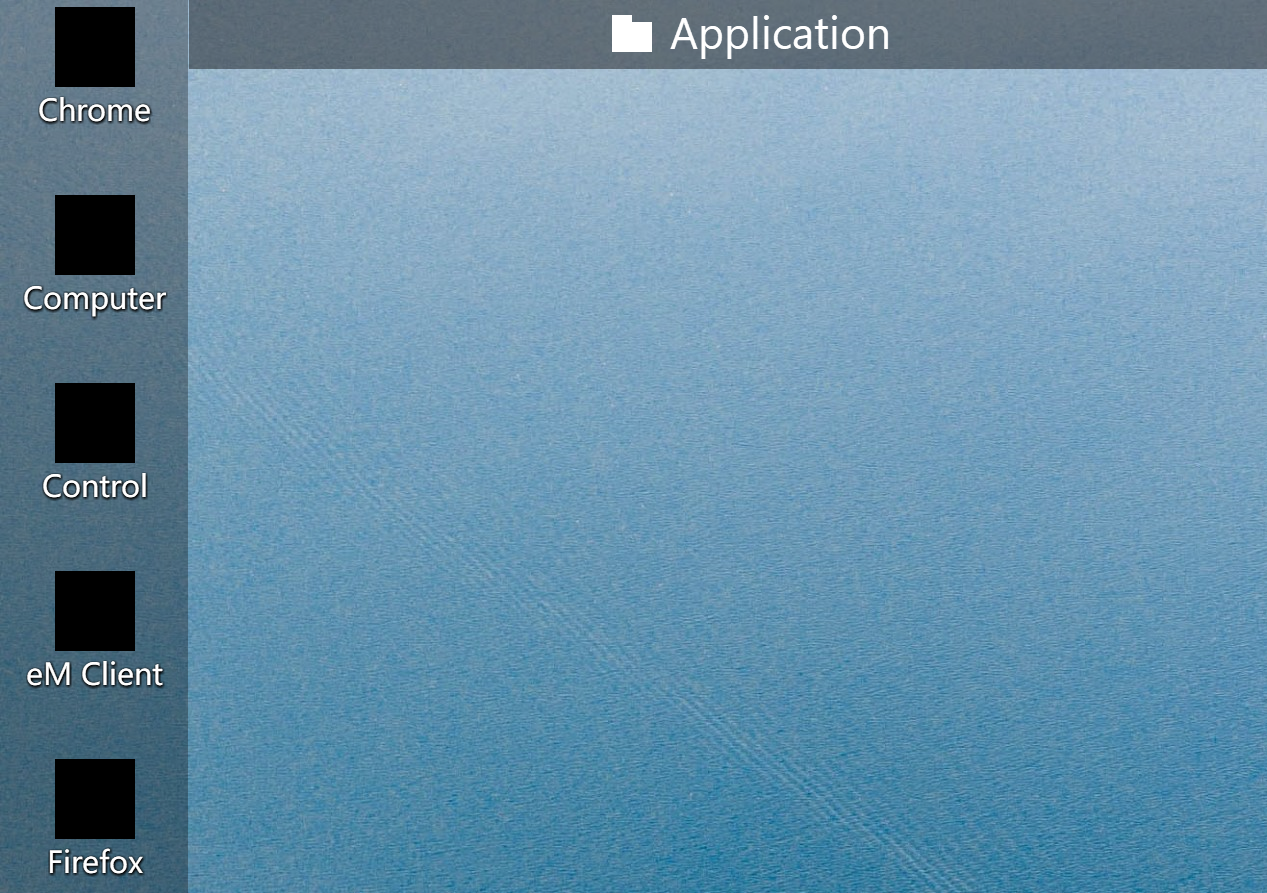


Hello,
Sorry to hear you are having trouble.
I am guessing you believe this is an issue with Fences? If you disable / uninstall Fences, does it still happen?
If you uninstall Fences to test, you can reinstall and restore a snapshot to get icons where they were.
Sean Drohan
Stardock Support Manager
I tried to uninstall the reload, but it still doesn't work, I tried updating the graphics card driver but it still doesn't work. I put the desktop icon on Windows Desktop, the icon for Windows Desktop is normal, but the icon inside Fences still doesn't work.

Ok, so this appears to be a Windows issue, on an insider build of it, not a Fences one.
We cant much help with that but you might consider a SFC scan:
Sean Drohan
Stardock Support Manager
Thank you!
I tried to run this command, but it still doesn't work, Maybe it's a problem with the Windows system, maybe a problem with the fences. I am looking forward to the release of the new version of the fences.
Welcome Guest! Please take the time to register with us.
Select a reason for giving karma:
You're about to visit an external site:
Sign up here to get the latest news, updates, and special offers delivered directly to your inbox.