moved icons after energy saving mode

Does anyone know a solution to this problem? If I start up my computer normally, the icons are split correctly. But if I wake him up from energy saving mode all icons will be moved unfavourably. I am using Windows 10 Pro with all current updates. Nvidia graphics drivers are also up-to-date.

I would be very happy about a workaround. If there is one :-)

5,583 views 5 replies
Reply #1 Top

Hello,
Sorry to hear you are having issues. Need to know more.

1) Windows 10 version number : Please use Winver.exe for full version numbers.

2) Fences version.

3) Display setting. Multiple or single? Resolution on monitor/s. Scaling applied 100%, 125%,150% etc etc. If more than one monitor. Need to know connection type.

4) Do you have Nvidia Nview Desktop manager installed?

Thanks

Basj,
Stardock Community Assistant.

Reply #2 Top

Hello and thanks a lot fort your fast answere!

Microsoft Windows 10 Pro Version 1903 (Build 18362.356)
Fences Version 3.0.9.11
Single and it is LG Oled TV with 4k and Scaling of 225% Conection Type is with Hdmi.
And no I did not install the Nvidia Nview Desktop manager. It can not be installed at all I found out.


Reply #3 Top

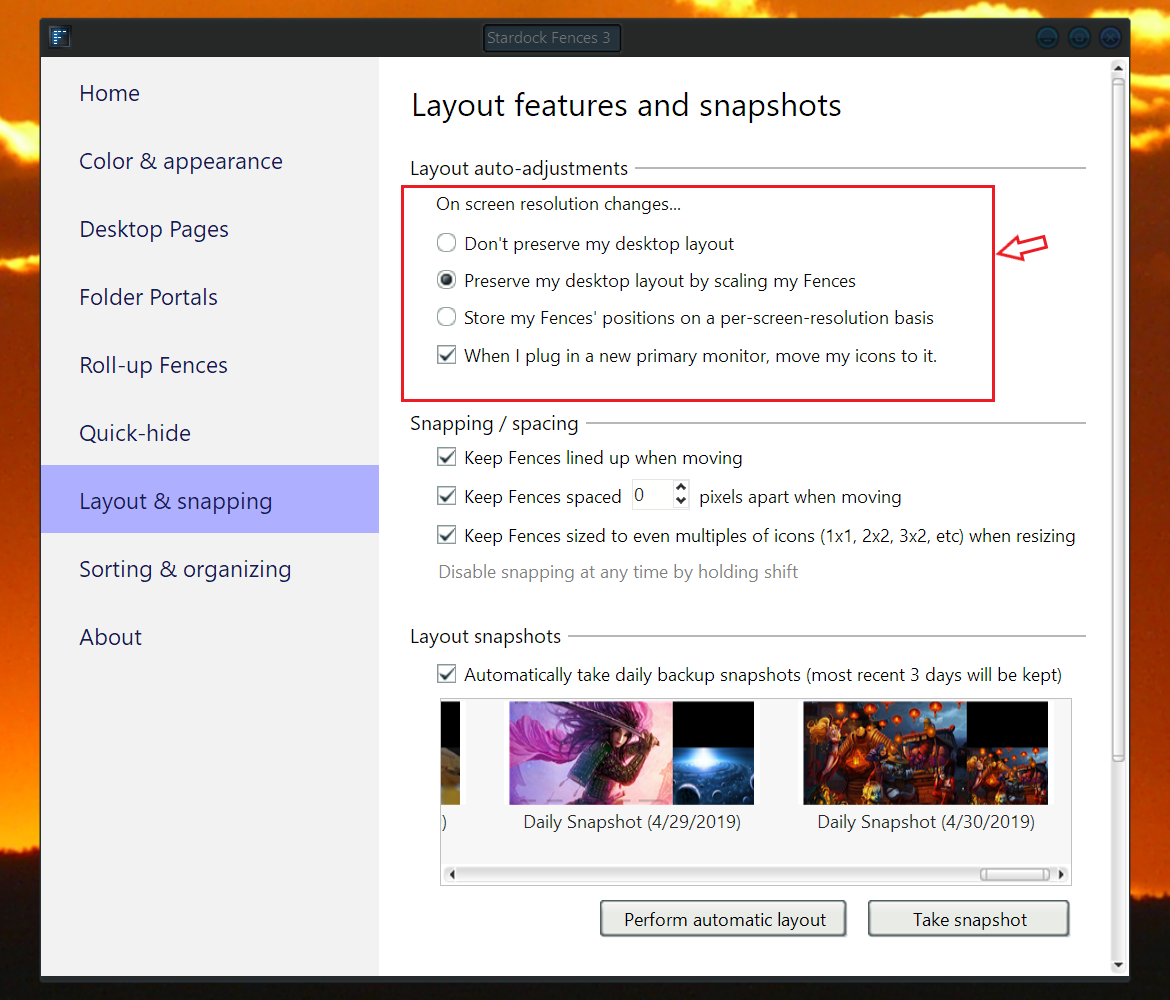
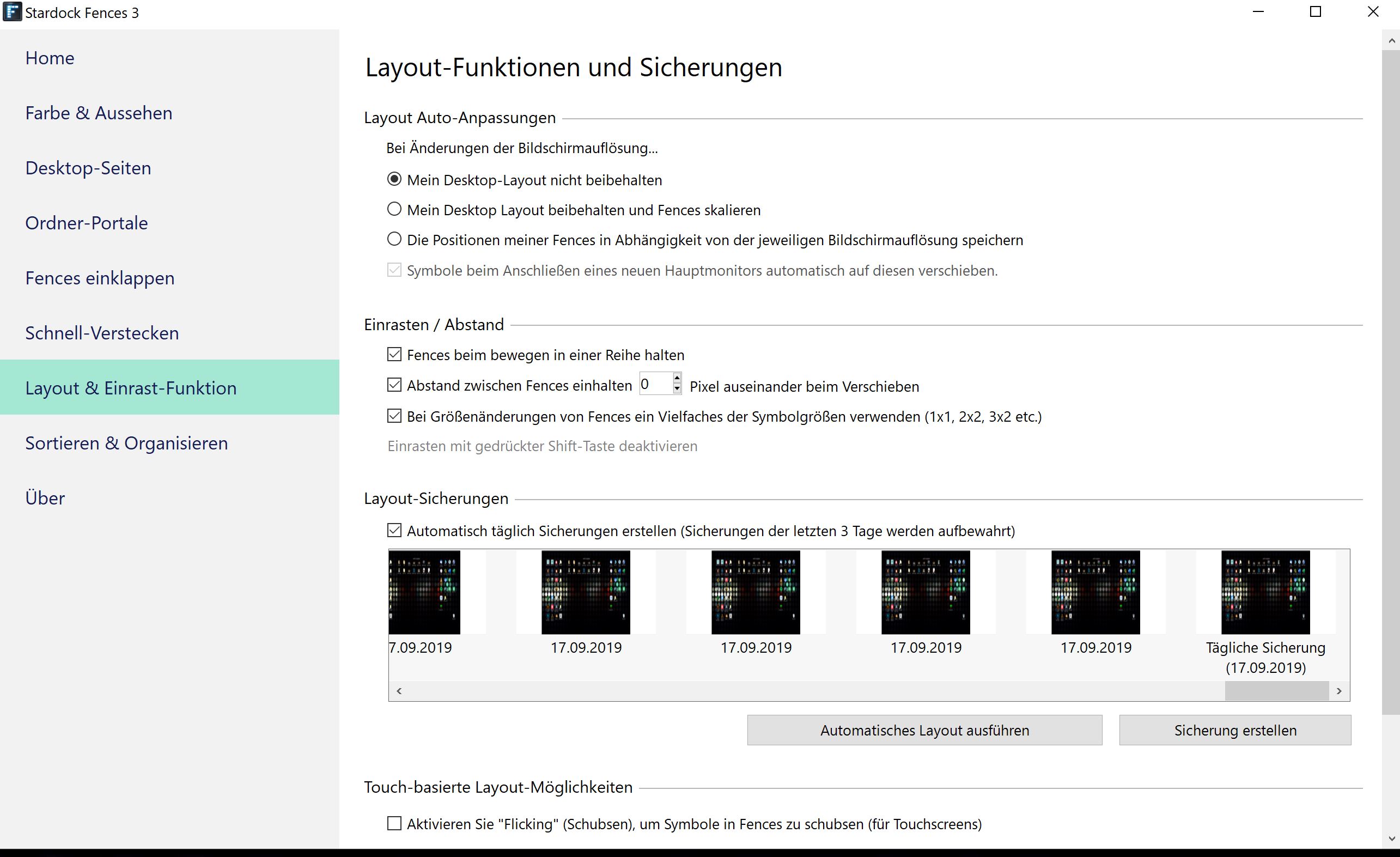
Can you make a screenshot on this part of your setting on Fences (refer below)

And have you try the snapshot restore function? It very usefull to restore fences layout.

Thank you,

Basj
Stardock Community Assistant.


Reply #4 Top

Hello Basj,


I use this restore feature whenever I wake the computer from power save mode.  But I would rather not have to do it all the time. That annoys on the duration :).


Reply #5 Top

I don't have energy saving mode to test out.. but I assume its something to do with scaling. Can you just test if the problem appear if you turn down the scaling to 150%? or 100%. Just for test. I know.. 100% might be too small.

Thank you,

Basj
Stardock Community Assistant.