overlapping stuff in a fence...

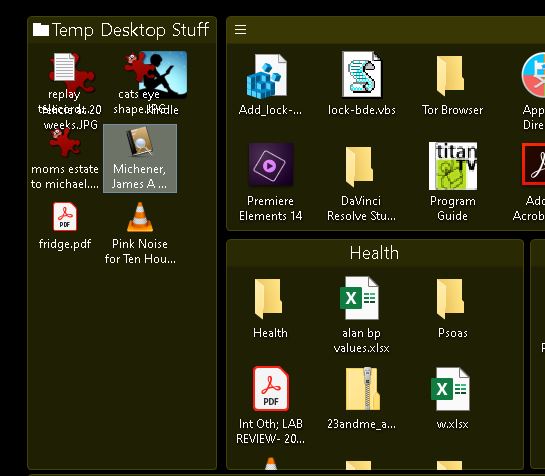
Note upper left fence with overlapping icons.

Has been a problem for a long time...

Windows 10.

Thanks.

9,330 views 11 replies
Reply #1 Top

Hello,
Sorry to hear you are having issues. Need more information.

1) Is those two icons under the "Temp Desktop Stuff" fence or inside the Fence itself?

2) Is these two icons recently created?

Thanks

Basj,
Stardock Community Assistant.

Reply #2 Top

They are in the Fence. (They move with the Fence.)

Icons may be new. I was moving things around -- converting some Fences to Fence portals, etc.

However, as I said, I've had this problem for a LONG time.

At one point, I believe tech support said "we don't yet support Windows 10." 


Reply #3 Top

Never see that issue before.... Have you tried purge and reinstall steps : https://forums.stardock.com/486084/fences-support-faq

Just make sure to re-download the latest version from your account. Reinstall it. Reboot and retest. Report back here.

Thank you,

Basj
Stardock Community Assistant.

Reply #4 Top

Did all that, didn't help.

I DID take a snapshot first and then restore it after the removal/reboot/reinstall, was that a bad plan?

Reply #5 Top

If you did the purge, all your snapshot should still intact, should be no issue restoring it.

Still, not sure what is causing your problem. You mentioned that problem fences is Portal Fence. And all other Fences are no issue? Couldn't you just rebuild that fence and see if the problem goes away. Ie. Delete that portal Fences and create a new portal fences and link it to that same folder.

And a video on that portal fences would give some hints to us what the real issue is. Make a video grab on that Fences and resize it and let us see when it get overlapped.

Thank you,

Basj
Stardock Community Assistant.

Reply #6 Top

I will try rebuilding the Fence, but also...

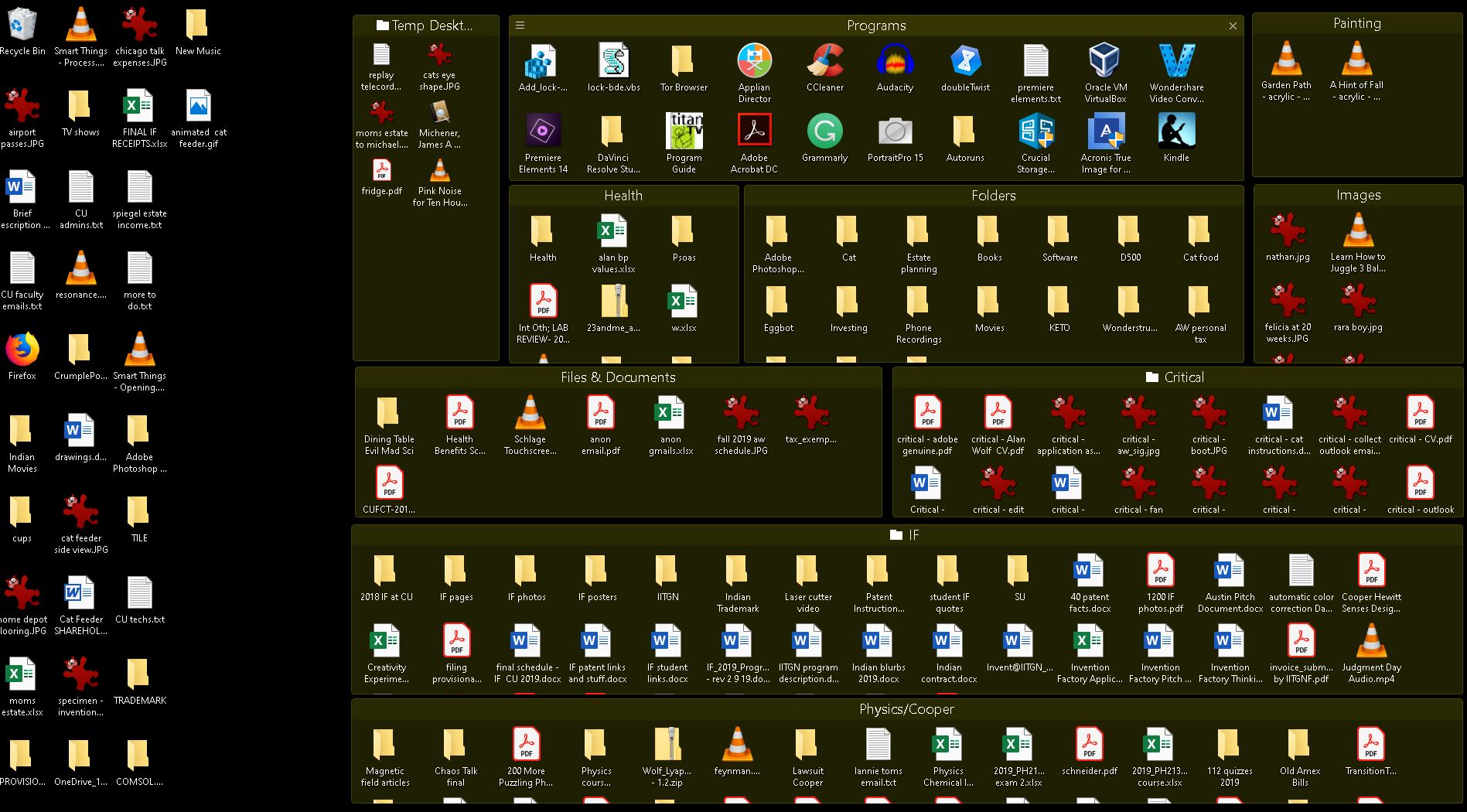
I have ALSO seen the problem (for a long time) on files on my desktop that are NOT IN ANY FENCE!
Not at the moment (so I can't send you a screen shot), but typically when it happens, it is in the upper left corner of my desktop. Overlapping, for example, my Recycle Bin and some random other file.

Reply #7 Top

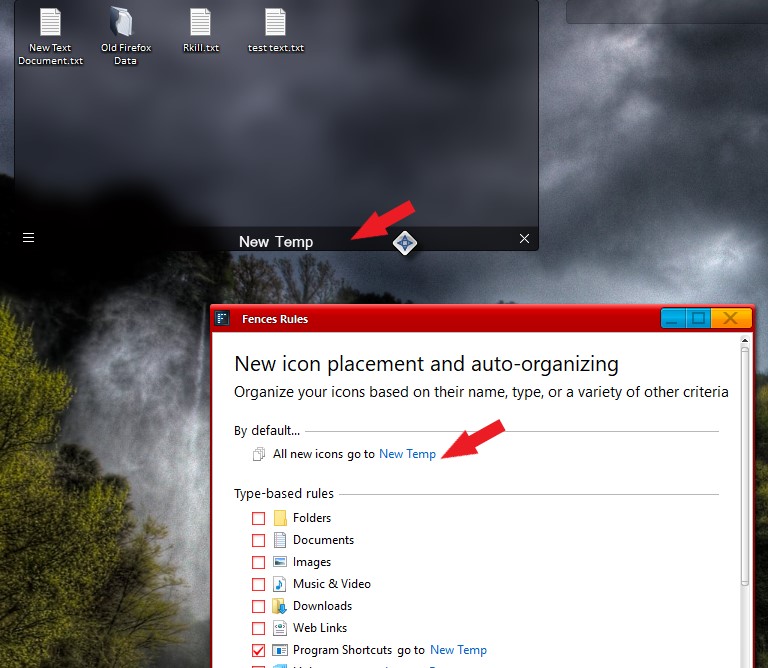
All new icons on the desktop will not be in a fence unless you set fences to put all new icons into a fence. If you did not set that, sometimes icons will appear under a fence. So I usually advice users to create a fence and set a fence rule where all new icons will be in that fence. And you can than easily move that icons into which ever fence you wish or delete it off.

To do it... create a new Fence.  Give it a name. Click on that 3 bar line -> Organize -> Place all new icons in this fence by default. Or you can click Organize -> manage sorting rule. "Fences Rules" will open up and you can and choose any fences from there. Refer below s/shot.

Thank you,

Basj
Stardock Community Assistant.

Reply #8 Top

I think you misunderstood.
I did exactly this (default is all new icons to a particular Fence) a while ago because I don't want all icons in a Fence.

So new icons DO go into this Fence.

But I also have a lot of icons that either:

* aren't new or
* I purposely put on the desktop outside of a Fence. (Dragged out of a Fence to the desktop.)

What I'm telling you is that... in spite of this...

Sometimes, icons sat on top of each other on the desktop NOT in any fence (assuming that Fences created this situation)
And 
Until I rebuilt the Portal Fence today, icons were sometimes sitting on top of each other within that Fence.

In any event, right now, I'm okay.