My default "Desktop" fence is missing
from  Stardock Forums
Stardock Forums
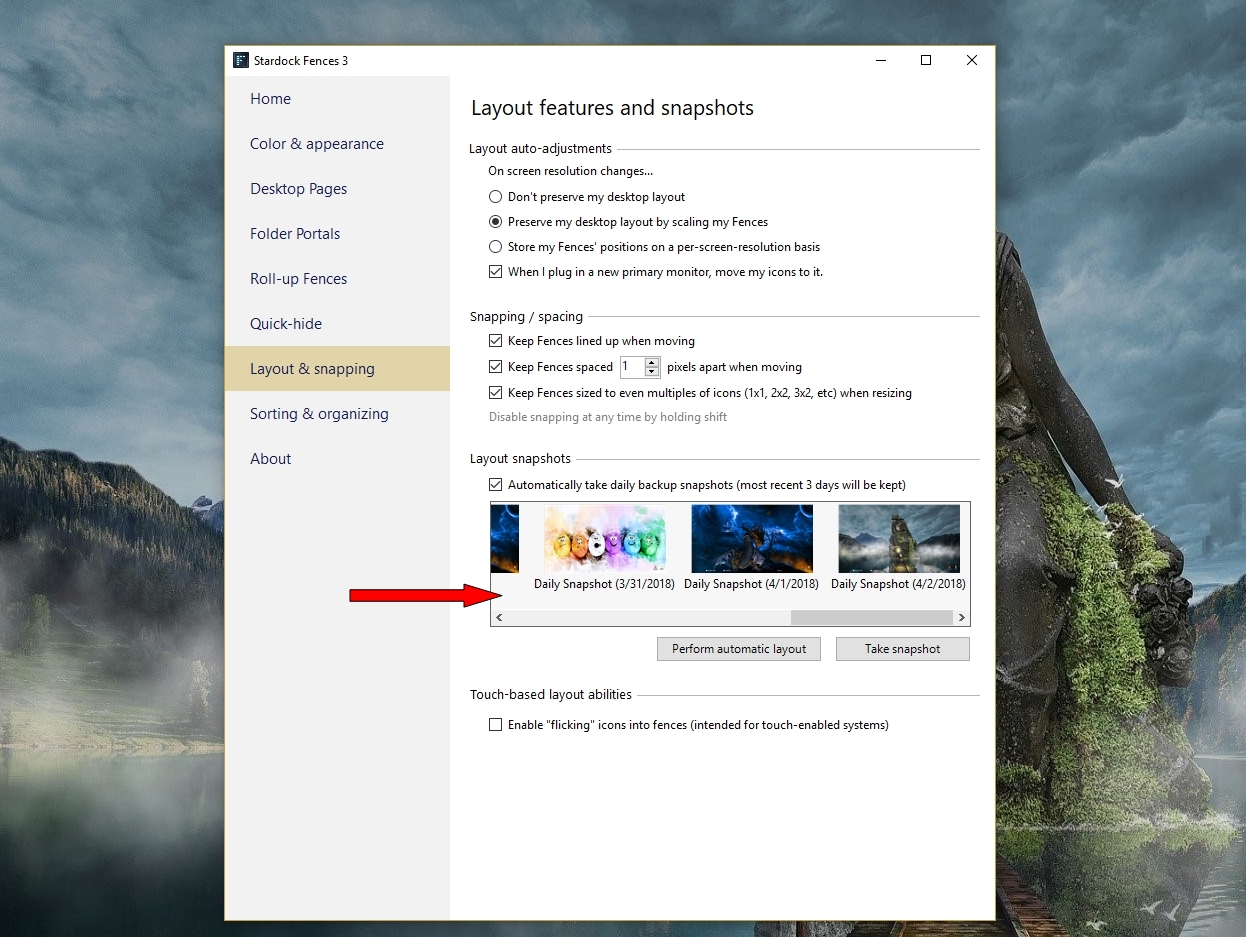
My default fence has gone missing. I do not have multiple desktop pages and disabling Quick-Hide does not make it show up (And even if quick hide is on the trash can should always show).
Disabling Fences makes them show up but I cant do anything with them. As soon as I turn fences on again they vanish regardless of where I move them. How do I delete a specific fence so they just go back to somewhere I can grab them from to remake a fence? (All I can think of is for some reason the fence thinks its supposed to be on the monitor I have at home and the "swap to a new primary desktop" option didnt swap it properly.)
Help please 
 WinCustomize Forums