Fences 3.09 vs 3.08

Fences not running

I have been having problems with Fences 3.09 not running consistently. I uninstalled and reinstalled but the problems continued with my Window 10 installation.  Finally, I went back to Fences 3.08 and the problems went away. I don't know if the problem is Fences or Windows but this resolved the problem for me.


Mik1mik

8,372 views 10 replies
Reply #1 Top

Hello,
Sorry to hear you are having issues. Need more information.

1) Windows 10 version. Please use winver.exe for full version numbers.

2) When you says not running consistently. Can you elaborate. What is the issue you faced.

Thanks

Basj,
Stardock Community Assistant.

Reply #2 Top

The version of Windows 10 is 1903 and the OS build is 18946.1000.  The problem was the Fences program would not open and I had to go to the Windows start menu to be able to access any program ie Google Chrome etc. Sometimes the program would run but not reliably. No problems since switching back to the older version of Fences.

mik1mik

Reply #3 Top

Please try the purge and reinstall,  steps : https://forums.stardock.com/486084/fences-support-faq#reinstalling

Just make sure to re-download latest Fences again from your account. Reinstall after the purge's reboot. And reboot again after the installation finish. Retest and report back here..

Thank you,

Basj
Stardock Community Assistant.

Reply #4 Top

I tried the purge and reinstall and again I can't access the Fences Program.  I get the desktop without any icons and have to go to the start menu to use the apps.

mik1mik

Reply #5 Top

Hello,

Sorry to hear you are having issues.

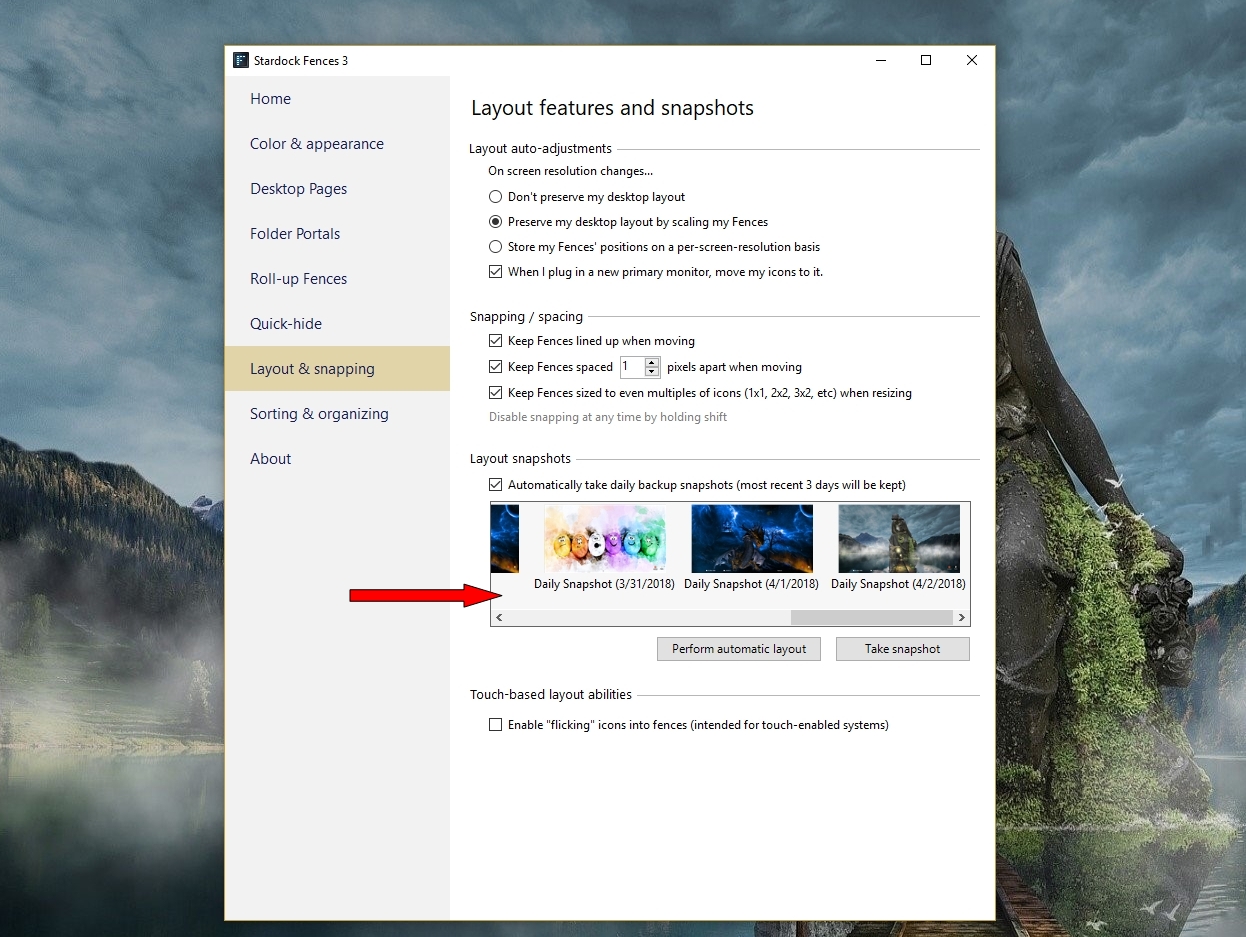
Did you try re setting to one of your snapshots ?


AzDude
Stardock Community Assistant

Reply #6 Top

Quoting mik1mik, reply 2

The version of Windows 10 is 1903 and the OS build is 18946.1000.
End of mik1mik's quote
Why give advice on how to fix issues on insider builds at all? Latest final Windows 10 release is 18362.267.

Reply #7 Top

Quoting Yrgal, reply 6

Why give advice on how to fix issues on insider builds at all?
End of Yrgal's quote

Fair point, and we cant always, but Fences works fine on my 18950 box.

Quoting mik1mik, reply 4

I tried the purge and reinstall and again I can't access the Fences Program. 
End of mik1mik's quote

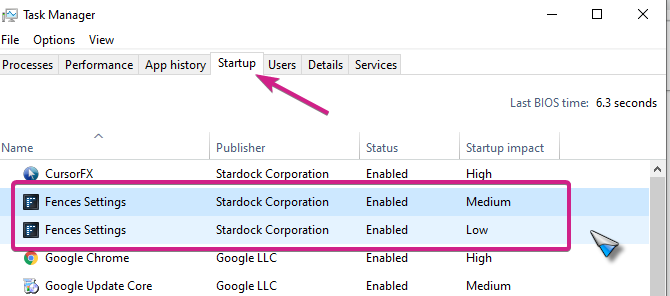
With 3.09 installed, check to see that both Fences instances are enabled in 'Startup'

Sean Drohan
Stardock Support Manager

Reply #8 Top

Thanks for the suggestion  but that didn't fix my issue. Just as a side note, I have Fences installed on another computer that has Windows 10 ver 1903 , 18362.1006 and it works correctly.  Since I have a workaround for the issue on my first computer I think I will pursue pausing other programs one by one to see if something else is interfering with Fences.  Again , thank you for your suggestions.

mik1mik

Reply #10 Top

I went through with the Clean Boot process and enabled services and Startup in groups.  I didn't find any program that would stop Fences.  It now will load the Fences program but doesn't start with the icons showing initially.  If I wait a moment , double clicking the desktop will bring up Fences and from that point it will work.  After going through that process I enabled Normal Boot and then was then forced to rebuild the Boot Record in order to get back into Windows.  After the rebuild it boots fine but I still have to double click to bring up the icons. For now I am going to give it a rest and just use it as is . 

Thanks for your help,

mik1mik