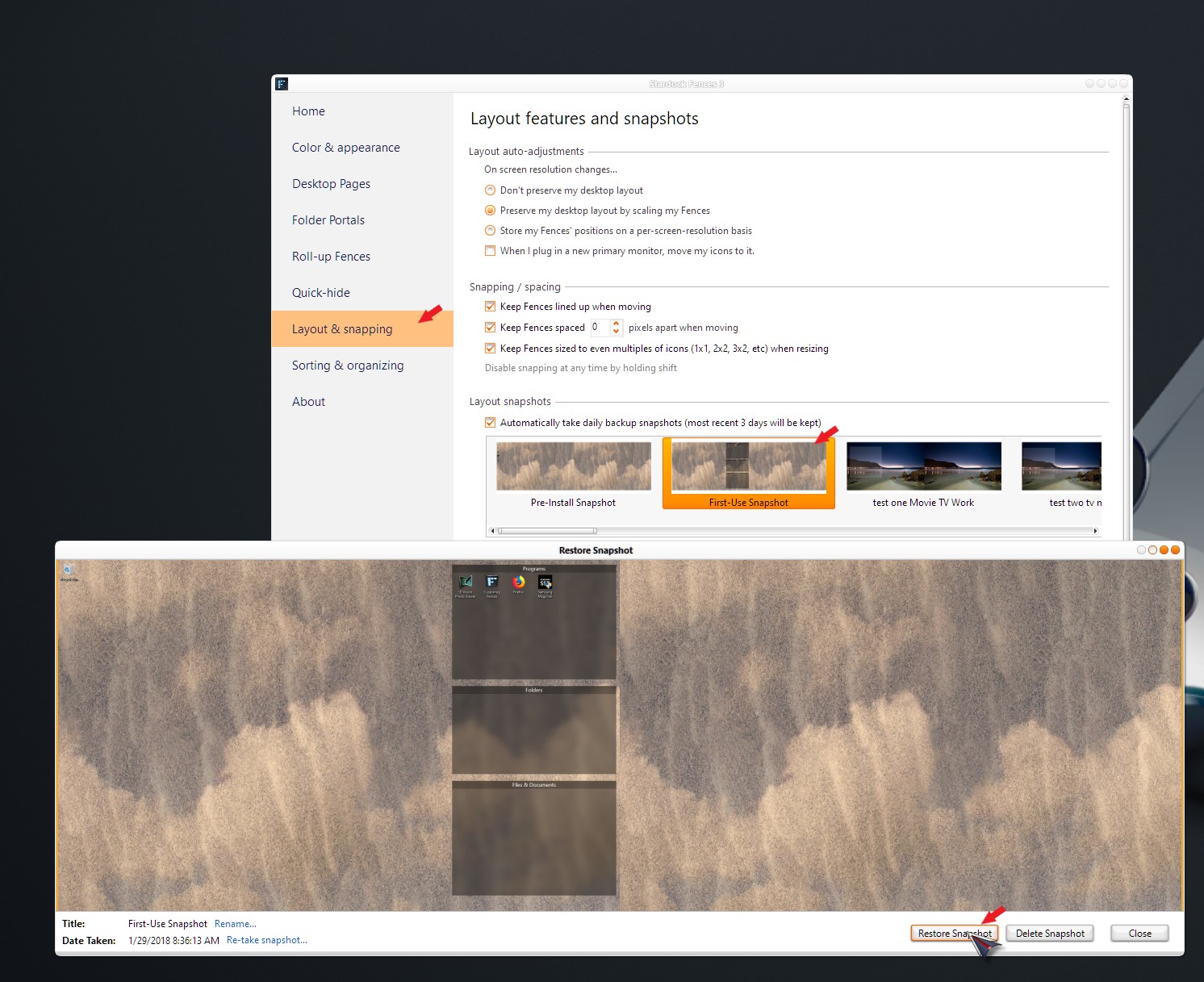
Where do missing Fences go? Where do missing icons go?
 Stardock Forums
I’ve already posted to the Forum about this, but now it says I have exceeded my number of posts.
I have bullet-pointed my THREE problems (all related) below.
After doing my initial set-up of Fences, I had the software create the typical 3 Fences on my desktop. The largest one, "Files & Documents" disappeared from view when I dragged it down to the bottom of the desktop. I guess I didn't stop dragging in time, and it was gone.
(1) Is it gone forever? Can I recover it??
I received a reply on the Forum that I should look on the other Desktop Pages. I had already done so, but I checked to make sure Desktop Pages was “Enabled” (it was) and looked for the Fence again by sliding the page right and then left. Once again, the missing Fence was not to be found.
I saw that the files that had been in the “Files & Documents” Fence were still listed in my Windows Explorer under “Desktop.” So I questioned, Can I just re-create the missing Fence?
It was then that I encountered TWO REAL problems.
(2) When my “Files & Documents” Fence was lost, the icons that were inside it did not re-populate on my Desktop. They remain in my “Desktop” file in Windows Explorer, but not on the screen. Why is that? Where are those icons that were on my Desktop and then were in the “Files & Documents” Fence??
(3) I tried creating a new Fence and dragging and dropping items from my Windows Explorer list of files. But it won't let me. When I try to drag a file from Windows Explorer, I get a message that says, “The source and destination file names are the same.” In other words, it won’t let me drag and drop it from Desktop (Windows Explorer) to Desktop (on screen). Why can't I move them to the new Fence from my Windows Explorer?
HELP, please!