Laptop waking up immediately after sleep when set as primary computer

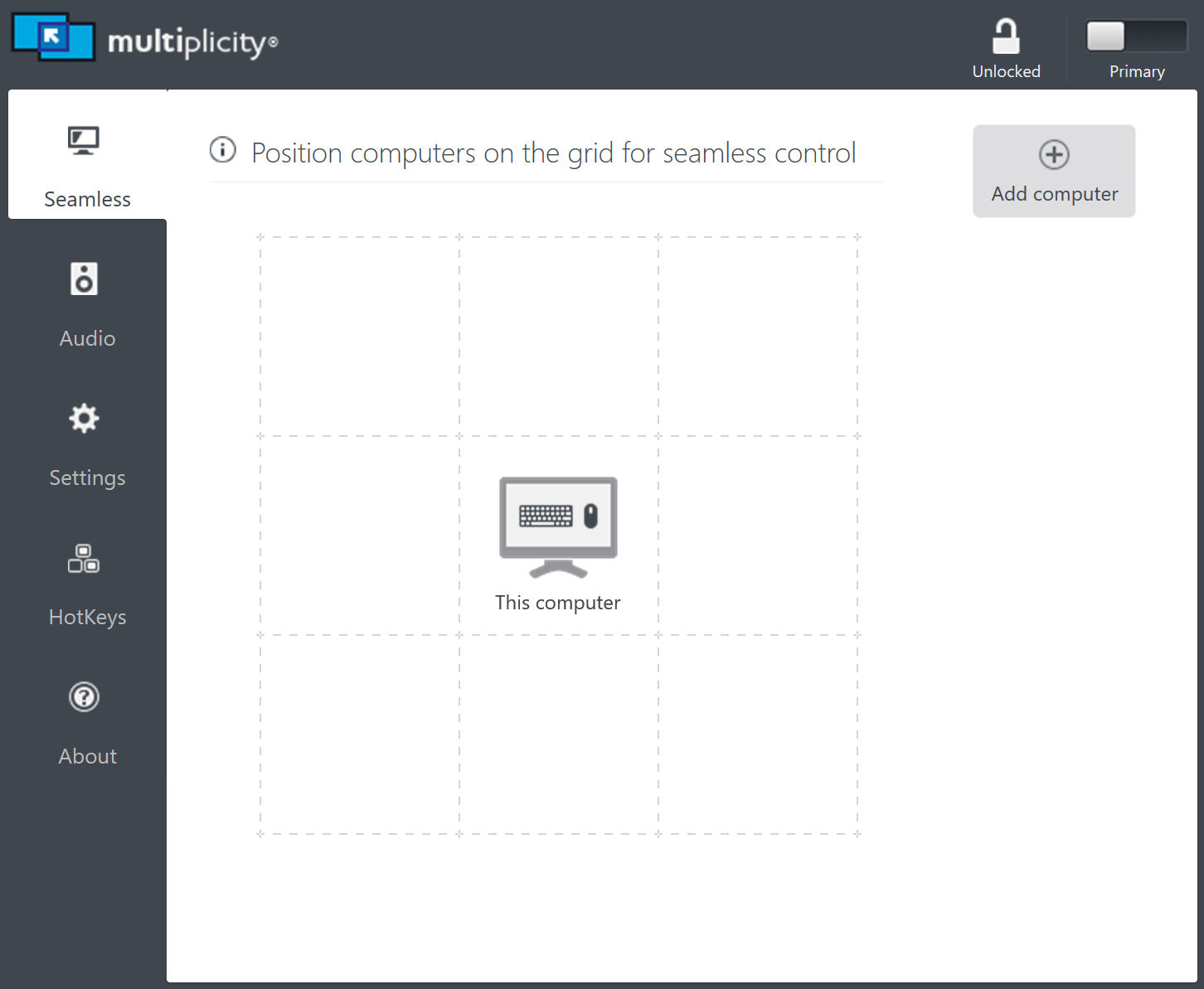
I have a surface pro 6, and for months I was looking for a solution to why it was constantly waking up immediately after going into sleep mode. I'd have to press the power button a second time as it was waking up just for it to stay asleep. After getting fed up I started exiting apps that were running from my system tray and found after testing 1-by-1 that unloading multiplicity seems to stop the behavior. Digging a little deeper I found that it only seems to happen when it is set as a primary computer rather than a secondary. If it helps at all I know the event viewer says the cause of it exiting standby is from "Input Keyboard". I also wasn't sure if this was the right place to post this bug but please let me know. I figure I can work around it because I'm not constantly using the program, but it would be nice if the behavior could be fixed.

6,199 views 4 replies
Reply #1 Top

Hello,
I have forward your problem/question to Stardock Support Team for their assistance. But since Stardock is currently on summer break, reply from them will take sometimes. The latest will be by 8th July. Please keep an eye on this thread for any updates. We appreciate your feedback and patience.

Basj,
Stardock Community Assistant

Reply #2 Top

It's funny that I came back here a month later forgetting about the problem, and came back to the forums looking for a way to get 2 finger scrolling to work on fences. I found multiple threads of people asking if touch scrolling could be added or enabled with no responses. So I'm seeing a general trend, and I guess they don't care.


I uninstalled multiplicity anyway because i didn't use it enough to jusify keeping it. I would've kept it installed if I was able to stop it from it starting up with windows? I didn't really look into because it's such a basic feature i'd expect every program to have that setting easily accessible from a UI if not at least from the task manager, but like I said I don't think anyone from Stardock really cares.

Reply #3 Top

Man Iron6444,

I found multiple threads of people asking if touch scrolling could be added or enabled with no responses. So I'm seeing a general trend, and I guess they don't care.
End of quote

This is a bit confusing but I would like to be clear on one thing.  Just because a feature request is not implemented, or implemented immediately, does not mean we 'don't care' about user feedback. 

why it was constantly waking up immediately after going into sleep mode. 

[...]

I also wasn't sure if this was the right place to post this bug but please let me know. I figure I can work around it because I'm not constantly using the program, but it would be nice if the behavior could be fixed

End of quote

Sorry we missed this one.

Its not a 'bug' as it's not what is normally seen.  If I am working on my Primary for an extended period of time, never transitioning to my seamless secondary, it will go into whatever power saving setting I have set for it (turn the monitor off).  While I believe you still need to attempt to transition to the Secondary, you may want to ensure that you don't have this on: 


I would've kept it installed if I was able to stop it from it starting up with windows?
End of quote

You can....  By setting the service to manual.


but like I said I don't think anyone from Stardock really cares.
End of quote

I cared enough to write batch file to stop MP if it is started, start it if its stopped - a light switch if you will.

https://cdn.stardock.us/support/uploads/MP-StartStop.zip

Thank you for your feedback, Man Iron6444...

Sean Drohan
Stardock Support Manager

Reply #4 Top

I apologize as I was frustrated and seeing threads without responses and coming back to this a month later without seeing a response kind of built my frustration further. 


I just wanted to clear up that it is intended (not a bug) when you have multiplicity open with no other PC's in the seamless control grid that it will send a keyboard input when I try to put my laptop to sleep? (I'm mobile and constantly bringing it away from home where I'd intend on using multiplicity). Or the behavior is simply happening because it's not the intended use of Multiplicity to keep it running when you're bringing it away from home?


Also I was incorrect in my statement about it only happening in primary mode. It does the same thing when it acts as a secondary PC.


Lastly, thank you for shedding light on the Multiplicity service, since there wasn't documention in the user's guide for steam, and I couldn't easily find it from a quick search.


Again, I apologize for what I said previously, it was uncalled for because I do appreciate the products your team makes. They do help make my life a lot easier.